Add a Shared Photo or Two Portraits
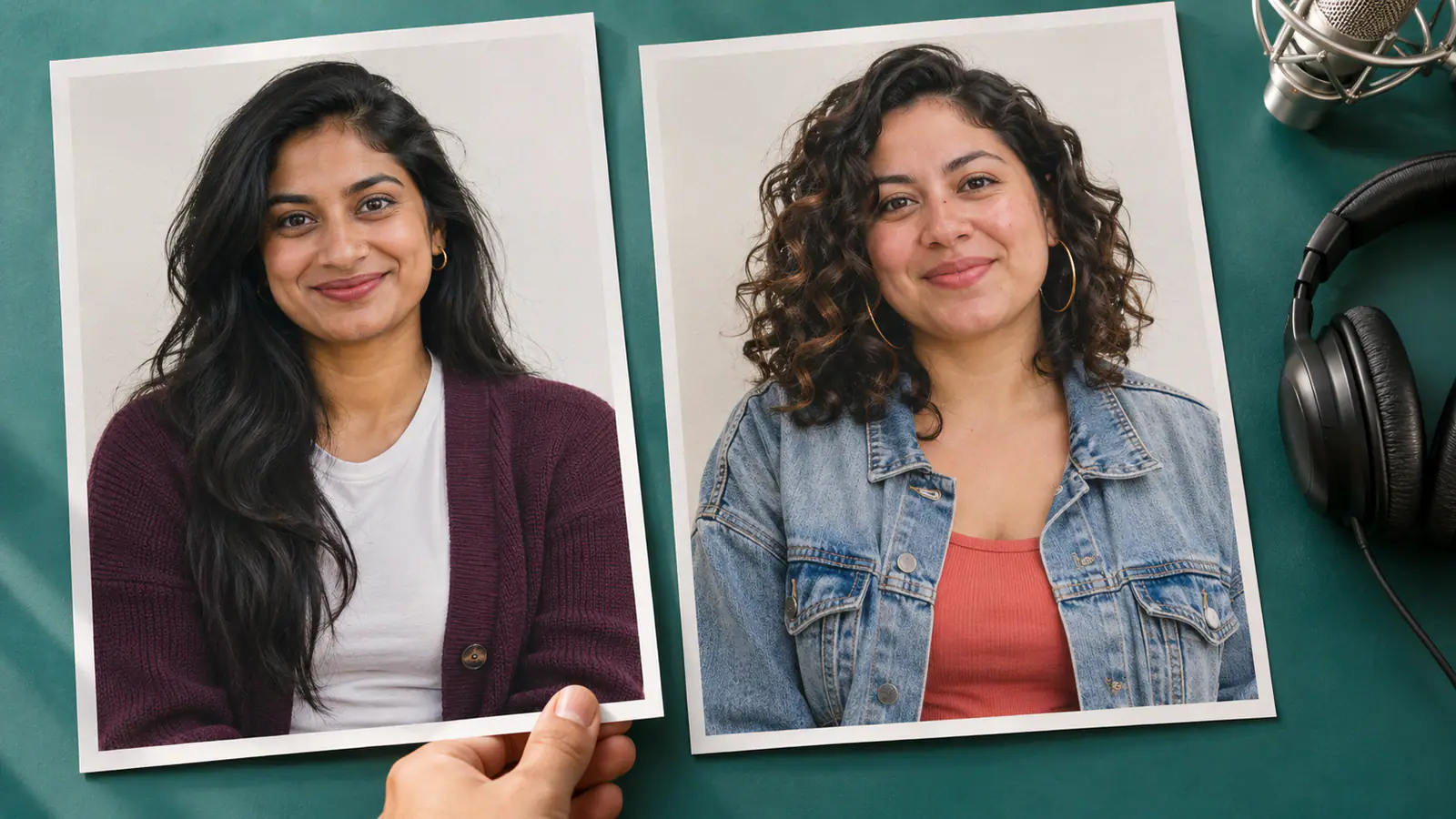
Use one photo with both performers, or upload a separate portrait for each. Keep faces easy to see and leave some of each outfit in the frame. Check the previews so the right pair is ready to take the stage.

My Videos
Give your favorite duo a moment at the microphone. Bring a photo of you together or a portrait of each performer, and turn that familiar pairing into a short rap duet in a teal studio. The scene, performance direction, and soundtrack are built in. On AI Rap Duo, this effect is about who shares the mic with you: your best friend, your partner, or the person who makes every group chat funnier.
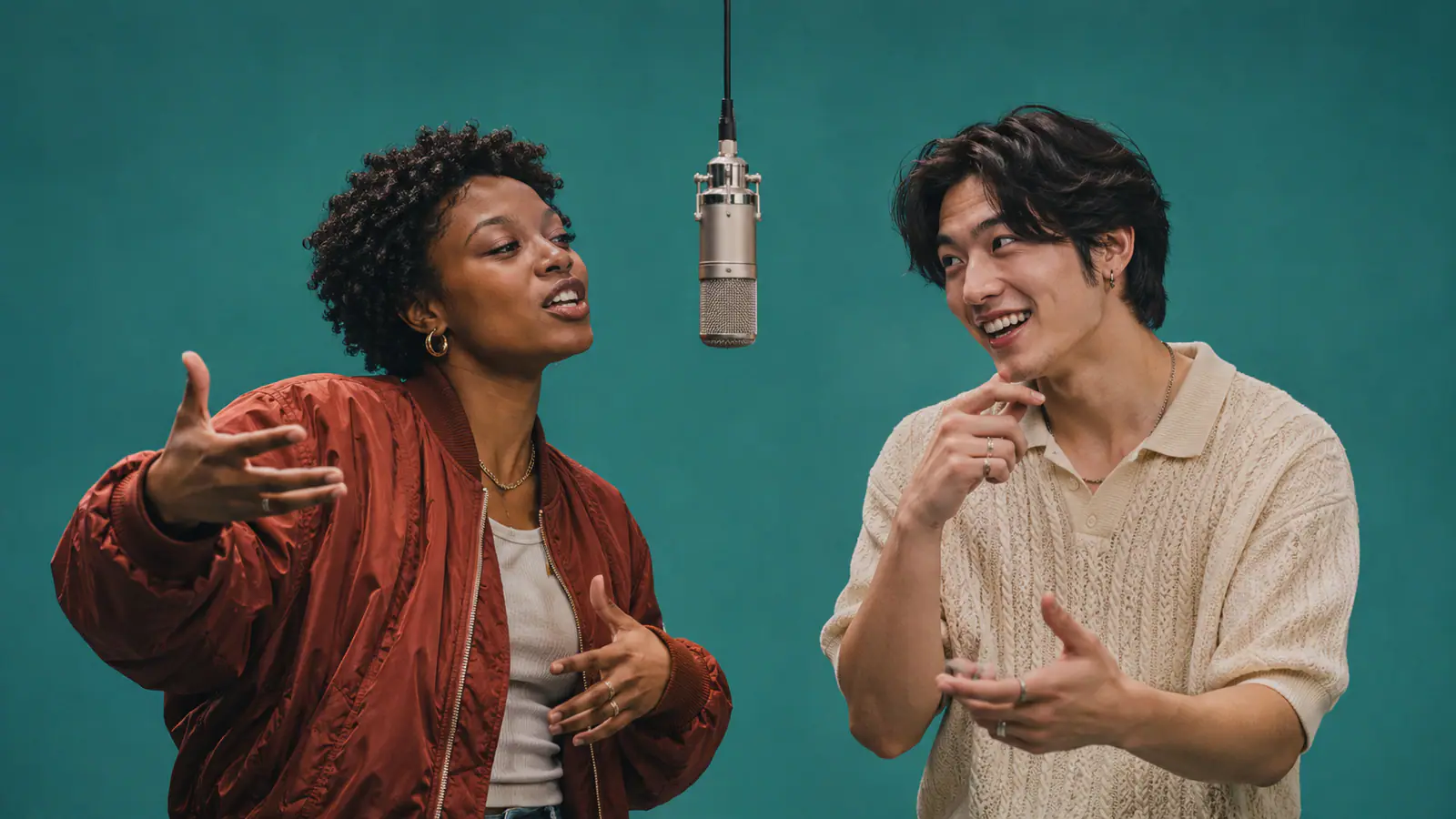
Pick the pair, add the photos, and let the studio performance bring them together.
Use one photo with both performers, or upload a separate portrait for each. Keep faces easy to see and leave some of each outfit in the frame. Check the previews so the right pair is ready to take the stage.
This effect uses a fixed studio setup with a vertical video and soundtrack. Review the credit amount on the Generate button and sign in to your account before submitting.
Generate your duet, then play the finished clip with sound. Download it and share it with the person beside you at the mic. Add a caption that makes the pairing yours, whether it is a birthday shoutout or an inside joke.
The fun comes from recognizing the two personalities under the mic. Build the clip around that connection.
Put the family storytellers in the booth, pair the quiet friend with the loud one, or give two longtime friends their first shared performance. The teal background and hanging microphone keep the scene focused on the exchange between them. Choose people whose expressions and mannerisms will mean something to whoever receives the video. A familiar pairing makes a short duet feel personal before you have even added a caption.
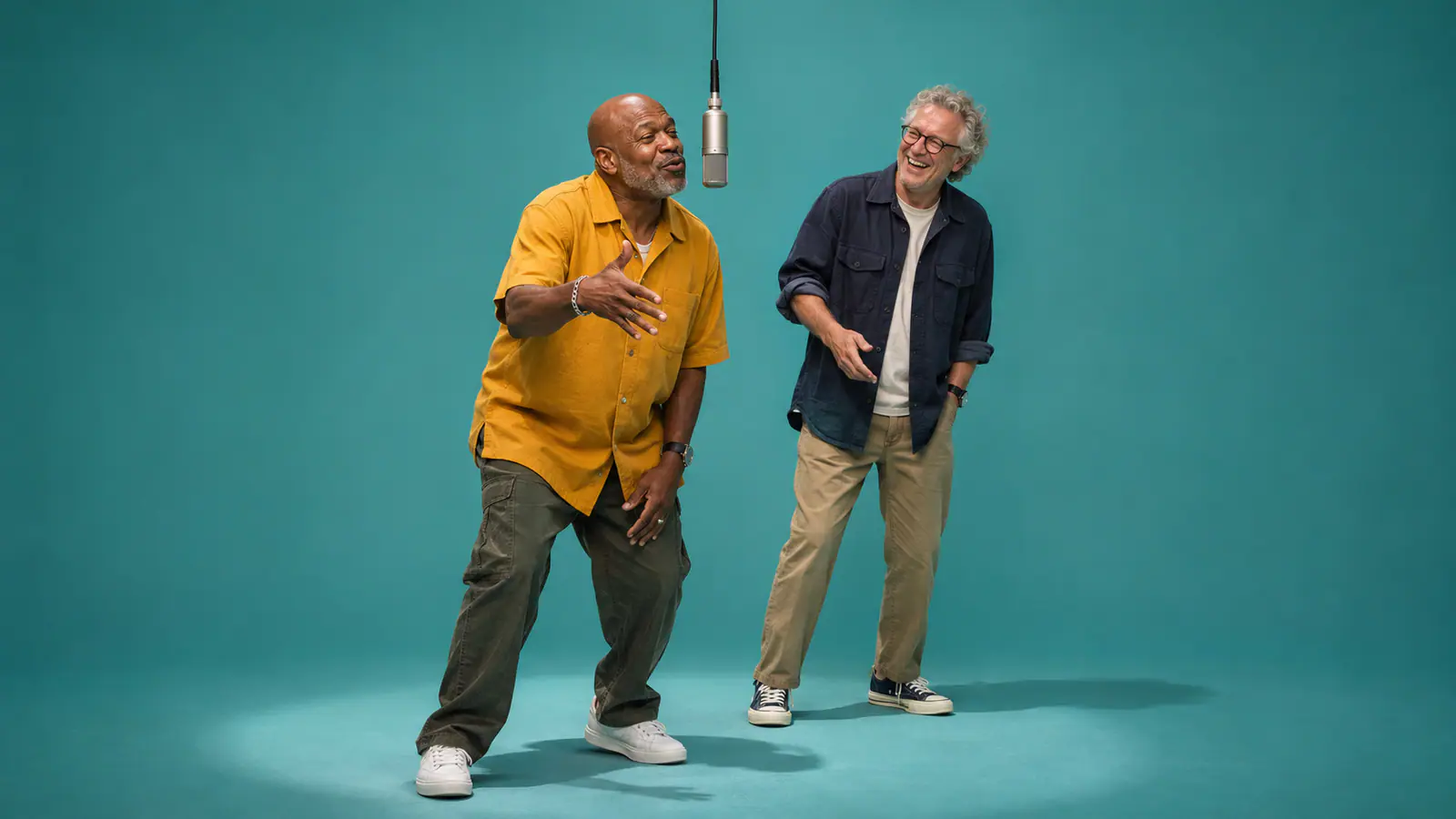
A clear portrait gives your performer more to bring into the scene than a tiny face cut from a crowded picture. Choose even lighting, visible eyes, and clothing that suits the duo. For separate photos, use similar framing so one reference is not a distant full body shot while the other is an extreme closeup. For a shared photo, keep the two main subjects distinct and remove distracting bystanders from the crop.
Think about the person who will open the video. A sibling reunion, a birthday message, or a running joke between friends gives the duet a reason to exist. Review your chosen pair and the displayed credits before generating. Once it is ready, download the clip and send it with a short line that connects the studio performance to your shared story.
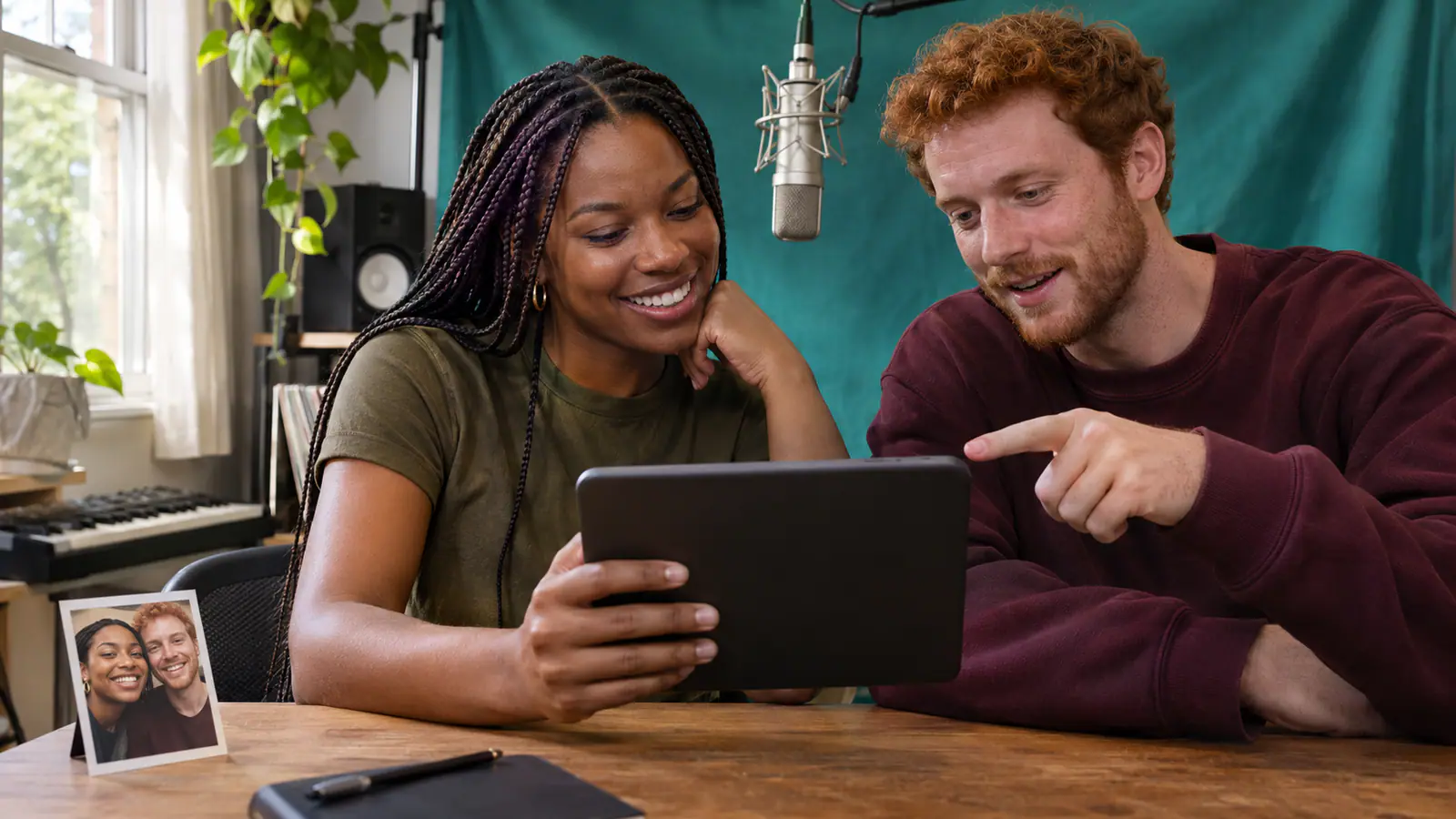
A few photo choices help both performers feel like the pair you had in mind.
Choose references with sharp facial detail. If you use a shared photo, make sure the two main subjects can be distinguished from each other and from anyone in the background.
Include the clothing and accessories that make each performer recognizable. A relaxed portrait with some upper body detail works better as a reference than a heavily cropped face.
Match the duo to the occasion: two friends with opposite energy, a couple with a favorite inside joke, or relatives who never miss a chance to perform together.
Play the completed video with its soundtrack, then save a copy for your post or message. Keep any extra caption short enough that the duet stays the main event.
Shared photos, performer order, and the sound in your finished clip.
The friend who turns every car ride into a concert? Your partner with the unexpected moves? Pick your duo, add the photos, and give them a studio moment to share.