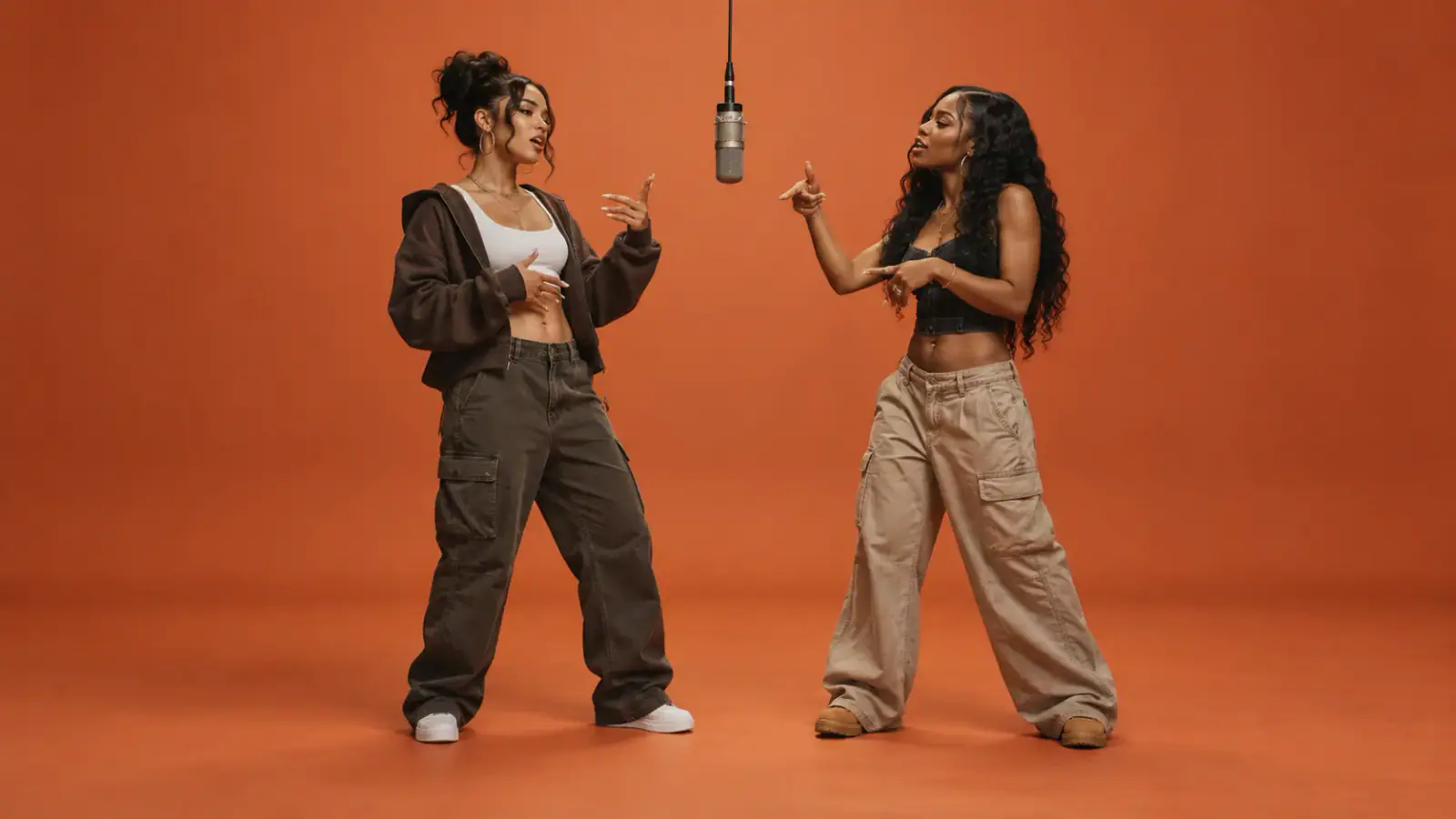
Cast two people from separate portraits
The two people do not need to have posed together. Add one clear portrait in each slot. Person 1 is assigned to the left role and Person 2 to the right role; the model is asked to keep the identities distinct.
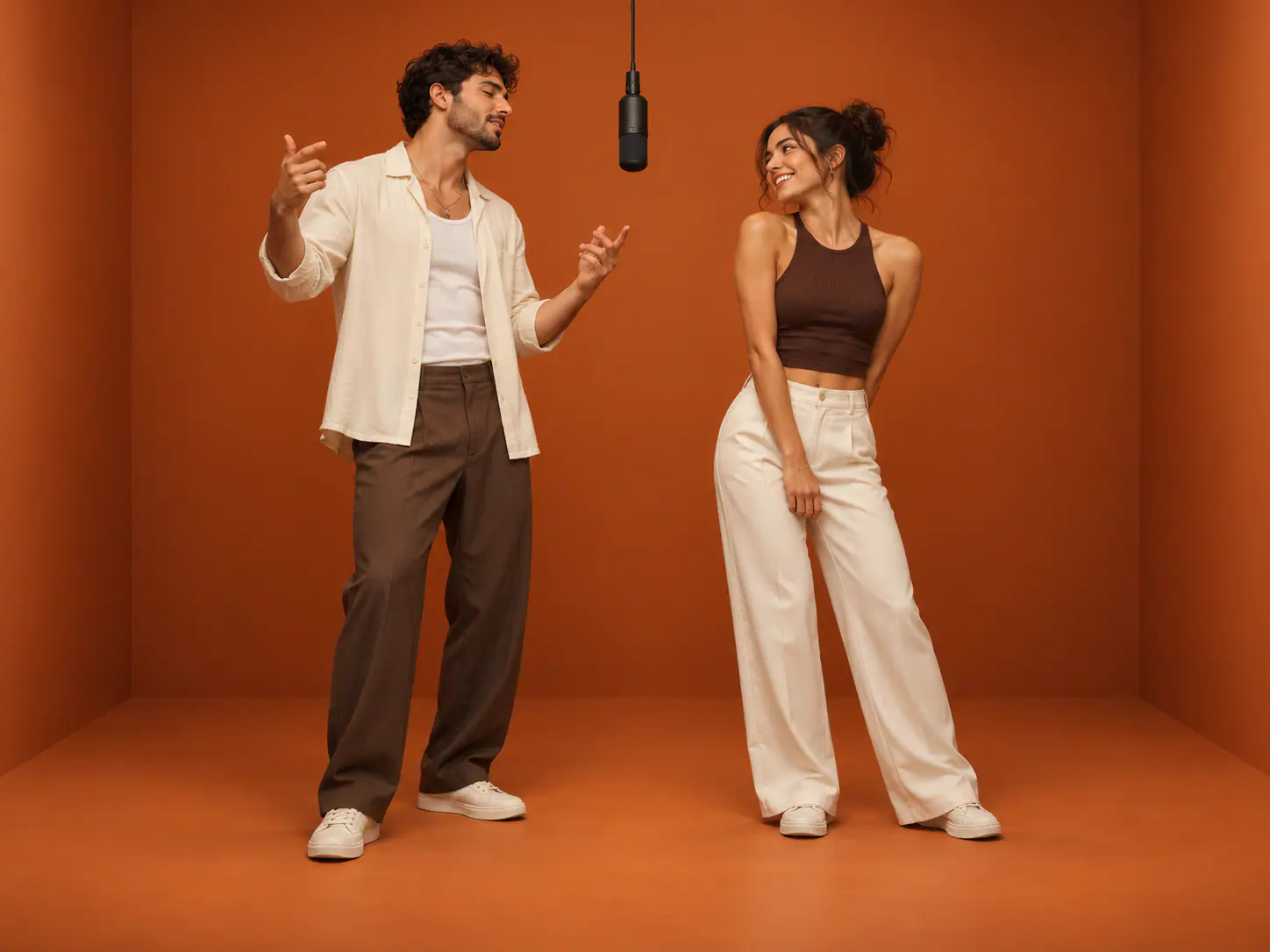

Choose two photos, one person in each. The preset creates an orange studio rap duo and requests new AI vocals and music. No prompt writing is needed. Generation uses credits.
See the orange stage and two-person rap performance, then upload two portraits or one photo of both people to create your own AI rap duo video.
The Migos AI trend reimagines the two person orange studio format associated with Quavo and Takeoff's Hotel Lobby performance. This Migos AI generator uses your two portraits and a fixed visual preset. It is independent of the artists and does not offer AI covers or artist voice cloning.
Know what changes and what stays preset before starting a generation. These concept illustrations explain the workflow. They are not verified video results or a guarantee of your output.
The two people do not need to have posed together. Add one clear portrait in each slot. Person 1 is assigned to the left role and Person 2 to the right role; the model is asked to keep the identities distinct.
The built-in reference supplies the stage and performance direction. You do not need to find a source clip, prepare a timeline or write a replacement prompt. Results are generated interpretations, not a frame-perfect copy.
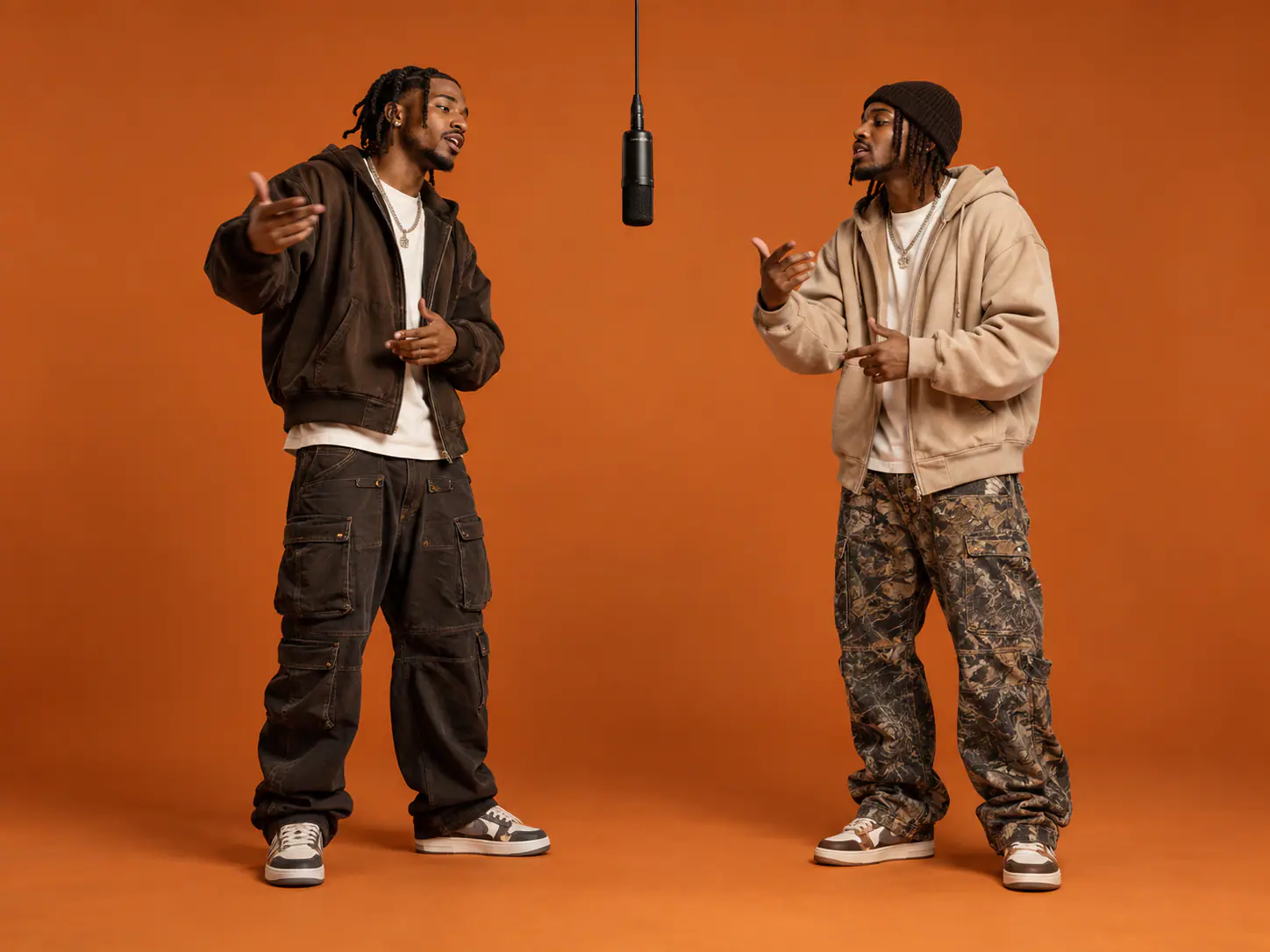
The preset requests an original AI rap with new lyrics, vocals and a beat. It does not promise the original Hotel Lobby song or an artist's voice, and there is no custom lyrics input. Listen to the generated soundtrack and check the lip sync before sharing.
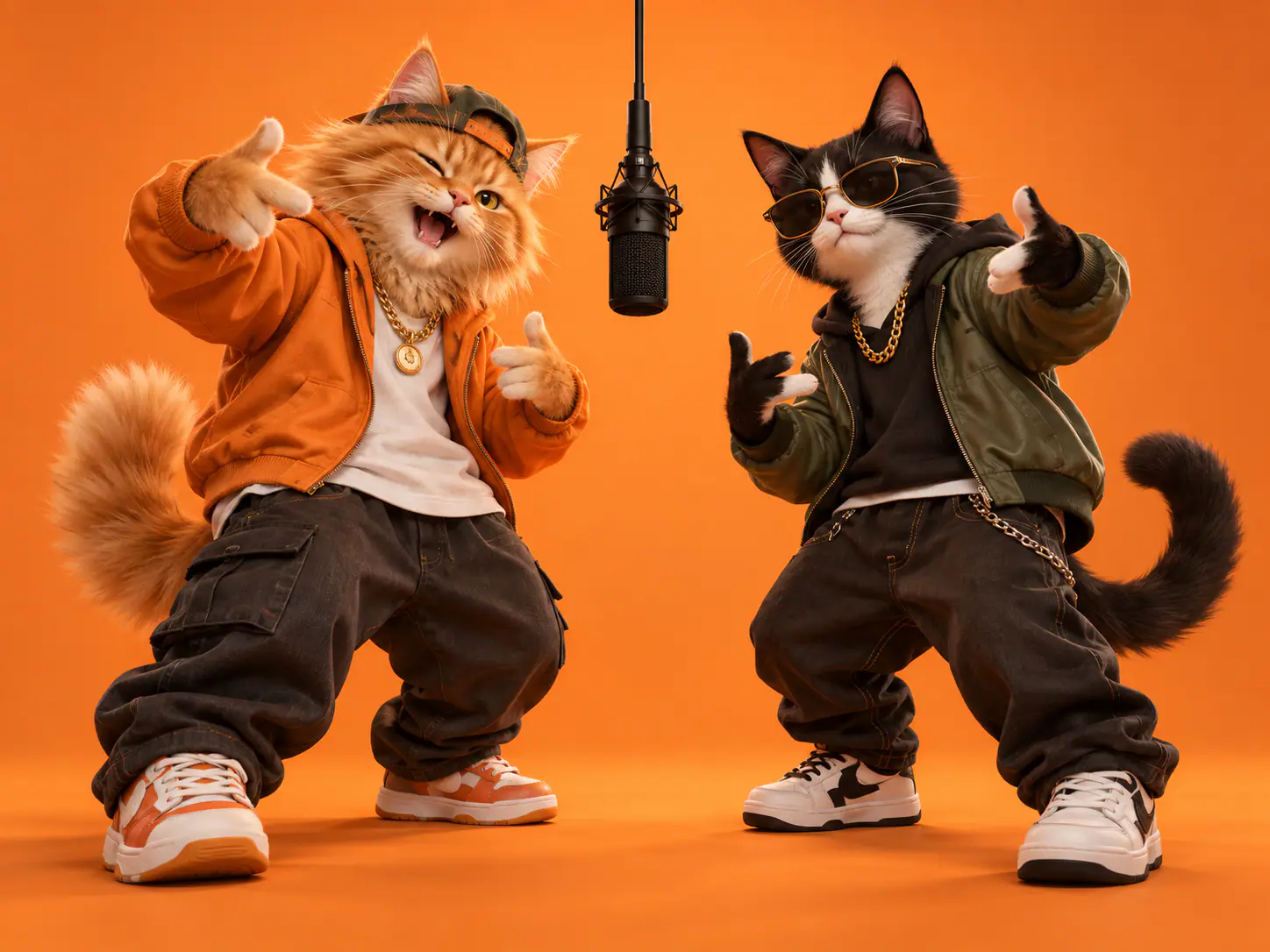
These are ideas for selecting your portraits, not additional modes or custom-lyrics features.
Use recent photos of two friends who cannot film together. Ask both people first, and use portraits with similar clarity so neither face starts at a disadvantage.
Choose one photo of each partner and decide who takes each role. A pair of separate portraits is preferable to a crowded group picture in either slot.
Try contrasting outfits from photos you have permission to use. The reference images guide appearance, but precise clothing details and accessories can change during generation.
Use one consenting person per image. Check the left and right assignments before continuing; no separate reference-video upload is required.
Sign in, confirm the displayed charge and submit once. The page uses the fixed performance preset rather than offering an artist voice or song selector.
Check both faces throughout the clip, then listen for audio quality and lip synchronization. Download a completed result from the result controls; a new attempt is another generation.
Use clear portraits so both people are easy to recognize throughout the performance.
Choose sharp portraits with visible facial features. Even lighting is easier to read than heavy shadows or a face hidden behind glare.
Avoid sunglasses, hands across the face, strong filters, and crowded backgrounds. Make it obvious which person belongs in the duo.
Use a portrait that makes each person easy to identify. Preview the crop before submitting; the built-in reference determines the shared video framing.
Person 1 appears on the left and Person 2 on the right. Check that each photo is in the intended slot before generating.
Check more than the first frame. A strong opening can still hide a face change, awkward motion, or a mismatch later in the clip.
Check that both people remain recognizable as they turn or move. Watch for blended features, disappearing faces, or swapped positions.
Watch the hands, shoulders, and gestures. Check that both people stay in the frame and the movement looks natural.
Listen to any generated audio from start to finish. If you add your own soundtrack in an editor, use audio you have permission to use and check its timing against the performance.
One-time payment • No recurring charge
10 Credits · ≈ 1 video
≈ $6.99 / video
40 Credits · ≈ 4 videos
≈ $5 / video
100 Credits · ≈ 10 videos
≈ $4 / video
200 Credits · ≈ 20 videos
≈ $3.50 / video
Video counts and per-video prices are estimated for Rookie (Seedance 2.0 Mini), 720p, 12 seconds, at 10 credits per video. Actual credit costs vary with your settings.
Choose two portraits, check the credit charge and create a new performance with the fixed template.