Hotel Lobby AI Generator: Make a Rap Video From Two Photos

Add one clear portrait for each performer. The built-in Hotel Lobby scene places Person 1 on the left and Person 2 on the right, with no prompt to write.

Who’s joining you on the mic?

Your best friend, your partner, or the birthday star. Make something you’ll want to send them.

Photo input
You
Your favorite person
Rookie · 480p · 6s · 9:16Customize your video4 credits
Choose your duo’s level
Resolution
6s
4s15s
Aspect ratio

Make a rap video starring the two of you.

Full video with your selected settings: 4 credits · Credits returned if generation fails · Credit packs never expire.

Watch the AI Rap Duo Performance

See the orange stage and two-person rap performance, then upload two portraits or one photo of both people to create your own AI rap duo video.

0:00 / 0:00

What Is the Hotel Lobby AI Trend?

This format puts two people into a shared rap performance against an orange stage. Add a separate photo for each performer above; they do not need to be in the same original picture. Hotel Lobby names the performance trend, not a real hotel lobby scene. Here, the two-photo template handles the stage and movement while you choose the faces.

Go to the Hotel Lobby generator

What This Hotel Lobby AI Video Generator Makes

The template supplies the scene and performance reference. Choose your model, duration, resolution and aspect ratio, then check the required credits before generating.

One photo for each side

Use two separate portraits or one photo containing both people. With separate portraits, Person 1 is on the left and Person 2 on the right. With a duo photo, roles follow the people’s left and right positions. Keep both faces visible when cropping.
Go to the Hotel Lobby generator
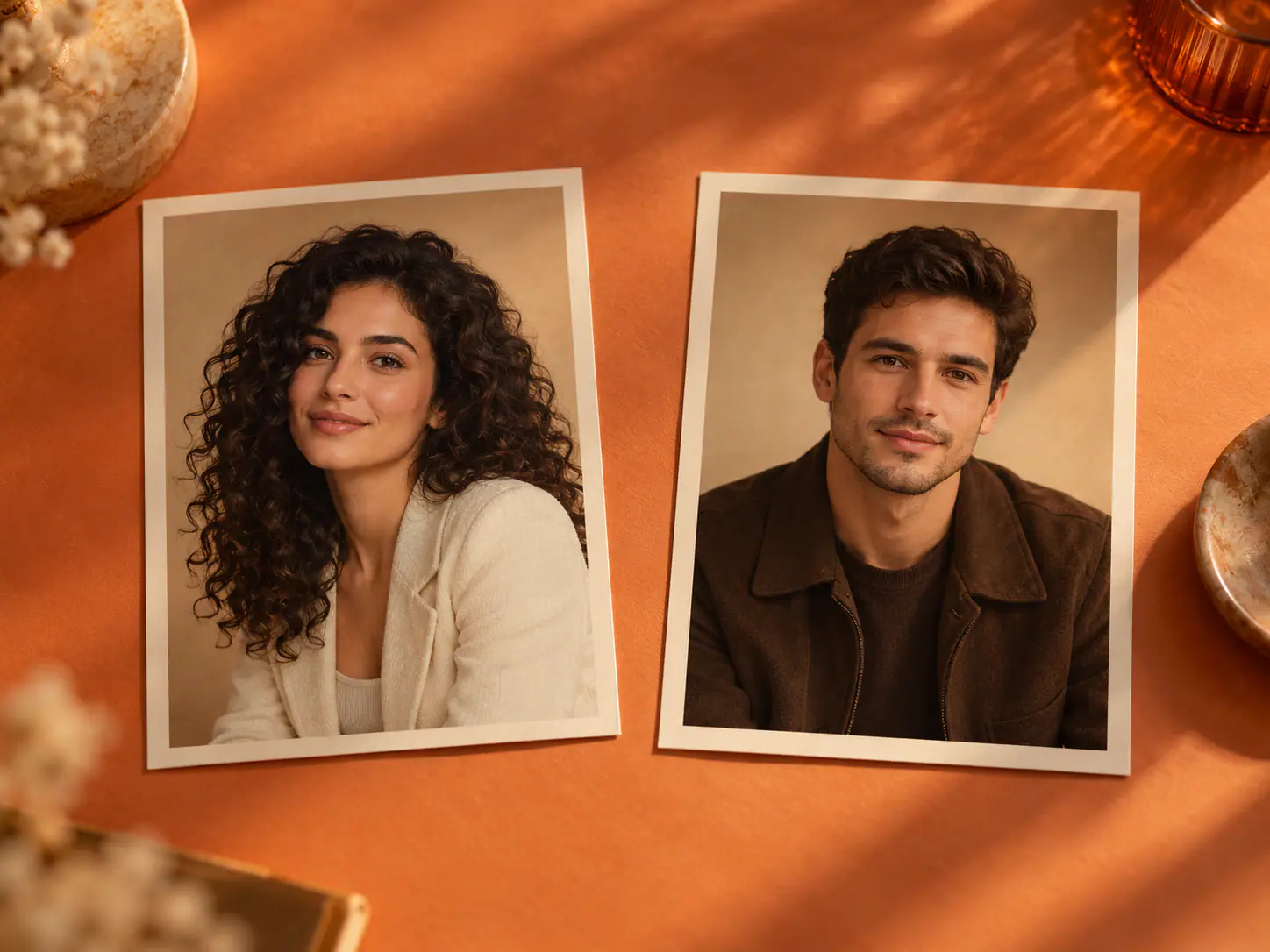
Concept illustration of two separate portraits on an orange tabletop, with one fictional performer in each photo.

The scene and performance are built in

The Hotel Lobby preset supplies a reference performance and fixed scene instructions. These guide the orange stage, framing, camera movement, and two-person gestures while the model makes a new clip from your portraits. This flow has no prompt field or editing timeline. The finished movement and likenesses can still vary between generations.

Go to the Hotel Lobby generator
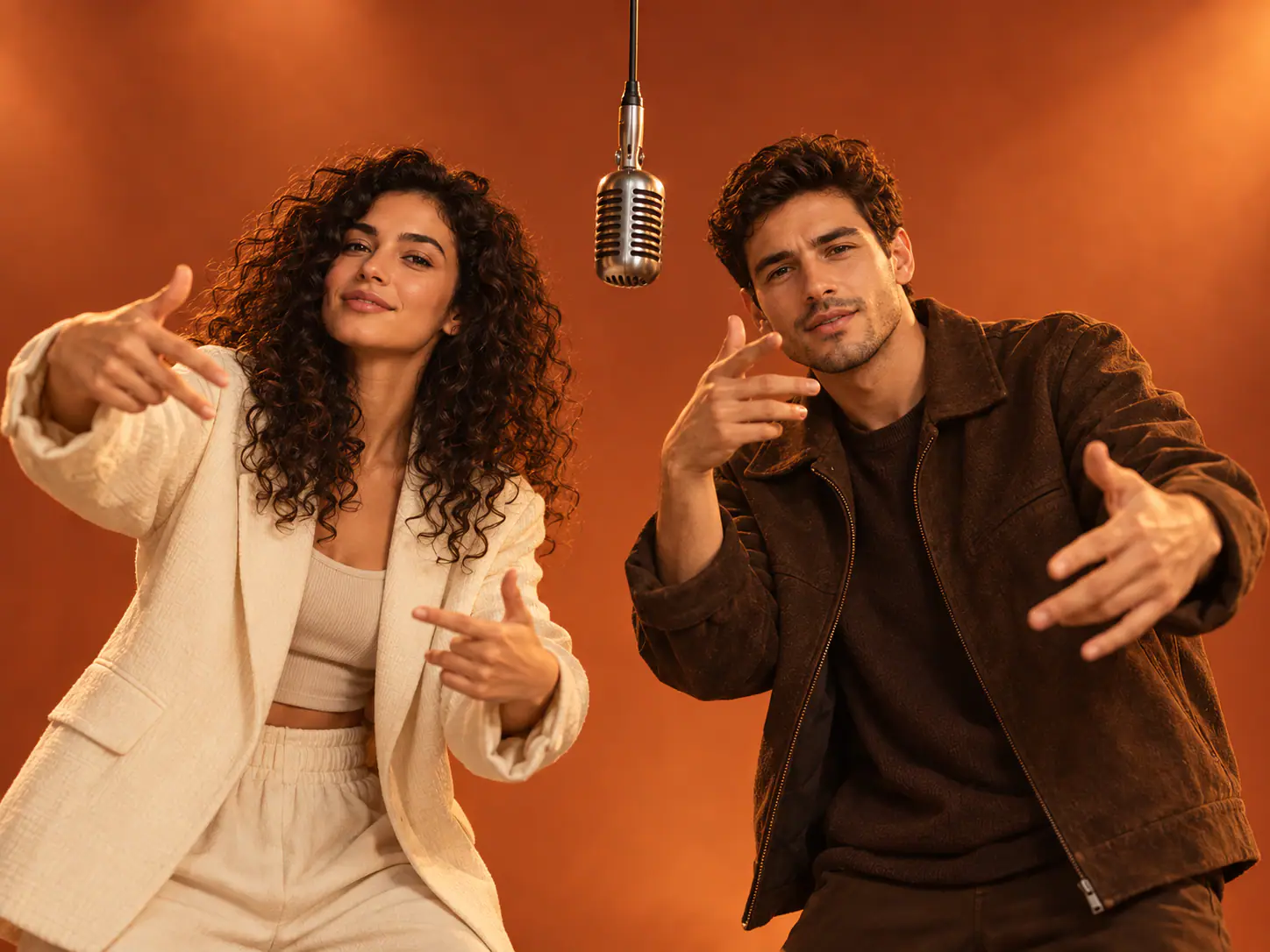
Concept illustration of two fictional performers sharing an orange stage beneath a hanging microphone.

A short vertical video to review

Review the available model, duration, resolution, aspect ratio, and credit cost in the workbench before generating. Watch the entire result and check both faces, movement, and audio before downloading or sharing.

Go to the Hotel Lobby generator
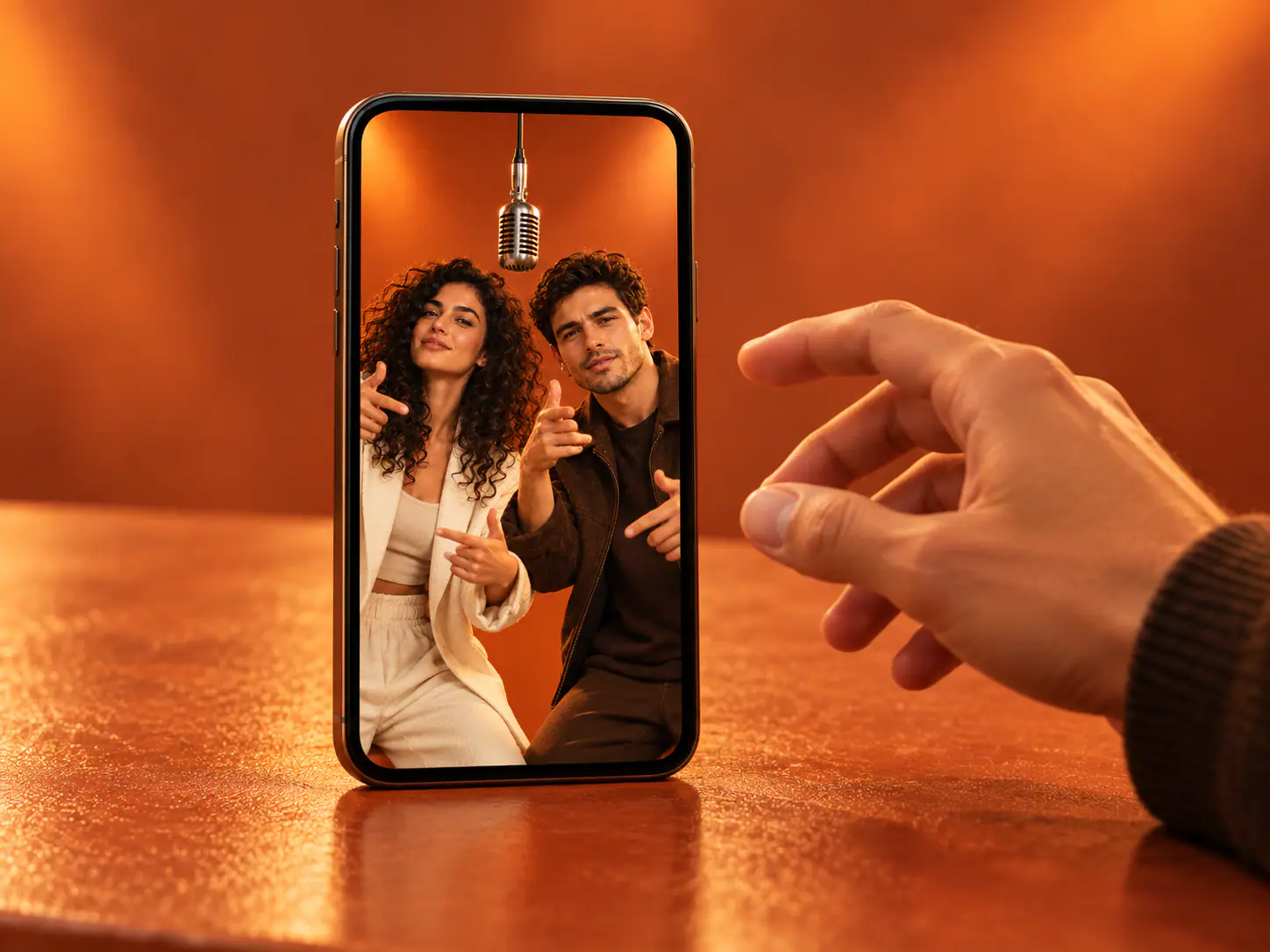
Concept illustration of a phone displaying a vertical frame of the fictional duo on the orange stage.

Who could share the stage?

Start with two people whose pairing tells a story. These are ideas for your photos, not examples of verified generations.

Best friends

Put the friends behind a familiar group-chat joke into the same performance, even if their photos were taken in different places.

Couples

Pair two portraits of partners for a shared rap video. Check that each face is clear and that both people are in the intended left and right slots.

Family members

Bring a parent and adult child, or two siblings, into the same scene. Ask the people pictured before creating or sharing the video.

How to make a Hotel Lobby AI video

Go to the Hotel Lobby generator
  1. Choose your photos

    Use two separate portraits or one photo containing both people. With separate portraits, Person 1 is on the left and Person 2 on the right. With a duo photo, roles follow the people’s left and right positions. Keep both faces visible when cropping.
  2. Generate the performance

    The template supplies the scene and performance reference. Choose your model, duration, resolution and aspect ratio, then check the required credits before generating.

  3. Watch and download

    Play the finished clip all the way through. Review both faces, movement, and sound before downloading and deciding whether to share it.

Choose photos that show each person clearly

A separate, clear portrait for each performer gives the generator a better starting point. These tips improve the input; they do not guarantee a particular result.

Use clear, even lighting

Choose a sharp photo with the face and both eyes visible. Front-facing or near-front-facing portraits are easier to assess than dark or blurry screenshots.

Avoid heavy obstructions

Skip sunglasses, hands over the face, strong beauty filters, and other details that hide the features you want to keep.

Keep one person per photo

Avoid crowded group photos or a tiny crop from a distant picture. Preview each selected image so the intended performer is obvious.

Check left and right

Person 1 maps to the left performer and Person 2 to the right. Replace a photo in its own slot if the order is wrong.

Check the full video before sharing

The preset can guide the scene, but AI video results can vary. Review the complete clip rather than judging the first frame alone.

Both faces stay recognizable

Watch each performer through turns and gestures. Look for blended features, changing facial details, or a left-right swap.

Movement and framing hold up

Check hands, shoulders, and transitions. Make sure both performers remain in frame throughout the clip.

Listen before you post

The preset requests generated audio, but the final sound can vary. Listen to the whole clip; do not assume it reproduces the original Hotel Lobby recording.

Choose your Credit Pack

One-time payment • No recurring charge

Starter

10 Credits · ≈ 1 video

$6.99

≈ $6.99 / video

  • Choose model, resolution and length
  • Download your videos
  • Credits never expire
  • Credits returned for failed generations

Small

Save 29%

40 Credits · ≈ 4 videos

$19.99

≈ $5 / video

  • Choose model, resolution and length
  • Download your videos
  • Credits never expire
  • Credits returned for failed generations
Most Popular

Popular

Save 43%

100 Credits · ≈ 10 videos

$39.99

≈ $4 / video

  • Choose model, resolution and length
  • Download your videos
  • Credits never expire
  • Credits returned for failed generations

Creator

Save 50%

200 Credits · ≈ 20 videos

$69.99

≈ $3.50 / video

  • Choose model, resolution and length
  • Download your videos
  • Credits never expire
  • Credits returned for failed generations

Video counts and per-video prices are estimated for Rookie (Seedance 2.0 Mini), 720p, 12 seconds, at 10 credits per video. Actual credit costs vary with your settings.

Hotel Lobby AI questions

Choose two portraits or one photo of both people, check the left and right roles, then generate the built-in performance. No written prompt is required. Review the settings and required credits before submitting.

Use two separate portraits or one photo containing both people. With separate portraits, Person 1 is on the left and Person 2 on the right. With a duo photo, roles follow the people’s left and right positions. Keep both faces visible when cropping.

Ready to make your Hotel Lobby AI video?

Choose two clear portraits, check their left and right positions, and start from the generator above.