Hotel Lobby AI Prompts: 6 Original Duo Ideas and a Better Two-Person Workflow
Copy six Hotel Lobby AI prompts for friends, couples, pets, birthdays, and playful roasts. Learn the difference between motion transfer and image-to-video, prevent identity bleed, and keep each performer on the correct side.
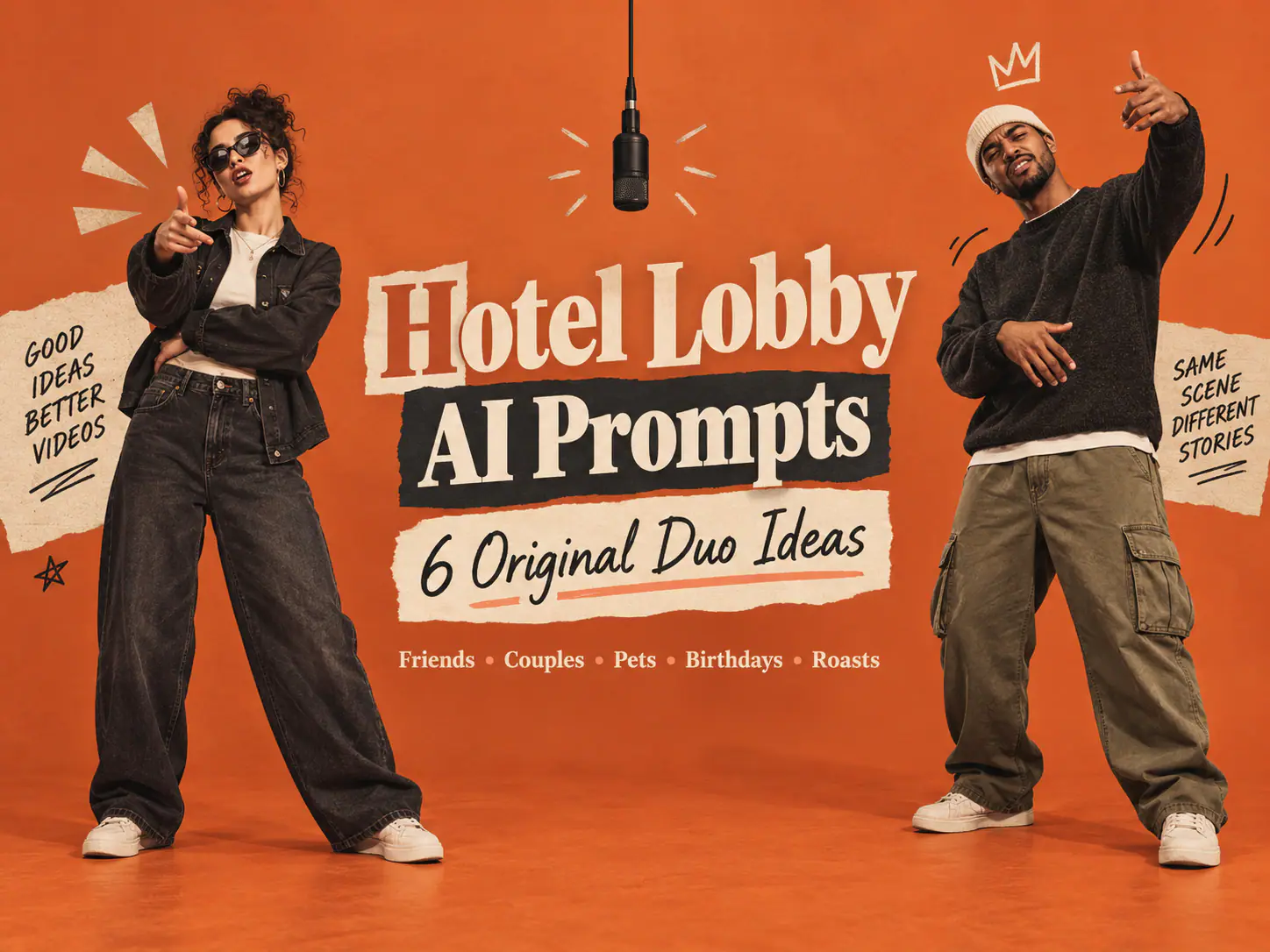
The first Hotel Lobby AI video that goes wrong usually does not lack orange. It lacks roles. Two people enter the prompt, then one face drifts into the other, their gestures become oddly synchronized, or the left performer quietly turns into the right performer halfway through the clip.
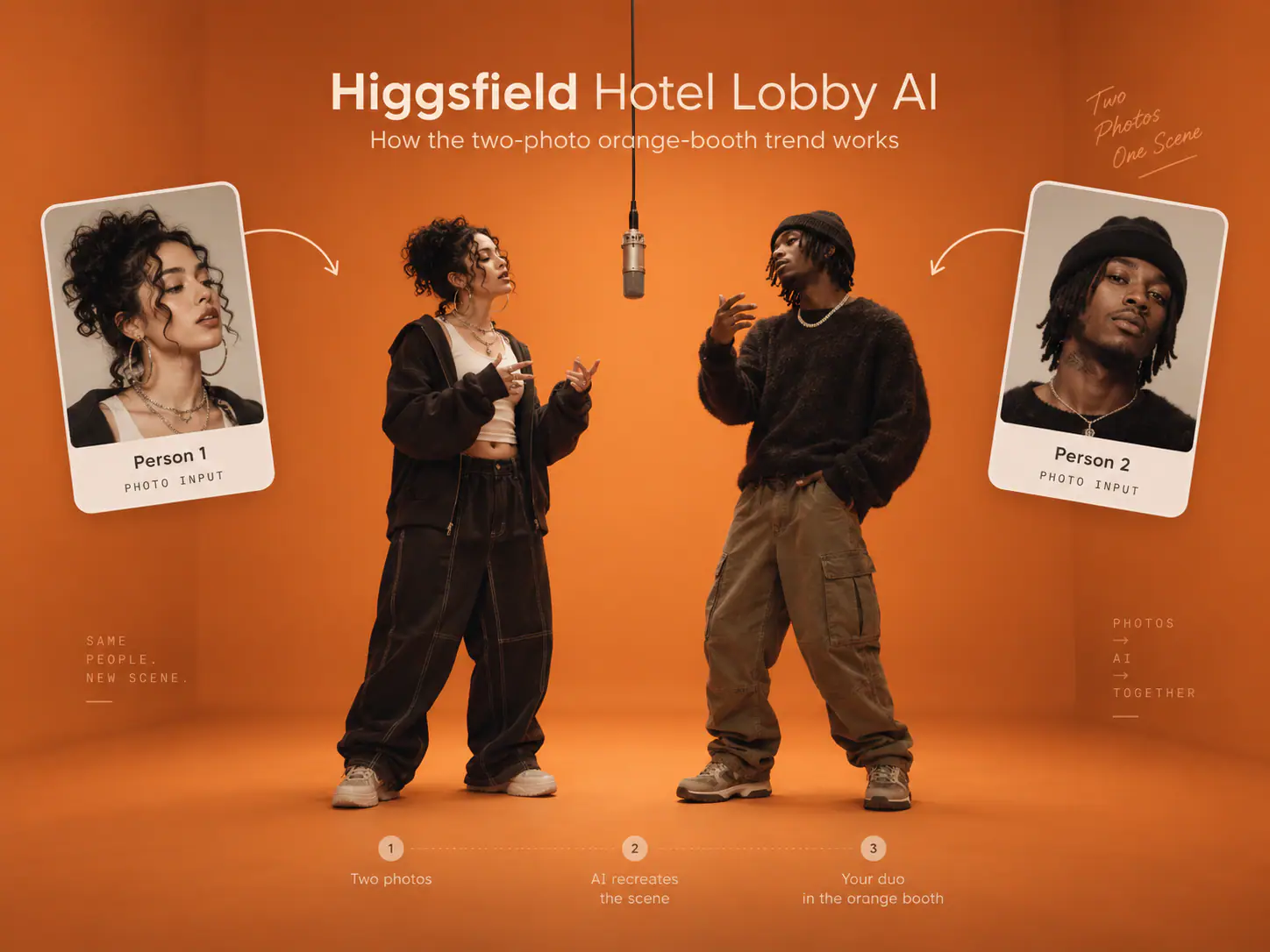
That is why a useful Hotel Lobby AI prompt is not one vague line about two people rapping in an orange room. It is a compact direction sheet: two separate references, a fixed side for each person, a visible gap, an alternating performance, and a camera that has been told not to improvise.
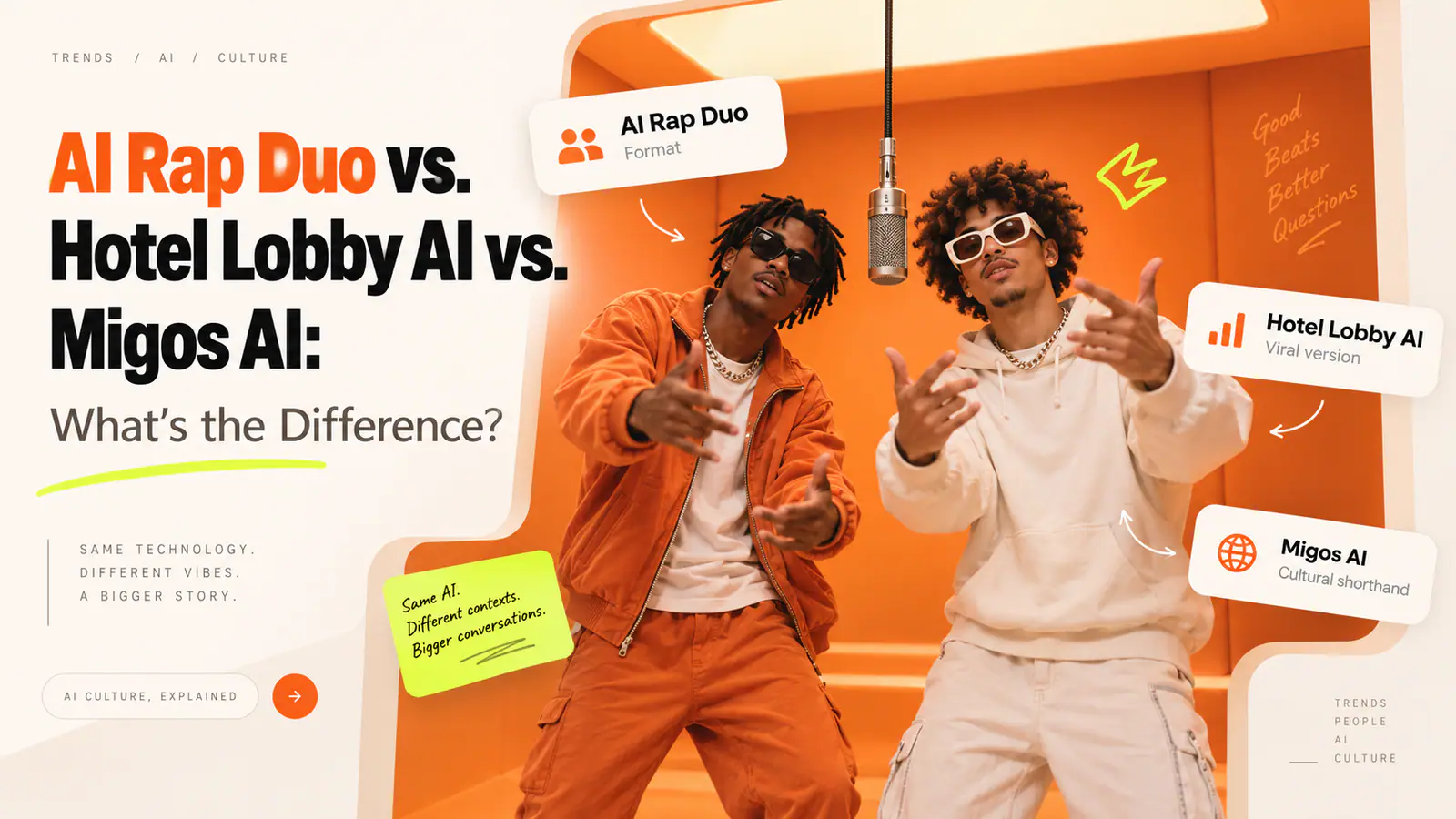
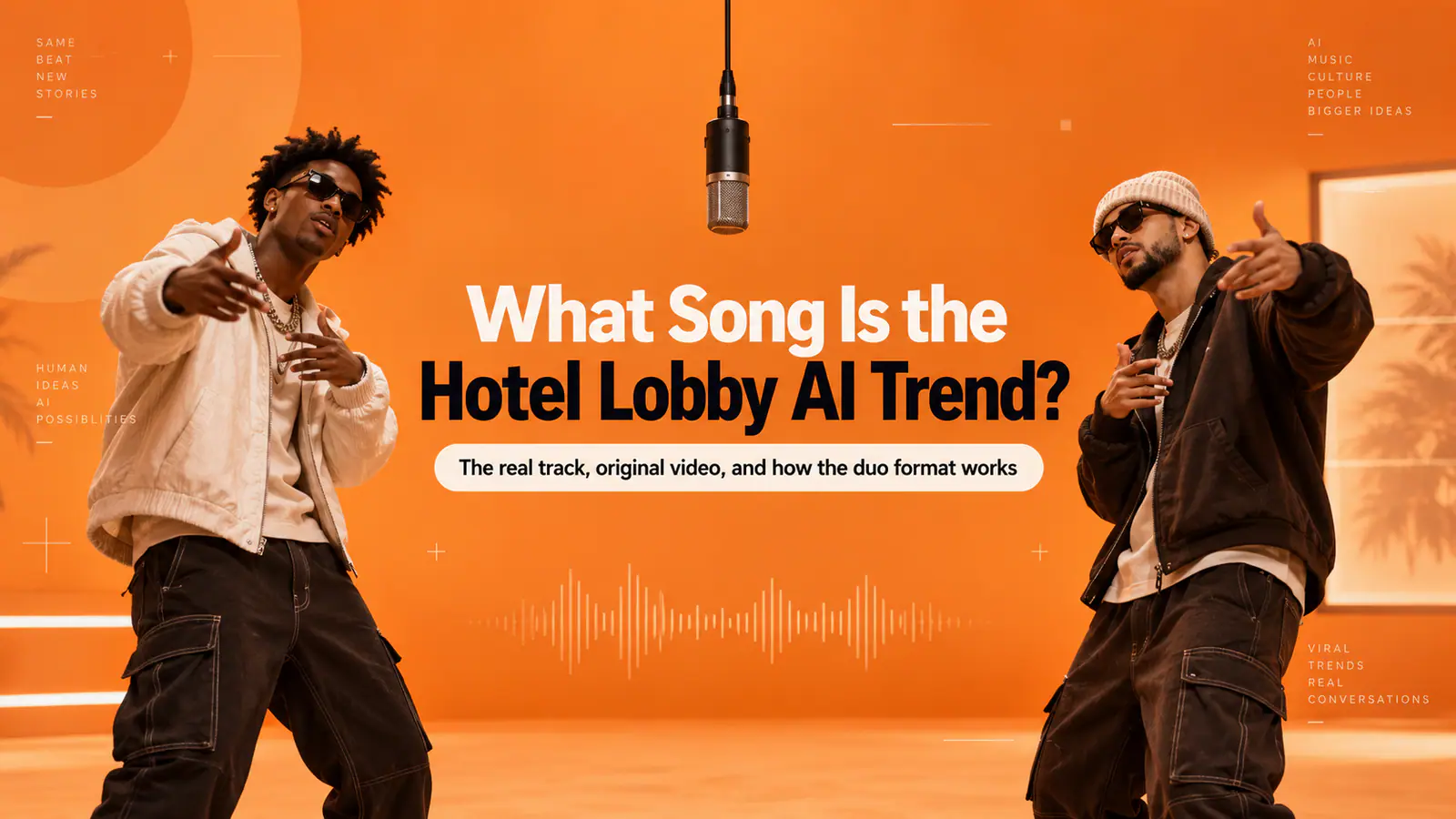
Searchers often call this a Migos AI prompt or a “hotel lobby video prompt.” The name points to the visual language associated with Quavo and Takeoff’s HOTEL LOBBY performance on A COLORS SHOW, not a literal hotel interior. For an original, publishable version, borrow the broad grammar—not the performers, footage, or copyrighted audio: a matte-orange studio, one centered hanging microphone, and a back-and-forth between two people you are allowed to depict.
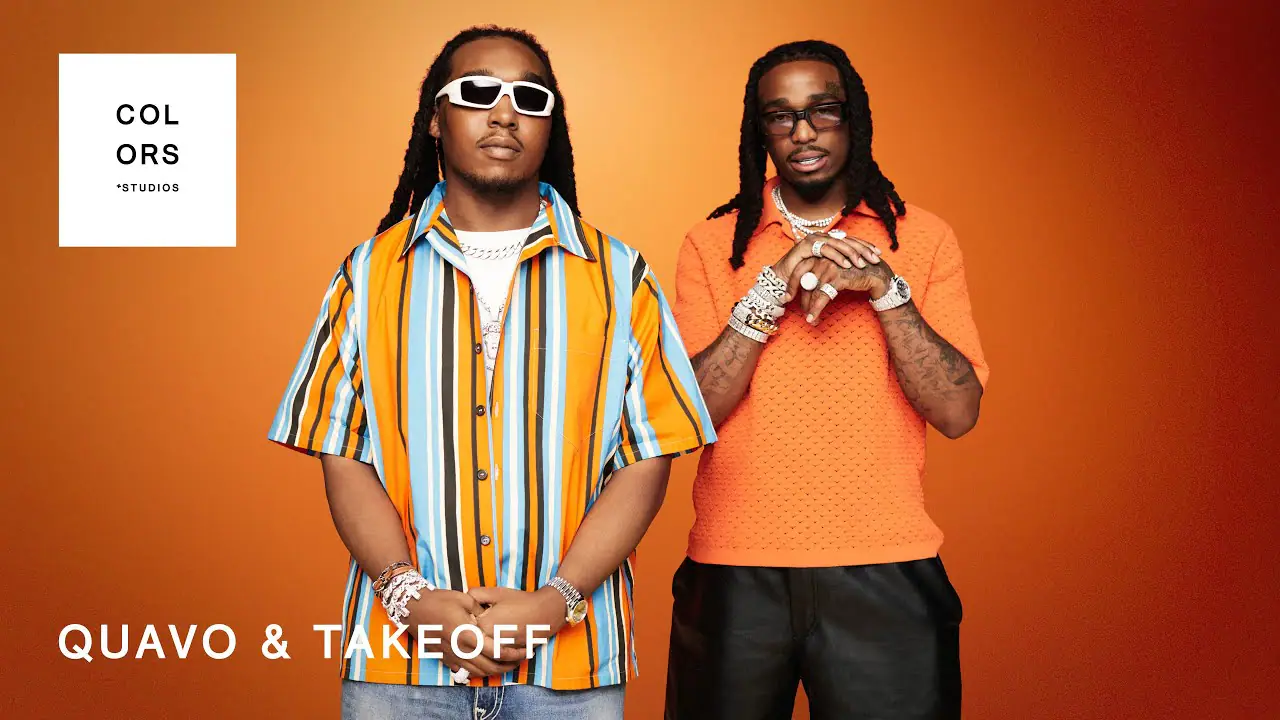
The recognizable recipe is deliberately spare: one color field, one microphone, two separated performers, and a locked-off frame.
The short answer: what to put in every Hotel Lobby prompt
Before choosing a variation, make sure the prompt answers these six questions:
- Who is each person? Use one clear reference per performer, ideally with visible face, hair, outfit, and body proportions.
- Where do they stand? Name
Performer A — LEFTandPerformer B — RIGHTmore than once. - What is the set? A seamless matte burnt-orange wall and floor, with one black microphone hanging at center.
- Who moves first? Give A a lead beat while B reacts; then switch. Do not ask both people to do the same move at the same time.
- What does the camera do? Usually: static, centered, full-body, vertical 9:16, no cuts, no zoom, no pan.
- What must not happen? No face blending, side swaps, overlapping limbs, extra people, logos, captions, or watermarks.
One practical rule matters more than fancy adjectives: describe the relationship between the two performers before describing their style. “Both rap with high energy” is vague. “A performs the first four beats while B watches, then B takes the next four beats while A nods” gives the model a sequence it can actually stage.
The original orange-booth prompt
Use this as the neutral starting point for ordinary image-to-video generation. Replace the bracketed details, but leave the role structure intact.
Create an original 12–15 second vertical 9:16 studio-performance video from TWO
separate authorized reference photos.

REFERENCE IMAGE 1 = Performer A. Keep Performer A on the LEFT for the entire clip.
REFERENCE IMAGE 2 = Performer B. Keep Performer B on the RIGHT for the entire clip.
Preserve each performer’s distinct face, hairstyle, skin tone, outfit, body proportions,
and relative height.

Set: a seamless matte burnt-orange cyclorama with a matching floor. One simple black
condenser microphone hangs at exact center. Keep a clear empty gap between the two
performers. Soft, even frontal studio lighting; both full bodies, hands, and shoes visible.

Action: Performer A leans slightly toward the microphone and delivers the first beat with
small natural hand gestures. Performer B listens, nods, and reacts independently. Then
Performer B delivers the second beat while Performer A responds. Their timing is
conversational, never mirrored or synchronized.

Camera: one continuous, locked-off, centered wide shot. No cuts, pans, zooms, orbit,
shake, or moving background.

Avoid: identity blending, face changes, swapped sides, crossed bodies, duplicate limbs,
extra people, props, furniture, text, subtitles, logos, watermarks, or celebrity likenesses.
Use original or licensed audio only.
This is intentionally more specific than “make a viral rap video.” The visual trend is built from constraints. If the camera moves, the microphone shifts, or both people surge to center at once, the scene stops reading as a composed duo and becomes a general AI dance clip.
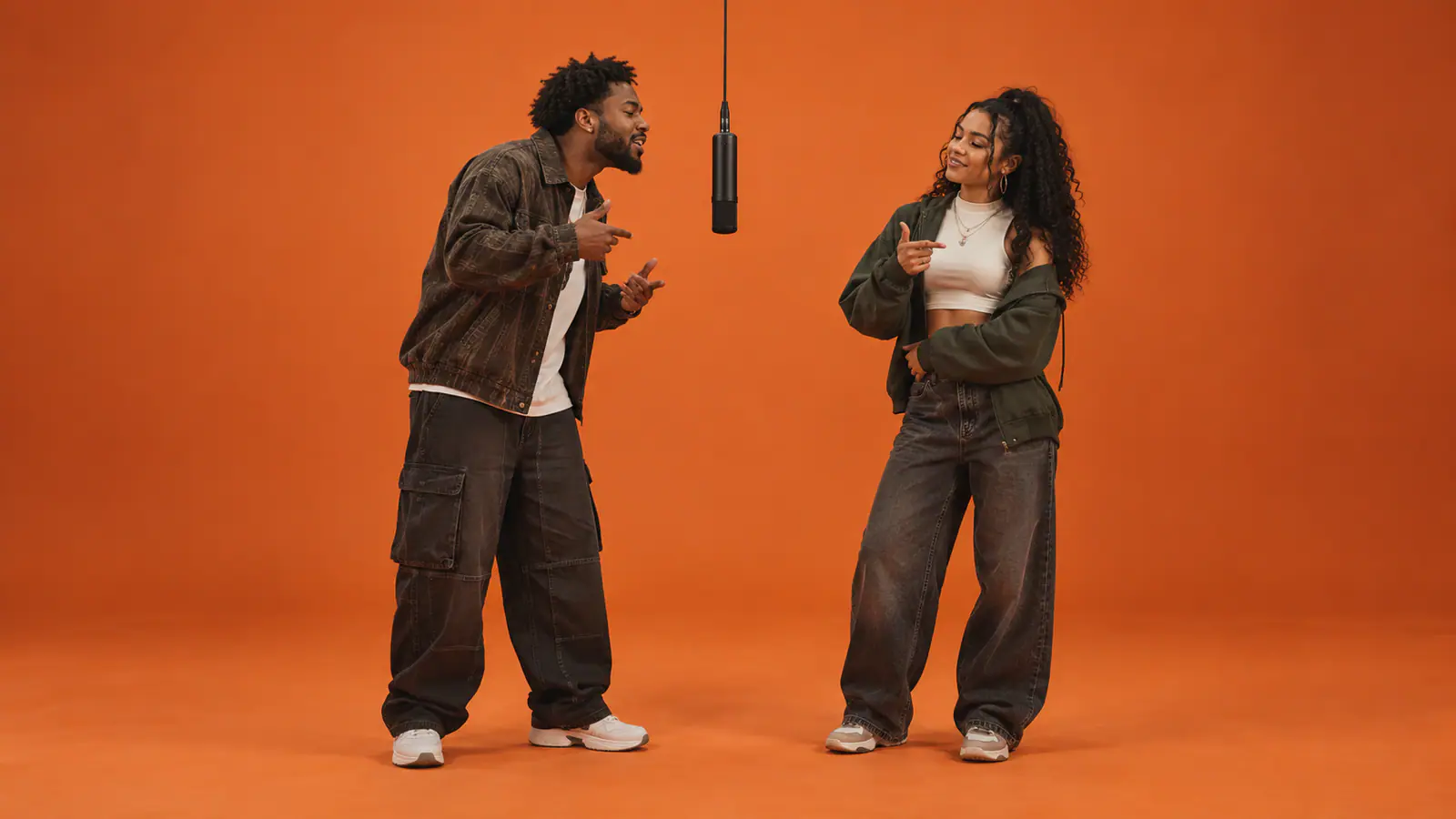
The visual anchors that matter are easy to name: an uninterrupted orange field, a central mic, visible space between bodies, and independent reactions.
5 Hotel Lobby prompt variations worth making
The variations below do more than swap a noun. Each changes the body language, reaction pattern, or identity details that make the result feel intentional.
1. Best friends version
Use the original orange-booth setup. Cast two best friends from separate reference photos:
Friend A stays LEFT and Friend B stays RIGHT. Preserve their individual outfits, faces,
hair, height, and accessories.

Friend A opens with a playful, confident verse and points once toward Friend B. Friend B
laughs quietly, nods to the rhythm, and waits instead of copying the gesture. On the second
beat, Friend B steps a half-step toward the center microphone, performs with compact hand
movements, and Friend A reacts with an approving shoulder bounce. Keep the energy warm,
casual, and believable—like an inside joke between friends, not a synchronized dance.

Use a static full-body 9:16 shot. Keep the gap between them, their left-right positions, and
the single centered microphone fixed. No face blending, side swaps, extra people, text, or
watermarks.
Why it works: the pointing and response tell a mini-story without forcing either subject to cross the center line. If the first attempt feels too busy, remove the pointing before adding more negative prompts.
2. Couple version
Use two separate authorized adult reference photos. Partner A remains LEFT; Partner B
remains RIGHT. Preserve each person’s unique face, hairstyle, outfit, and body shape.

Place them in the original matte-orange studio with one centered hanging microphone. Partner
A performs the first beat with relaxed confidence while Partner B smiles, sways slightly, and
keeps both feet planted. Then Partner B performs a short answer line while Partner A gives a
small nod and warm reaction. Let them briefly make eye contact across the open center space,
but do not have them touch, cross paths, mirror poses, or lean into the same face-to-face pose.

Static centered vertical camera, full bodies visible, soft even light. No side changes, merged
faces, duplicate hands, extra people, captions, logos, or watermarks. Use original or licensed
sound.
Why it works: romance is carried by reactions and eye contact, not by asking the model to choreograph a hug around a suspended microphone. Small actions preserve identities better than a complicated interaction.
3. Pets version
Create a playful original orange-booth performance from TWO separate pet reference photos.
Pet A stays LEFT and Pet B stays RIGHT. Preserve each pet’s breed, fur color, markings, eye
color, ears, collar, and body shape.

Both pets are safely and playfully styled as upright animated performers beside one centered
hanging microphone. Pet A makes small head bobs and one gentle paw gesture while Pet B
watches with a tail wag or curious head tilt. Then Pet B takes a turn with a different small
movement while Pet A reacts. Keep their motions independent, cute, and physically plausible
for a stylized animal performance.

Use a static, centered, full-body 9:16 frame in a matte burnt-orange cyclorama. Avoid human
faces, swapped markings, merged bodies, extra legs, duplicate tails, sliding paws, text, logos,
or watermarks.
Why it works: pet identity is usually in the markings and silhouette. Naming those traits is more useful than adding long descriptions of “adorable” or “viral.” For a person-and-pet pairing, keep the person’s action even smaller so the pet remains legible.
4. Birthday rap version
Create an original 12-second birthday rap-duo video from two separate authorized reference
photos. Birthday Star stays LEFT; Best Friend stays RIGHT. Preserve both identities, outfits,
and relative height.

In the orange studio, Birthday Star begins with a proud but playful performance gesture toward
the microphone. Best Friend reacts by clapping once, smiling, and holding a small blank
birthday card at chest height with NO readable writing. On the second beat, Best Friend takes
the lead while Birthday Star nods and celebrates with a compact shoulder move. Keep the
focus on the two people, the centered microphone, and the alternating exchange.

Static full-body vertical shot, visible shoes, soft frontal light, clear space between performers.
No text generation, no candles near the microphone, no extra party guests, no face blending,
no side swaps, no logos, and no watermarks. Add any exact birthday message later in an editor.
Why it works: it avoids asking the model to render a name, age, or lyric accurately. Generate the visual first; add precise text in a conventional editor where you control spelling and timing.
5. Funny / roast version
Create an affectionate, original comedy rap-duo scene from two separate authorized reference
photos. Comic A remains LEFT; Comic B remains RIGHT. Preserve each person’s distinct face,
outfit, hairstyle, build, and side.

Comic A delivers the first beat with mock-serious confidence and one small open-palm gesture.
Comic B reacts with an exaggerated but kind eye-roll, then responds with one witty hand wave
and a grin. The joke is friendly and consensual: no insults about protected traits, no humiliation,
no threats, and no text or spoken lyrics that need to be generated on screen. Keep their
movements alternating rather than simultaneous.

Use the orange booth, one centered hanging microphone, a static full-body 9:16 camera, and
soft even light. Keep a clear gap between bodies. Avoid face blending, mirrored gestures,
side swaps, extra people, captions, logos, and watermarks.
Why it works: the comedy lives in the contrast—one person deadpan, the other amused—not in an overloaded scene. If you plan to add a roast as a caption or voiceover, get the other person’s sign-off first.
Motion transfer vs. ordinary image-to-video: use the right prompt
A single “Hotel Lobby video prompt” cannot do the same job in every workflow. The prompt changes depending on whether you are asking a model to create the scene or preserve an authorized source performance.
| Workflow | What the model is solving | What the prompt should emphasize | Best first test |
|---|---|---|---|
| Ordinary image-to-video (I2V) | Build the orange booth, camera, microphone, performers, and motion from your references | Full scene recipe, role order, camera lock, micro-actions, and negative constraints | A short 8–12 second two-turn exchange |
| Motion transfer / guided swap | Keep the timing, composition, and movement of source footage you own or are licensed to edit while applying new identities | Exact replacement map: source-left → reference 1, source-right → reference 2; preserve timing, framing, background, and clothing as needed | A very short, static source segment with visible faces |
For ordinary I2V, use the complete prompt above. The model needs to know that this is an original orange-studio performance and that no camera move should be invented.
For motion transfer, do not paste the full set-building prompt over a complex source clip. Start with a replacement instruction like this instead:
Use only authorized source footage. Replace the performer on the LEFT with Reference Image 1
and the performer on the RIGHT with Reference Image 2. Keep both identities distinct and on
their original sides throughout. Preserve the source camera framing, timing, background,
lighting, and choreography. Do not add people, text, logos, or new camera movement. Keep
clothing unchanged unless separately specified.
The safest motion-transfer source is one you filmed yourself: fixed camera, a clean background, one person moving at a time, and no one crossing the center. That gives you the recognizable two-person rhythm without borrowing an existing performance or soundtrack.
For any tutorial workflow, review the full export—not just the first frame—before posting.
Why two people cause identity bleed
With one performer, a model only has to preserve one face, one outfit, and one moving body. Add a second performer and it has to maintain two separate identities across time, while deciding whose hand is whose, who is leaning toward the mic, and whether a reaction belongs to the left or right subject.
Identity bleed becomes more likely when:
- both references are cropped close to the face or have very different angles;
- both performers wear similar hair, colors, or silhouettes;
- their hands cross the middle of the frame;
- both move, rap, dance, or lean toward the microphone at the same moment;
- the camera pans, zooms, or uses a tight crop;
- the prompt says “two friends” but never assigns sides or turn order.
The fix is not to write a huge negative prompt. It is to reduce ambiguity. Start with two separate, well-lit portraits; choose different outfits or silhouettes if possible; leave an obvious gap between people; and give one performer the lead while the other reacts. Once the short test holds both faces and sides, you can increase energy or duration.
The left/right performer line to copy every time
Put this near the top of any two-person prompt, even if the tool lets you label uploads in the interface:
REFERENCE IMAGE 1 = Performer A = LEFT side for the entire video.
REFERENCE IMAGE 2 = Performer B = RIGHT side for the entire video.
Keep a clear center gap. Never swap sides. A leads first; B reacts. Then B leads; A reacts.
Repeat the mapping once in the action paragraph. That small redundancy is useful because it ties the image order, screen position, and performance turn together. A tool cannot always honor it perfectly, so treat the first output as a test. If the positions drift, shorten the clip and simplify the actions before changing five variables at once.
When the better prompt is no prompt
DIY prompting is valuable when you want to change the cast, movement, styling, or source workflow. But it also asks you to make dozens of small production decisions: photo order, composition, camera, sequence, negative constraints, audio, and review.
If the goal is simply to make the Hotel Lobby-style duo without building that direction sheet, AirRapDuo’s Hotel Lobby workflow removes the scene-prompt step. Its public setup uses one clear portrait for each person, assigns Person 1 to the left and Person 2 to the right, and applies a built-in performance, scene, and camera movement. The practical trade-off is straightforward: less prompt-level control, but far less setup friction for a shareable vertical rap-duo result.
That makes the choice easy:
- Use a DIY prompt when you need an original orange-booth interpretation, your own authorized motion source, a pet variation, a birthday concept, or a custom performance sequence.
- Use a preset when your real task is “put these two people into the format and make it work,” rather than “art-direct every component.”
Either route starts with consent and clear references. Use photos you own or have permission to animate, choose audio you are allowed to post, do not frame synthetic output as real footage or an endorsement, and inspect the whole clip before sharing it.
FAQ
What is the best Hotel Lobby AI prompt?
The best starting prompt is not the longest one. It fixes the two identities to left and right, describes one orange studio and one hanging microphone, makes the performance alternate, locks the camera, and blocks the failures that ruin a duo: swaps, merges, crossing bodies, and extra people.
Is a Migos AI prompt different from a Hotel Lobby video prompt?
In search language, people often use the phrases interchangeably. For a responsible workflow, treat either phrase as shorthand for a general two-person orange-booth format—not a request to recreate real performers, original footage, or copyrighted music.
Can I use one photo with two people in it?
You can try, but it is the least reliable starting point. Two separate photos give the tool a clearer identity reference for each performer and make the left/right assignment easier to review.
Why did the performers swap sides halfway through?
The request was probably too ambiguous for the length or motion complexity. Re-state the image-to-side mapping, keep a visible center gap, reduce simultaneous movement, use a fixed camera, and test a shorter clip.
Do I need to write a prompt for AirRapDuo?
No. Its Hotel Lobby workflow is built around two portrait uploads and a fixed left/right performer assignment, so users can generate a vertical duo performance without composing a scene prompt or custom lyrics.
The memorable part of this trend is not a particular artist or one copied video. It is the clean conversation in the frame: two distinct people, one mic, a simple turn-taking rhythm, and enough visual restraint for each performer to remain themselves.