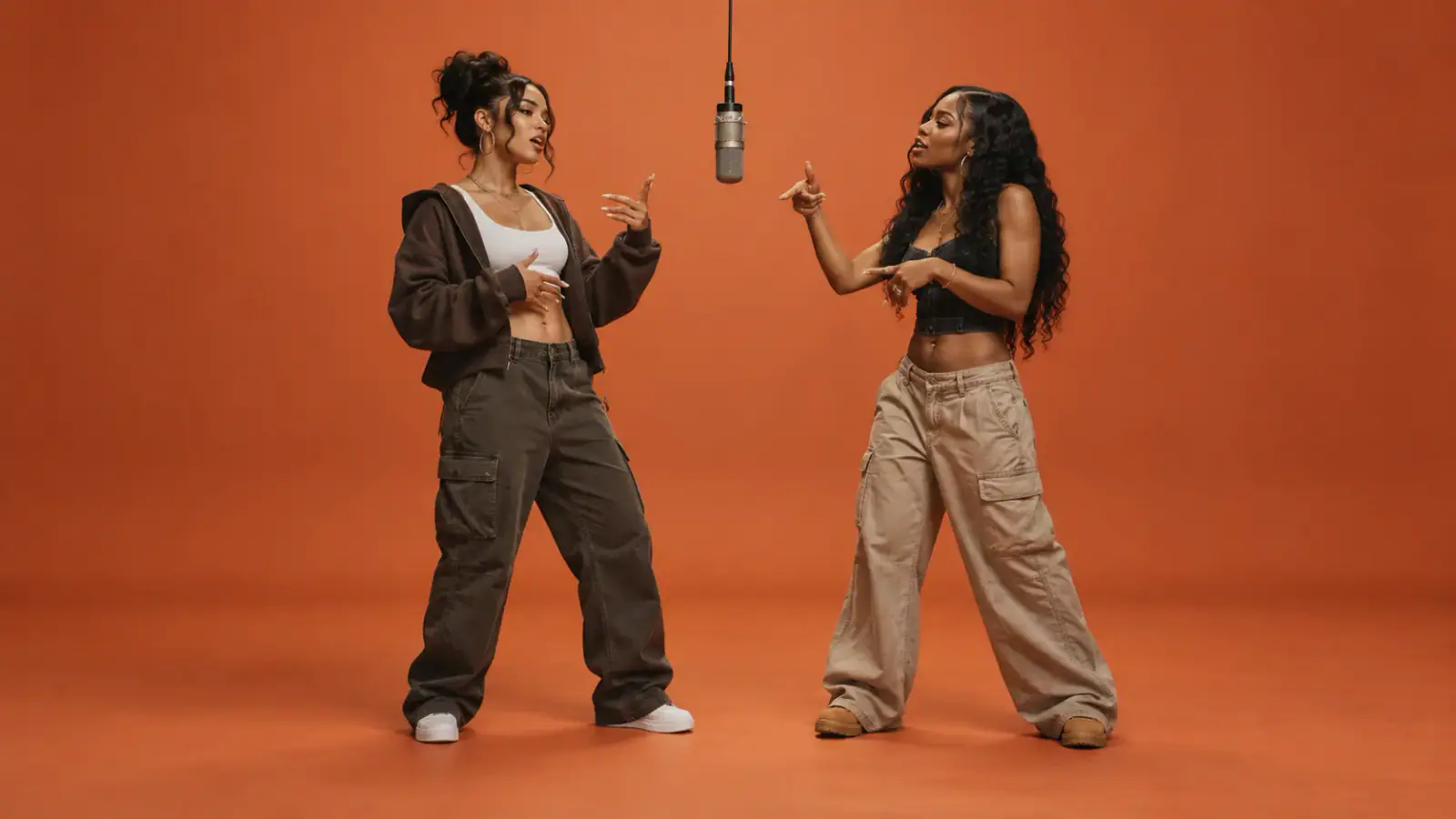
Two portraits, two clear roles
Start with a separate portrait for each person. Person 1 takes the left side of the scene and Person 2 takes the right. Preview and crop each photo in the workbench to give both faces a clear starting point.
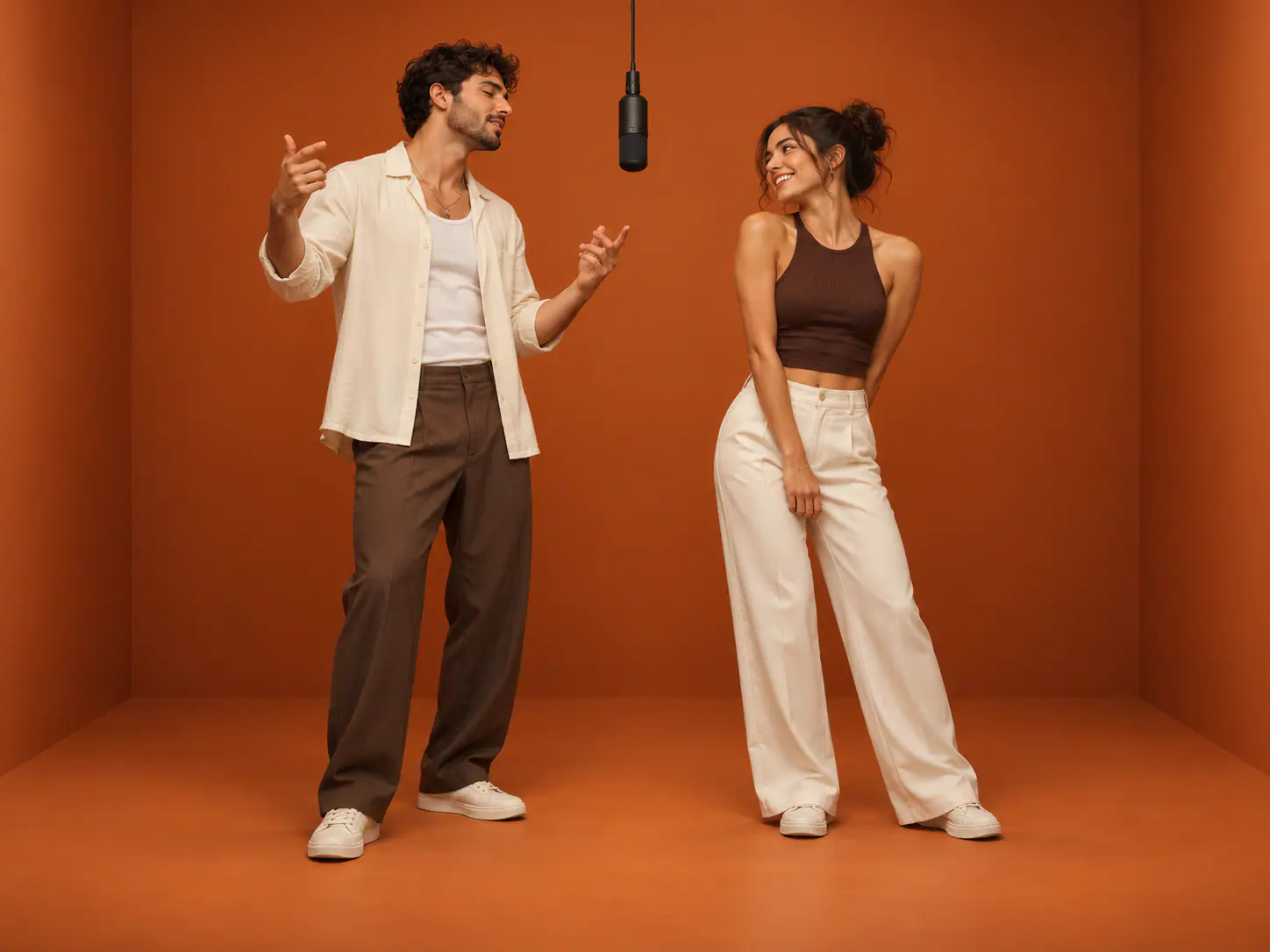
Upload a photo of you and a friend. AI Rap Duo brings both of you into one Hotel Lobby inspired rap performance, ready to download and share.
See the orange stage and two-person rap performance, then upload two portraits or one photo of both people to create your own AI rap duo video.
AI Rap Duo turns two separate portraits into one rap performance. You and a friend share the frame, with the scene and movement guided by a built-in performance. Inspired by the Hotel Lobby AI trend, Rap Duo AI puts your chosen faces in the orange studio scene. The photos can be taken separately, so your duo can live across town or across the world.
Two portraits, a built-in performance, and a vertical video to share with your friends.
Start with a separate portrait for each person. Person 1 takes the left side of the scene and Person 2 takes the right. Preview and crop each photo in the workbench to give both faces a clear starting point.
The scene, camera movement, and performance are built in. Choose your two portraits and generate, without writing a scene prompt or custom lyrics.
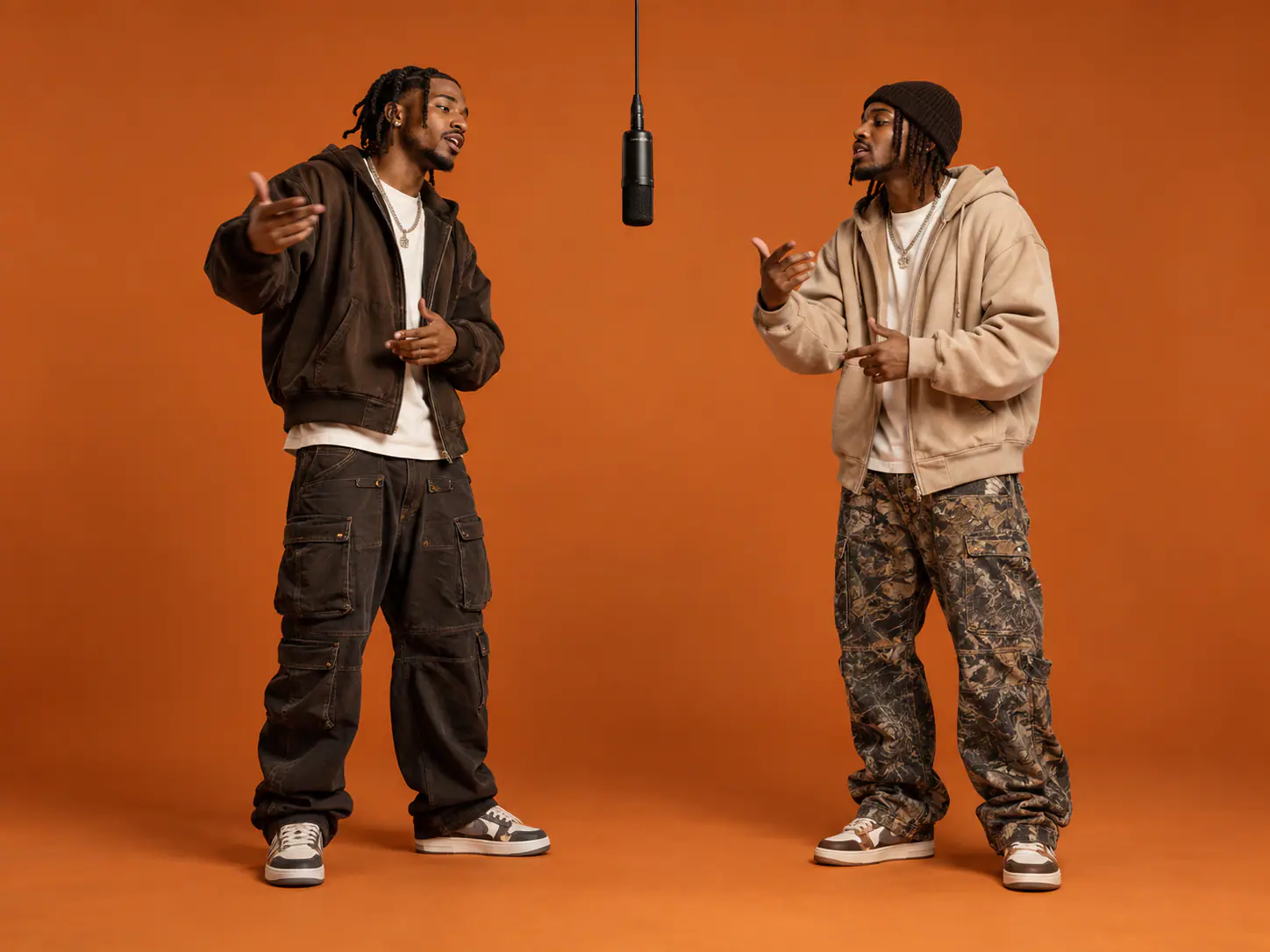
Create a short vertical rap duo video for TikTok, Instagram Reels, or the group chat. Watch the full performance, then download your clip to share.
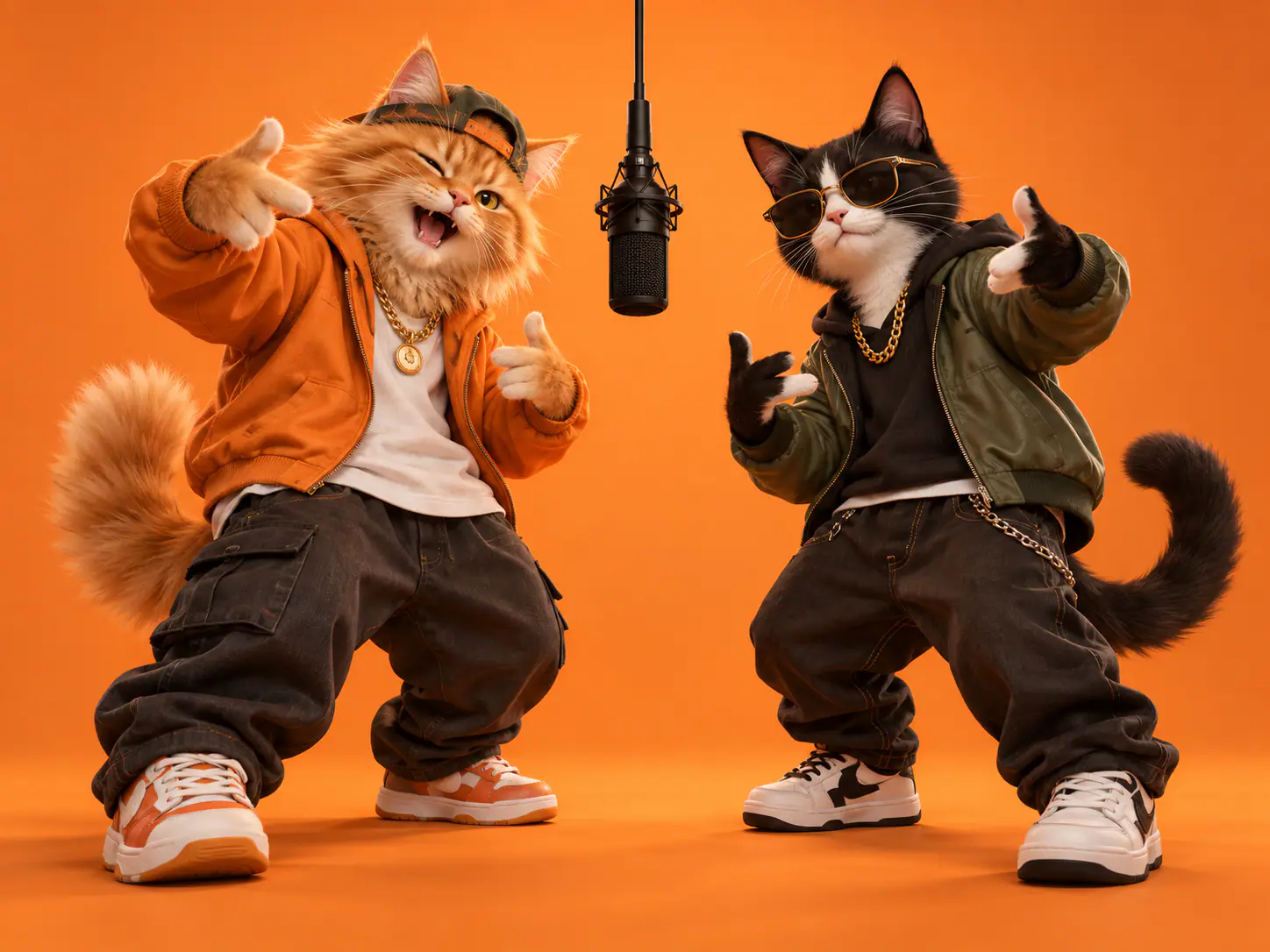
Bring a friend, a birthday co-star, or an unexpected pairing into the same rap performance.
Put the two friends behind your favorite inside joke in the same rap performance. Drop the video into the group chat and let everyone recognize the duo.
Pair the birthday person with their best friend, sibling, or partner. Turn familiar faces into a rap duo clip for a birthday message.
Pair the quiet friend with the loud one, or bring two opposite personalities together. The same performance takes on a different feel with every duo.
Choose one clear portrait for each person. Preview and crop the photos if needed; Person 1 appears on the left and Person 2 on the right.
Give your rap a topic, or leave it as a surprise. Tap “Make our rap video” to bring your duo to the mic.
Play the full video and check both faces and the audio. Download the finished clip and share it with your duo or your friends.
Use clear portraits so both people are easy to recognize throughout the performance.
Choose sharp portraits with visible facial features. Even lighting is easier to read than heavy shadows or a face hidden behind glare.
Avoid sunglasses, hands across the face, strong filters, and crowded backgrounds. Make it obvious which person belongs in the duo.
Use a portrait that makes each person easy to identify. Preview the crop before submitting; the built-in reference determines the shared video framing.
Person 1 appears on the left and Person 2 on the right. Check that each photo is in the intended slot before generating.
Check more than the first frame. A strong opening can still hide a face change, awkward motion, or a mismatch later in the clip.
Check that both people remain recognizable as they turn or move. Watch for blended features, disappearing faces, or swapped positions.
Watch the hands, shoulders, and gestures. Check that both people stay in the frame and the movement looks natural.
Listen to any generated audio from start to finish. If you add your own soundtrack in an editor, use audio you have permission to use and check its timing against the performance.
One-time payment • No recurring charge
10 Credits · ≈ 1 video
≈ $6.99 / video
40 Credits · ≈ 4 videos
≈ $5 / video
100 Credits · ≈ 10 videos
≈ $4 / video
200 Credits · ≈ 20 videos
≈ $3.50 / video
Upload two portraits and turn your duo into a rap performance you can share.