How to Make a Hotel Lobby AI Video: A Two-Photo Tutorial for the Migos-Inspired Trend
Learn how to make a Hotel Lobby AI video with two photos, a clear left-right setup, an original audio plan, and a no-prompt AI Rap Duo workflow.
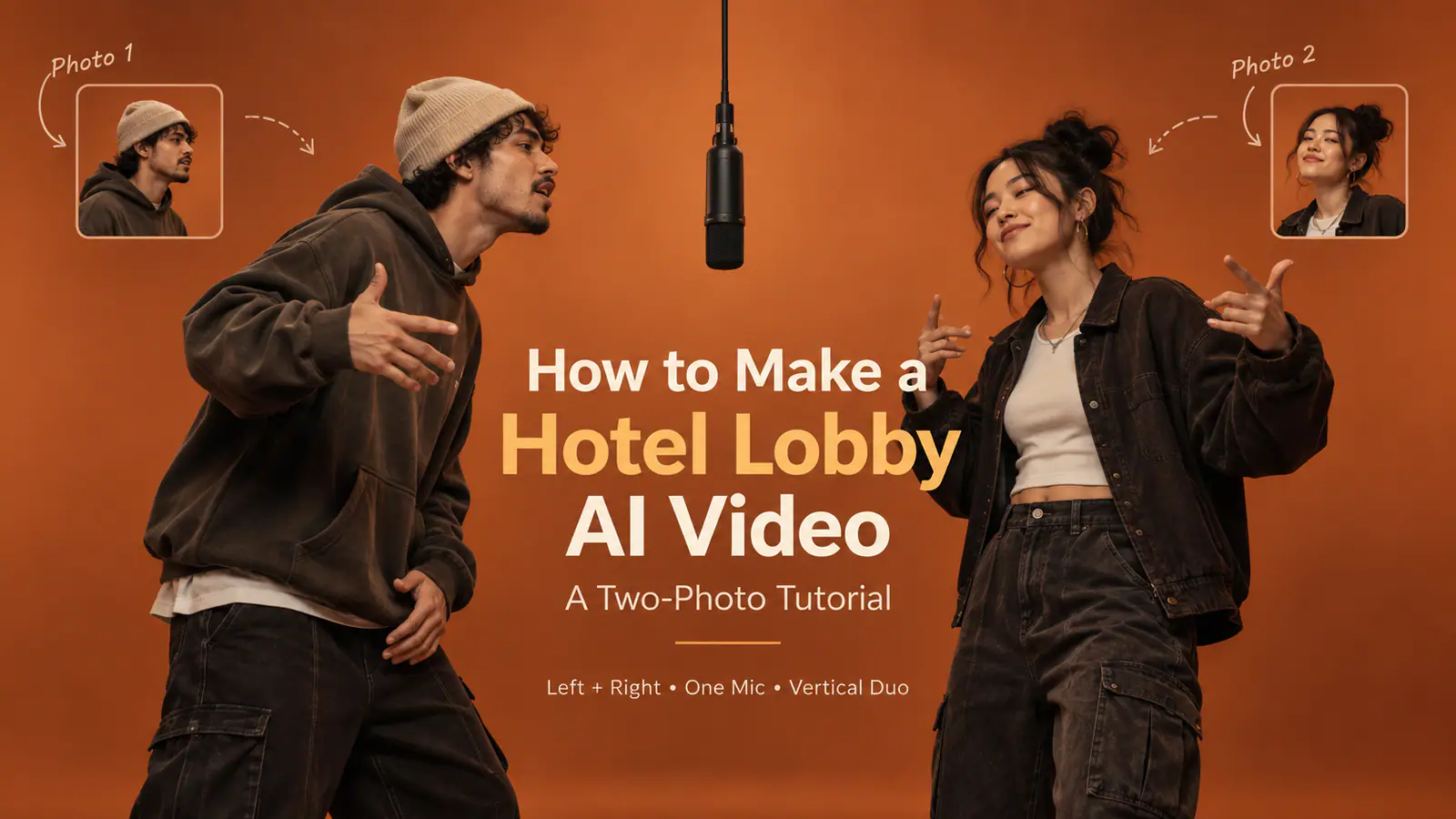
Two people. One hanging microphone. A matte-orange set. A short back-and-forth performance that feels instantly familiar in a vertical feed.
That is the visual grammar behind the Hotel Lobby AI trend—and the reason a good result does not start with a complicated prompt. It starts with two usable portraits, a fixed left-right order, and a performance that gives each person a turn.
Quick answer: To make a Hotel Lobby AI video, upload one clear, authorized portrait for each performer, decide who belongs on the left and right, generate a short vertical duo performance, then watch the entire result for face changes, swapped positions, broken hands, and audio issues before sharing.
This Hotel Lobby AI tutorial explains both the fast, no-prompt route and the more controlled prompt route. It also answers the question behind searches such as “how to make Migos AI video”: how to use the recognizable two-person format without presenting celebrity swaps, copied footage, or unlicensed audio as your own.
What the Hotel Lobby AI trend actually is
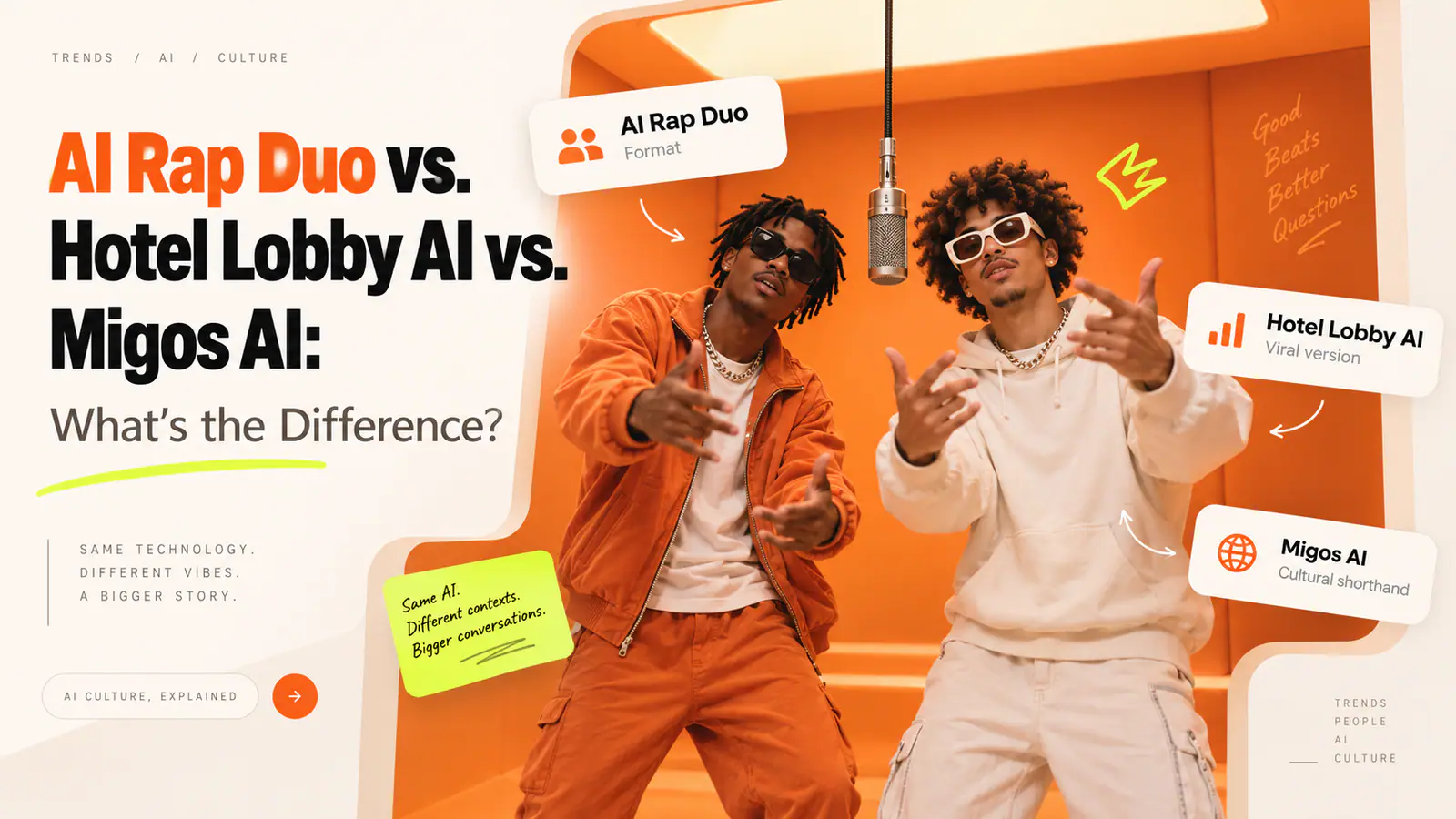
Despite the name, the trend is not a video shot in a hotel lobby. It takes its cues from the orange, two-performer presentation associated with Quavo and Takeoff’s 2022 Hotel Lobby appearance on A COLORS SHOW: two people trade verses around one central microphone in a static shot. As Complex’s explainer of the trend notes, AI versions spread by replacing the performers while keeping the simple duo dynamic that made the original clip easy to recognize.
That distinction matters. The strongest version is not a frame-for-frame impersonation. It is an original two-person performance that borrows a few broad visual conventions:
- a warm orange, seamless studio-style background;
- one microphone centered between two performers;
- one person on each side of the frame;
- alternating actions rather than matching dance moves; and
- a locked, vertical camera that lets the joke read immediately.
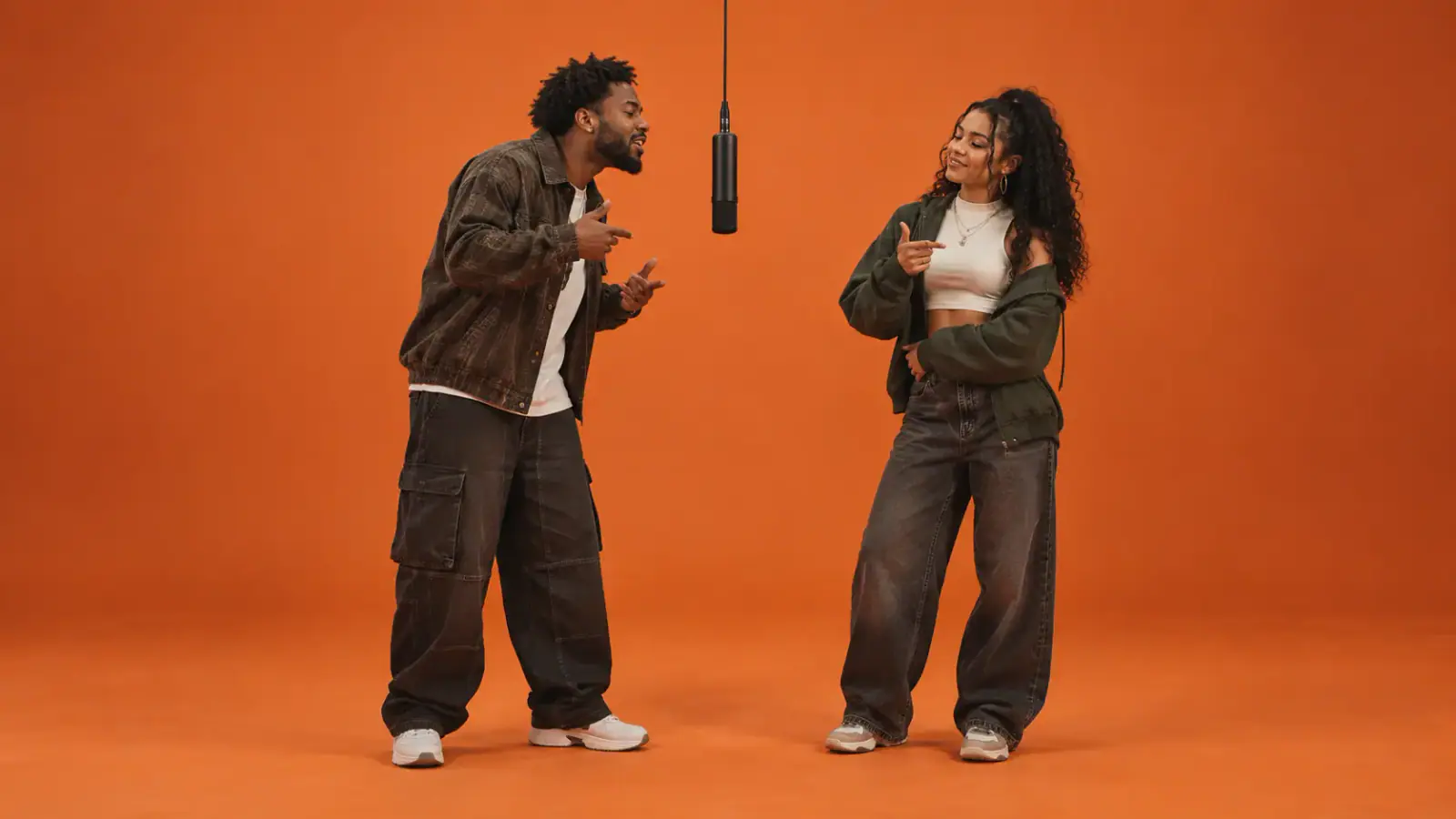
The format works because the viewer understands the setup in a second. Keeping the composition simple is not a limitation; it is what makes a short AI clip feel intentional instead of chaotic.
Before you generate: choose photos the model can actually use
The fastest way to ruin the trend is to upload a group photo, a face hidden behind sunglasses, or two images with wildly different lighting and crop. The model is being asked to maintain two identities while it creates motion, gestures, clothing, shadows, and a shared scene. Give it an easy job.
Choose two separate photos, one person per image. The best starting images usually have:
| Check | What to use | Why it helps |
|---|---|---|
| Face | A clear front-facing or three-quarter view | Gives the model enough facial detail to keep each person recognizable. |
| Light | Even daylight or soft indoor light | Reduces harsh shadows that can make facial details drift. |
| Crop | Head-and-shoulders or fuller portrait with some room around the subject | Makes it easier to place the person in a full-body shared scene. |
| Background | Plain or lightly detailed background | Keeps the reference focused on the person, not objects behind them. |
| Expression | Relaxed, readable expression | Usually survives lip movement and head turns better than an extreme pose. |
Avoid heavy beauty filters, hands over the face, mirrored sunglasses, low-resolution screenshots, and crowded event shots. If one photo is a sharp outdoor portrait and the other is a dim, blurry selfie, fix the weaker input first. A generation model can make a performance out of a photo, but it cannot reliably invent identity detail that was never there.
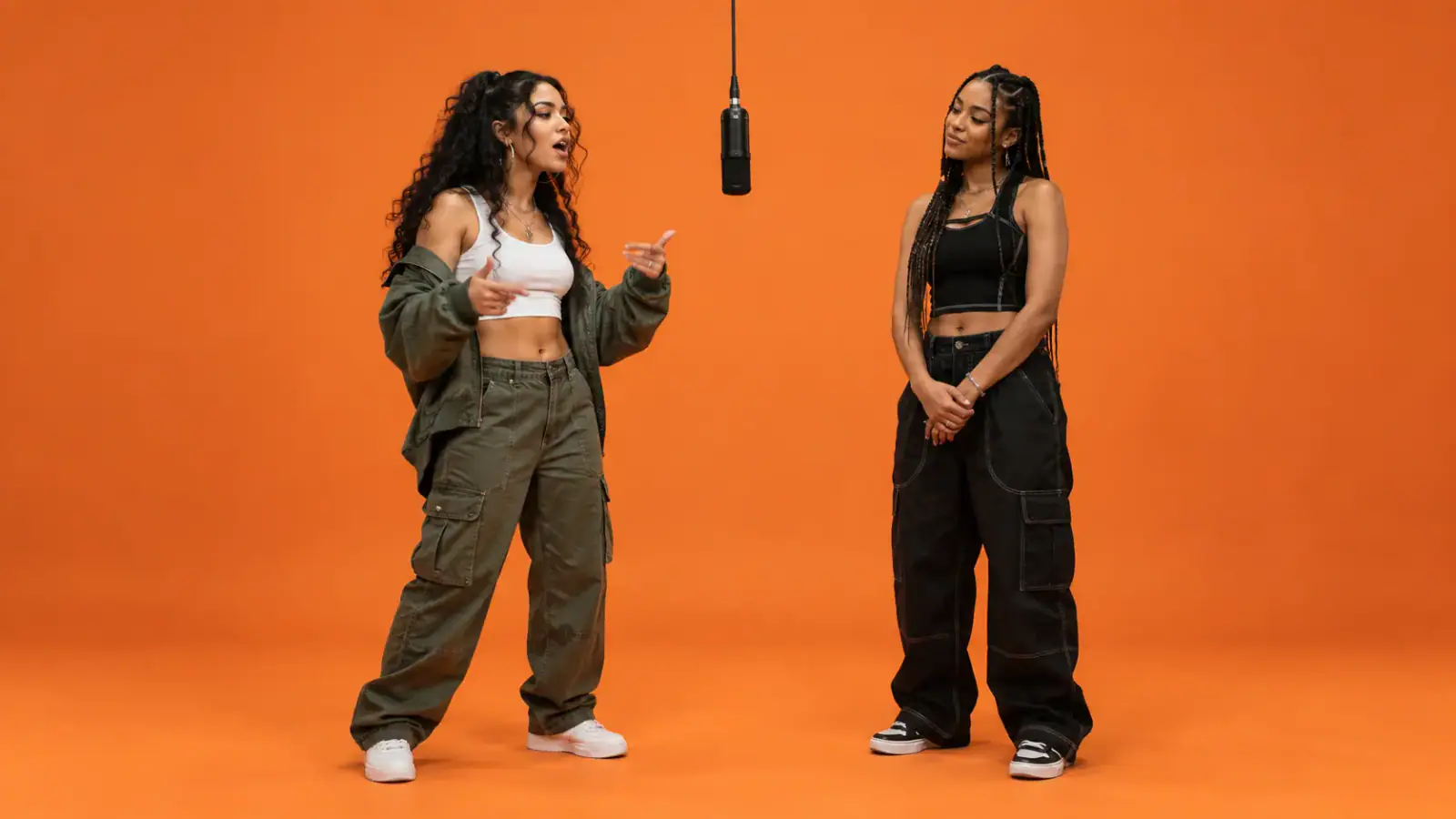
A useful rule: assign a role before you upload. Write down Person 1 = left and Person 2 = right. That one small decision prevents a surprising number of “the faces look good, but they are on the wrong sides” failures.
The fast route: make the video with a built-in duo template
If your goal is to join the trend with friends, you do not need to write a scene prompt or build an edit from scratch. A purpose-built template removes the most fragile decisions—scene, framing, duo layout, and performance direction—so you can concentrate on the photos.
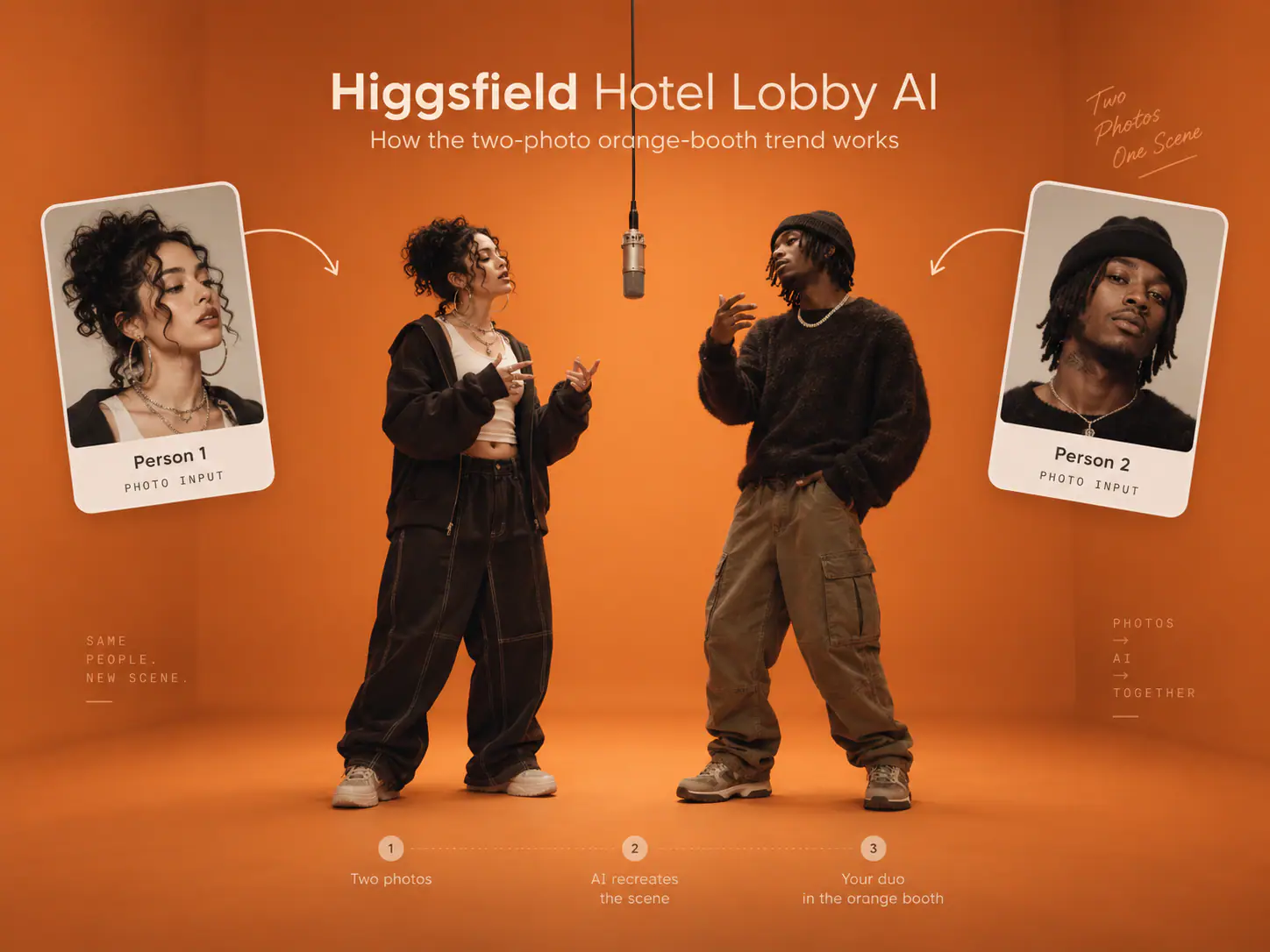
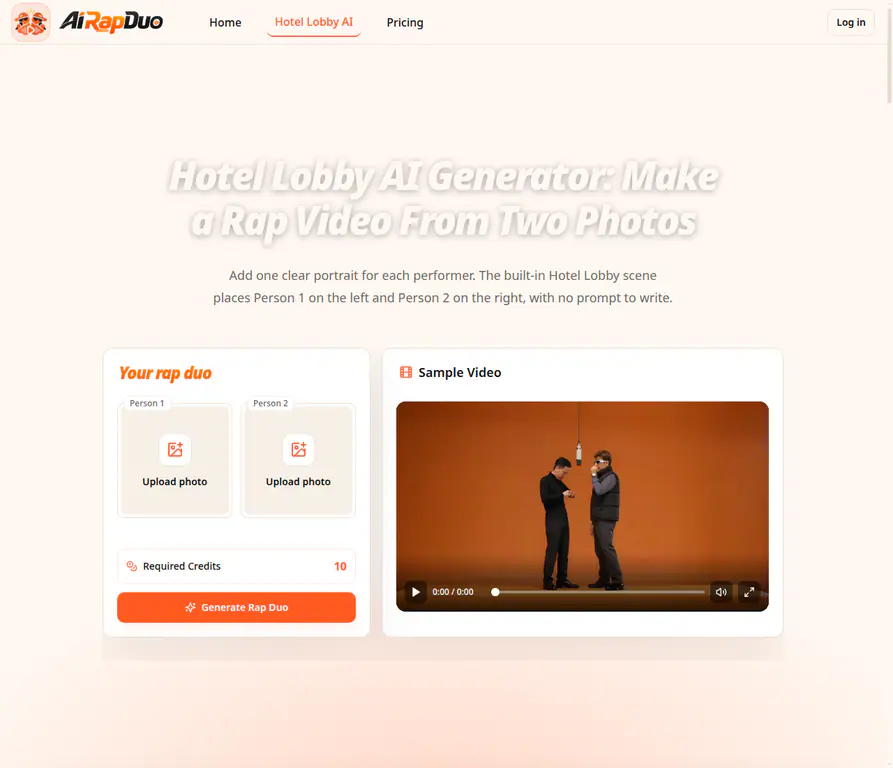
Open the AI Rap Duo Hotel Lobby generator when your two portraits are ready. Its workbench uses two independent upload slots: Person 1 is placed on the left and Person 2 on the right. The Hotel Lobby-style scene and the vertical performance are built in, so the job is simply to upload, preview the crops, generate, and review the finished clip.
1. Upload one portrait per performer
Put only one face in each slot. Do not use the same person twice unless that is the joke you intend to make. Before moving on, check the preview crop: a face that is clipped at the forehead or cut off at the chin is a weak reference, even if the original photo looks fine in your gallery.
2. Confirm the left-right order
The left-right pairing is part of the visual joke. Think of it as casting rather than a technical setting. If the quiet friend should react first while the loud friend takes the first verse, assign the images accordingly before generation.
3. Generate without over-directing the scene
For the trend version, restraint is useful. The preset already supplies the shared environment and duo performance. Instead of trying to force unrelated effects into the clip, let the generation establish the two faces in the same world first. This is especially helpful when the people were photographed in different places or on different days.
4. Watch the result from first frame to last
Do not approve a clip because the opening frame looks convincing. Play it through and check four things:
- Identity: Are both faces still recognizable after turns and head movement?
- Position: Does each person remain on the intended side?
- Motion: Do hands, shoulders, and feet remain plausible and inside the frame?
- Sound: Does the generated audio match the rhythm and tone you want to share?
If only one thing breaks, regenerate with the smallest possible correction. A clearer crop is often a better fix than a more complicated instruction.
The controlled route: use a prompt when you need a custom version
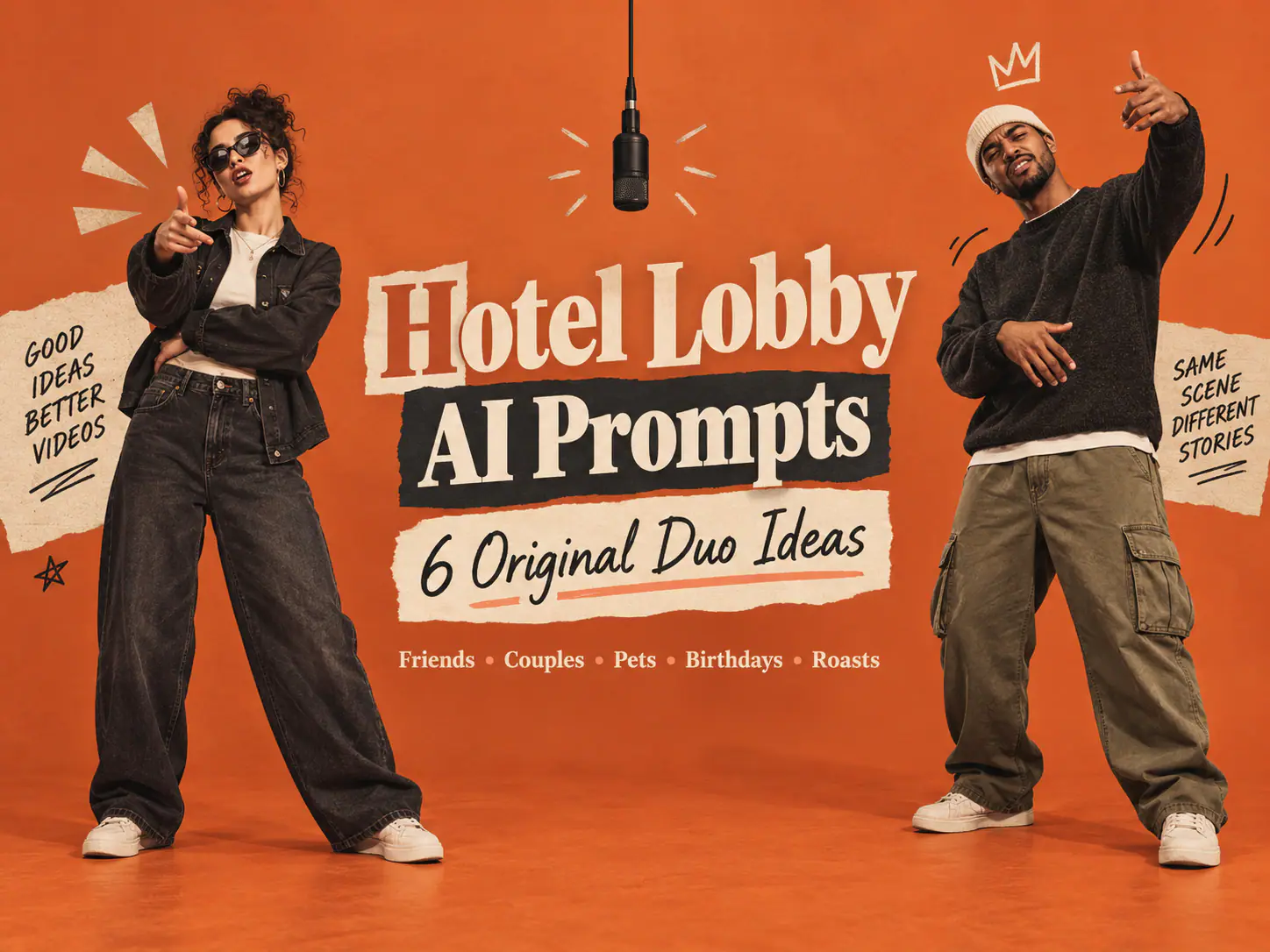
A template is ideal when you want the familiar format quickly. Use a prompt-driven image-to-video workflow when you need to change the cast, pacing, wardrobe, mood, or action sequence—for example, an original duo for a birthday, a fictional pair for a comedy account, or two pets doing a deliberately playful version.
The key is to describe the sequence as a conversation, not a synchronized dance. Models handle two subjects more reliably when one person acts while the other reacts, then the roles switch.
Copy-and-adapt prompt
Create a 12–15 second vertical 9:16 performance video from two separately uploaded, authorized reference photos.

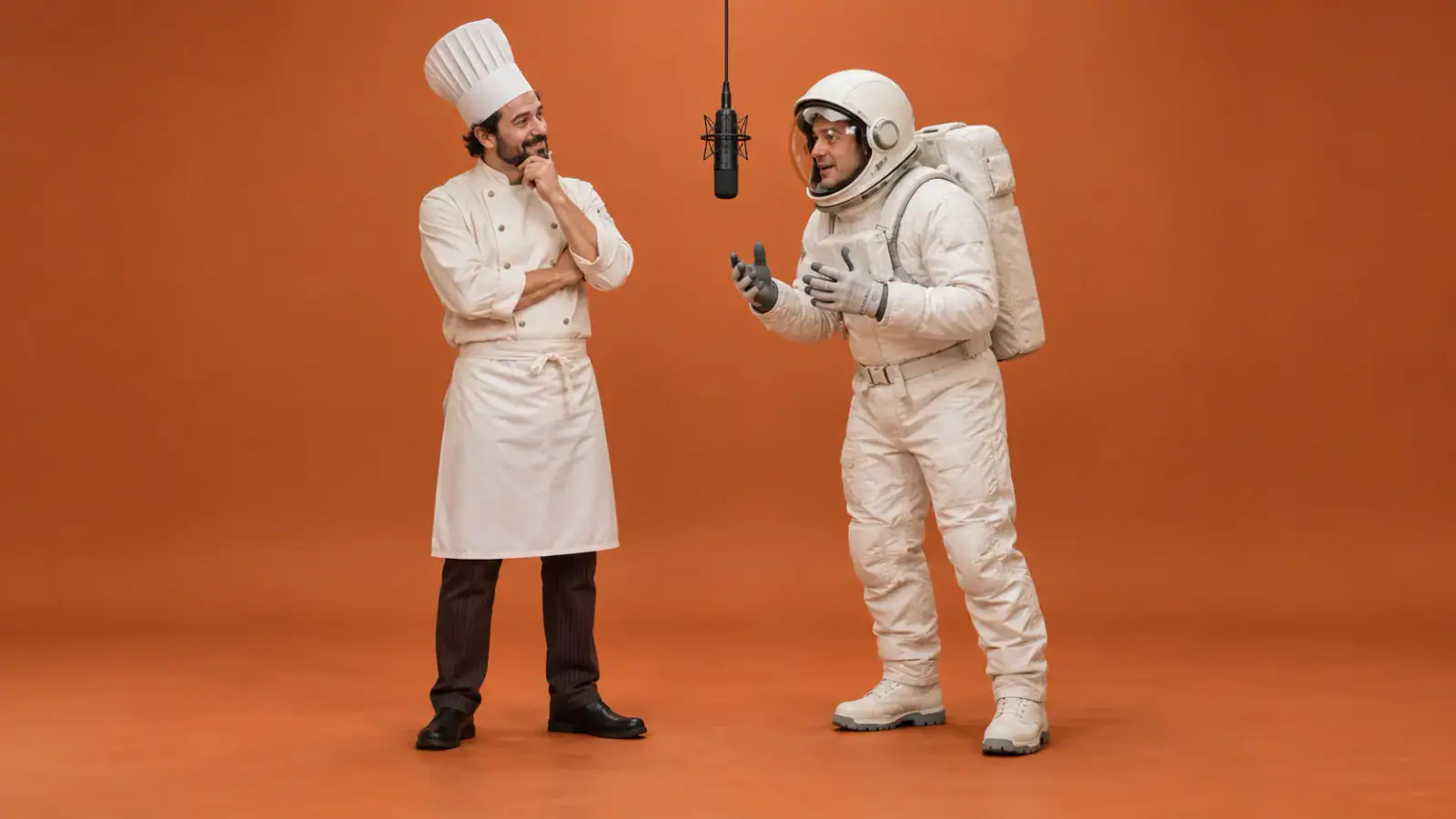
Keep Performer A on the LEFT and Performer B on the RIGHT. Preserve each person’s facial features, hairstyle, skin tone, clothing, and relative height. Place them in a seamless matte burnt-orange studio with one black condenser microphone hanging at center and a visible gap between both bodies.

Performer A leans toward the microphone and delivers the opening beat with compact, natural hand gestures. Performer B listens, nods, and reacts independently. Halfway through, Performer B takes the lead while Performer A responds. Keep the timing conversational, never mirrored or synchronized.

Use one static, centered, full-body camera shot with soft frontal studio light and visible shoes. No camera movement, cuts, zooms, text, logos, extra people, furniture, watermarks, face blending, crossed arms, swapped positions, or duplicated limbs.
Do not shorten this into “two people rapping in orange.” The constraints are doing important work. They tell the model which person belongs where, how the performance should alternate, what must remain visible, and what visual errors to avoid.
Why a static camera improves the result
The original format reads almost like a tiny stage: the set stays still while the people take turns. A zoom, orbit, whip pan, or fast cut adds another moving variable just when the model is trying to preserve two faces. A locked full-body shot gives it fewer chances to lose a hand, blend an identity, or swap the performers.
If your first render fails, change one variable at a time:
| If you see this | Change this first |
|---|---|
| The faces blend together | Use clearer separate portraits, restate LEFT and RIGHT, and request a visible gap. |
| Both performers move identically | Specify one lead performer at a time and reduce the gestures. |
| The camera starts moving | Repeat “static centered full-body shot” and remove cinematic camera language. |
| Feet or hands break | Ask for compact gestures, visible feet, and no crossed arms. |
| The scene looks busy | Remove props, furniture, background characters, logos, and captions. |
A short walkthrough of the trend format
Watch the Hotel Lobby AI trend tutorial on YouTube
Use a walkthrough like this to understand the basic two-photo flow, then make the result yours. The better creative choice is an original pairing, an original performance beat, and audio that you have the rights to use—not a claim that your clip is real footage or the original artists’ work.
Can you use the original “Hotel Lobby” audio?
You can recognize the format without copying the original recording. If you add music after generation, use a track you created, licensed, or selected from the platform’s approved audio library. Check the rights for the platform and account type you are posting from; a sound that is available for personal social posting may not be cleared for commercial work.
The same principle applies to faces. Use your own photo, photos from people who gave permission, or clearly original fictional characters. Avoid uploading a celebrity or presenting an AI swap as a real appearance. The trend is more fun—and far less likely to cause a problem—when the viewer is in on the premise.
How to post without losing the joke
The video should make sense with the sound off. Before posting, make sure the opening frame shows two recognizable people, the centered microphone, and the orange-booth setup. Then use a short caption that gives viewers a reason to tag another person:
- “The duo nobody asked for, now at the mic.”
- “We had one job: do not swap sides.”
- “Who is taking the first verse in your group chat?”
- “Two portraits, one booth, questionable confidence.”
Keep the caption tied to your actual clip. A simple “AI-generated” label can be useful when a viewer could otherwise mistake it for real footage.
Hotel Lobby AI tutorial FAQ
How do I do the Hotel Lobby trend with two separate photos?
Upload one clear portrait for each person, assign one to the left and one to the right, then use a duo template or an image-to-video prompt that explicitly preserves that order. Separate source photos give the model a cleaner identity reference than a photo containing both people.
Do the two people need to be in the same original photo?
No. In fact, separate portraits are usually better. You can make the video with a friend who lives elsewhere, as long as you each have a suitable image and permission to use it.
How do I make a Migos AI video without copying the original?
Treat “Migos AI video” as shorthand for the orange-booth, two-person performance format—not as permission to recreate real artists. Use original people or fictional characters, avoid celebrity likenesses, make a distinct performance, and use audio you are allowed to publish.
Why did the generator put the people on the wrong sides?
This happens when the tool has no firm role assignment or the image references are ambiguous. Name the roles before generation, use different photos, and repeat the left-right direction in your prompt when you are using a custom model.
What is the best aspect ratio for a Hotel Lobby AI video?
Use 9:16 vertical for TikTok, Instagram Reels, and YouTube Shorts. Keep both performers full-body and leave enough room above them for the hanging microphone so the format reads clearly on a phone screen.
The one-minute pre-post check
Before you share, ask five quick questions:
- Did each person approve the photo and the post?
- Are the two faces recognizable through the full clip?
- Did the left-right roles stay consistent?
- Is the audio cleared for the way you will use it?
- Would a viewer know it is an AI-made performance rather than authentic footage?
If the answer is yes, you have done the hard part. The Hotel Lobby AI trend is memorable precisely because its format is so spare: two personalities, one frame, one tiny performance. Start with clean inputs, keep the direction simple, and let the pair—not the effect stack—carry the video.