What Song Is the Hotel Lobby AI Trend? The Real Track, Original Video, and How the Duo Format Works
The Hotel Lobby AI trend uses ‘HOTEL LOBBY (Unc & Phew)’ by Quavo and Takeoff. Learn which performance inspired the orange two-person format, why people call it a Migos AI song, and how to make a respectful version.
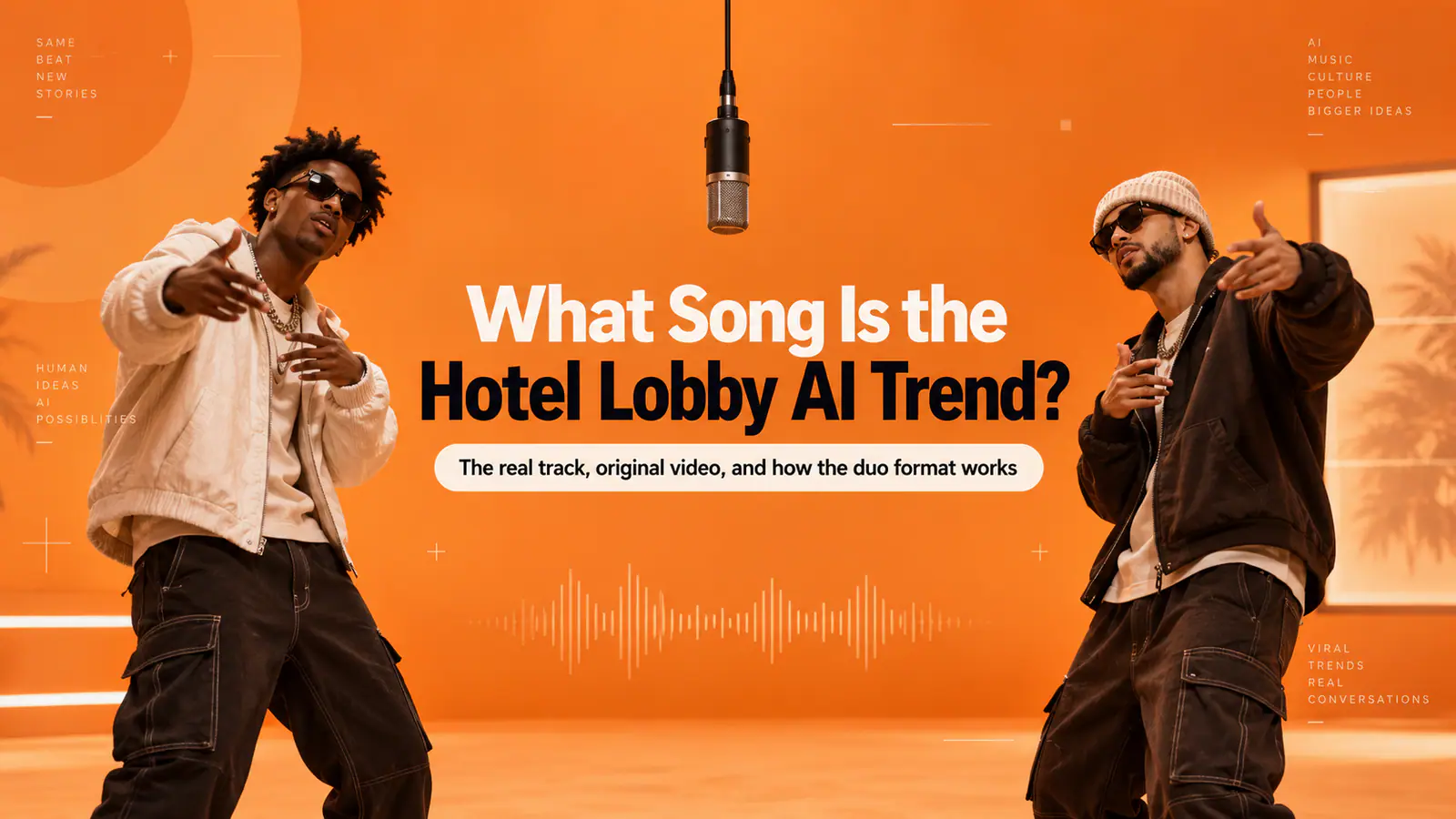
If you are trying to identify the song behind the viral Hotel Lobby AI videos, the answer is “HOTEL LOBBY (Unc & Phew)” by Quavo and Takeoff. The trend is built around their orange-backdrop performance for A COLORS SHOW—not around a newly generated AI song, and not around the cinematic official music video.
That distinction explains almost every confusing search around the format. People call it the Hotel Lobby song, the Hotel Lobby AI song, and sometimes the Migos AI song because Quavo and Takeoff were both members of Migos. But this track was released under their duo identity, Unc & Phew. The AI element is the face swap or character replacement: the familiar performance structure, movement, and visual staging are retained while the two performers are replaced with new subjects.
Quick answer
| Question | Clear answer |
|---|---|
| What is the Hotel Lobby trend song? | “HOTEL LOBBY (Unc & Phew)” by Quavo and Takeoff. |
| Is it an AI-generated Migos song? | No. It is a 2022 released track by Quavo and Takeoff; the trend uses AI to change the people shown in a performance-inspired video. |
| Which video is the visual reference? | Quavo and Takeoff’s A COLORS SHOW performance: an orange studio, one suspended microphone, and a two-person, verse-trading setup. |
| Why do creators usually use two photos? | The reference is a duo performance. One person occupies the left role and one occupies the right role, so the back-and-forth reads correctly. |
| Does every template use the original song? | No. Some tools provide guided or generated audio; others rely on a separately added licensed sound. Always check the output and the platform’s audio rights before posting. |
The song is “HOTEL LOBBY (Unc & Phew)”—not a new AI track
The title is easy to miss because the trend’s visual identity is stronger than its music metadata. The official release is “HOTEL LOBBY (Unc & Phew)”, credited to Quavo and Takeoff and released in 2022. The pair used Unc & Phew as a duo name, reflecting their uncle-and-nephew relationship. You can verify the credited artists and release through the official Apple Music listing.
So why does “Migos AI song” keep appearing in searches? It is shorthand, not the most precise credit. Quavo and Takeoff were Migos members, but the trend song is a Quavo-and-Takeoff collaboration. Calling it “the Migos song” may help someone find the trend; using the full title and artist credits is better when you are naming the music in a caption, article, or edit.
The viral visual is the orange A COLORS SHOW performance
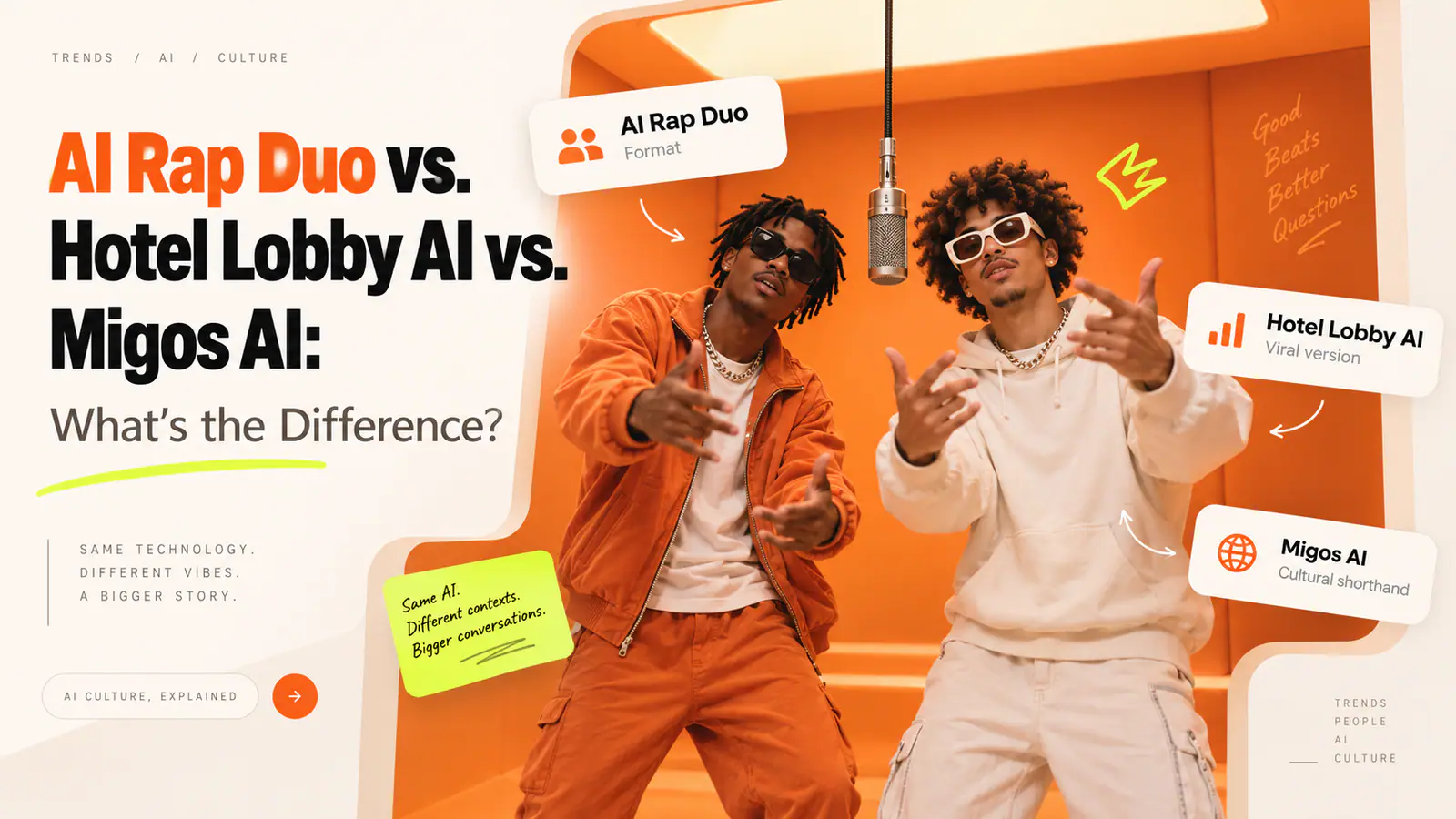
The trend does not mainly copy the official “Hotel Lobby” music video. It borrows the much simpler A COLORS SHOW performance: two people on a flat orange set, a microphone suspended between them, and a clear back-and-forth rhythm as they trade verses.
That setup is unusually reusable. It has only a few visual rules, but they are instantly recognizable:
- Two distinct performers rather than one crowded group.
- A left/right stage relationship with a visible gap between them.
- One hanging microphone in the center.
- An orange, uncluttered studio field that keeps attention on the pair.
- Independent performance energy—one person can lead while the other reacts, waits, or comes in next.
The original performance matters because it tells you what to preserve. A convincing Hotel Lobby AI video is not simply two faces placed on an orange background. It needs the conversational rhythm of a duo: both subjects remain readable, the microphone stays central, and their movements do not look like a mirrored dance loop.
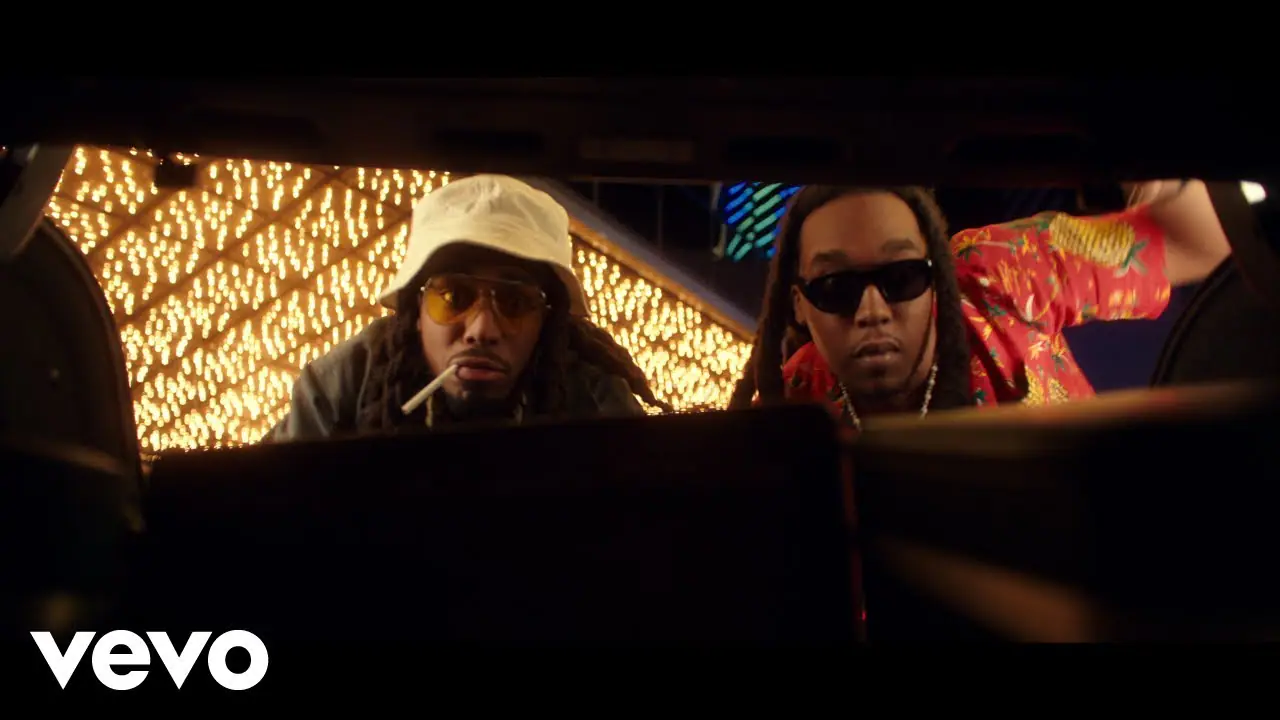
The official music video and the A COLORS SHOW performance share the song, but they serve different purposes. The official video is the track’s narrative release; the orange live-performance format is the visual shorthand that creators recognize and adapt.
How the Hotel Lobby AI trend works
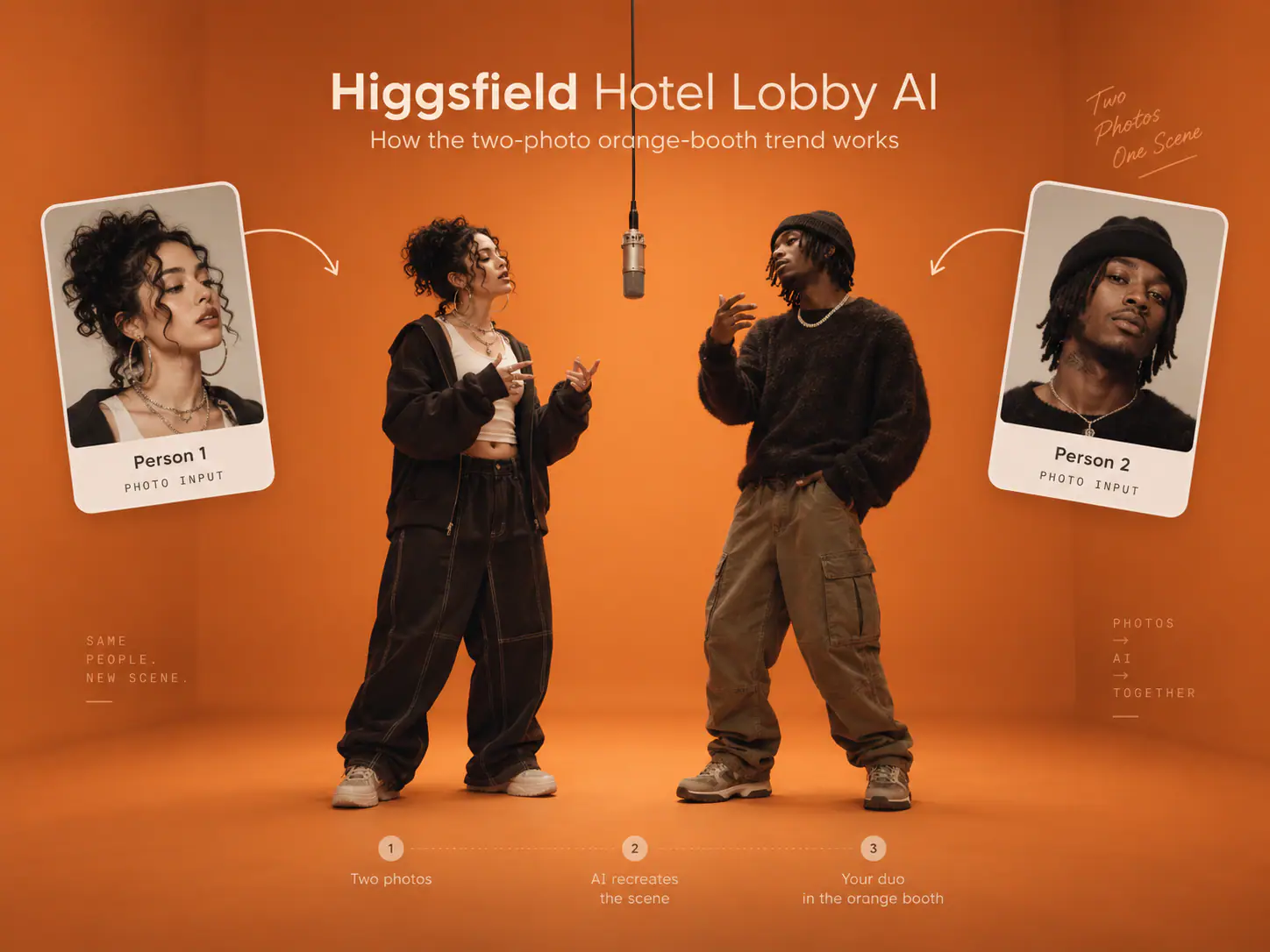
At its core, this is a two-character performance transfer. A creator chooses a pairing—friends, siblings, fictional characters, pets, teammates, or an intentionally unexpected duo—and places each subject into a role inspired by the original performance.
The better versions usually preserve four things at once:
- Identity: each person still looks like the photo supplied.
- Composition: the left and right roles remain stable instead of swapping or blending.
- Performance: gestures and timing feel like a turn-taking rap performance, not two identical motions.
- Context: the clip makes clear that it is a playful, AI-assisted recreation rather than footage of real people actually performing the song.
The September 2026 resurgence spread because these constraints are simple enough for a template yet flexible enough for countless pairings. As reporting on the AI meme format notes, creators have placed people, characters, and animals into the performance while keeping the original staging and movement pattern recognizable.
How to make a clean two-person Hotel Lobby AI video
1. Start with a pairing that reads in one second
The format works best when the relationship between the two subjects is immediately legible. Friends with opposite personalities, a birthday person and their closest friend, siblings, a person and a pet, or two fictional rivals all give viewers a reason to watch before the music even registers.
Avoid choosing a pairing just because it is famous. The joke or connection should be clear without a long caption.
2. Use one clean portrait for each role
Give the generator one person per image whenever possible. A crowded photo makes it harder to keep faces separate and can cause the output to merge identities, replace the wrong person, or lose a face when the subject turns.
Choose photos with:
- A clearly visible, unobstructed face.
- Even light rather than harsh shadows or glare.
- Minimal filters, sunglasses, hands, or hair across the face.
- Enough head-and-shoulder detail for the system to identify each person.
- Permission from the person pictured.
You do not need an existing photo of both people together. In fact, two separate portraits are usually the safer input because they let the tool assign each role independently.
3. Keep the left/right roles consistent
The original format has a clear spatial conversation: one performer on the left and one on the right. Decide before you generate which subject should appear in each position. That small choice matters more than it seems, especially when viewers know the two people.
If a result swaps the performers, blends their faces, or leaves one person frozen, regenerate rather than trying to disguise the problem with a fast cut. The appeal of the trend is that both people appear to share the performance.
4. Use a built-in performance when you want the fastest route
A dedicated template removes the most difficult part of a manual recreation: coordinating two subjects, the orange scene, motion, camera behavior, and performance timing. Airapduo’s Hotel Lobby AI generator is designed around that exact two-photo workflow. Person 1 is placed on the left, Person 2 on the right, and the built-in scene supplies the rap-duo setup—so there is no scene prompt or custom lyric writing step.
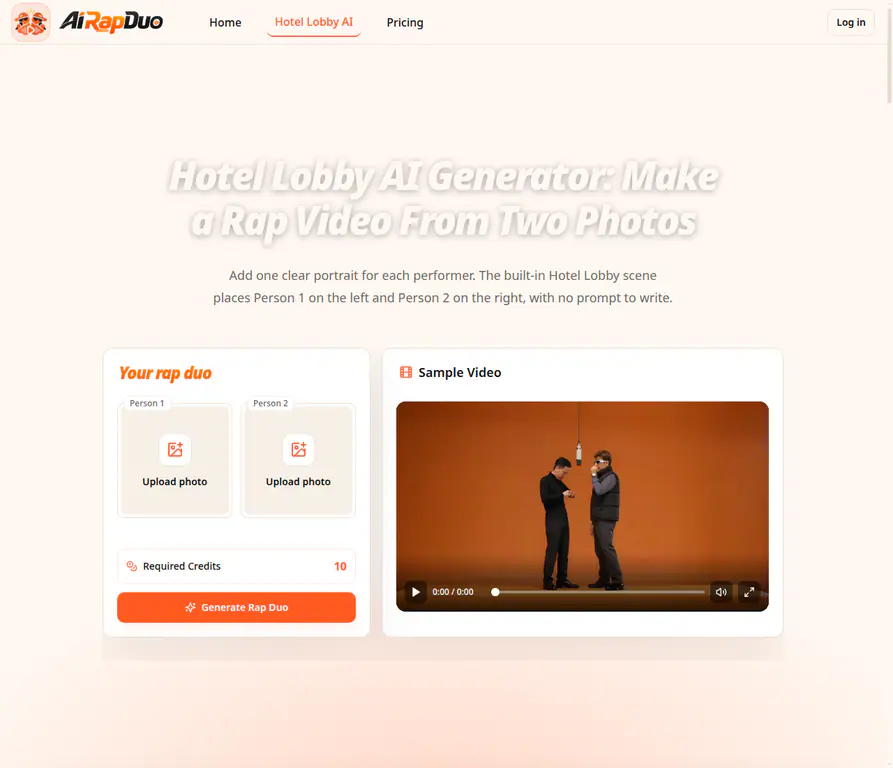
This approach is especially useful for people who are not in the same room. Upload one clear portrait for each performer, review the crop and role order, generate the vertical clip, then watch the entire result before downloading. Look beyond the opening frame: check that both faces stay recognizable, gestures remain natural, and neither performer disappears during motion.
One important audio detail: a generated template may use audio guided by the reference performance, and its output can differ from the original recording. Do not assume that every Hotel Lobby AI result contains the licensed master track. If you plan to add the actual recording later, use an audio option that is licensed or otherwise permitted for the platform and audience you are posting to.
5. Do a 15-second quality check before you share
A short clip can still fail in obvious ways. Before posting, scan for these issues:
| Check | What to look for | Practical fix |
|---|---|---|
| Face stability | A face changes, blurs, or morphs during a turn. | Start with a clearer portrait and regenerate. |
| Role assignment | The wrong person appears on the left or right. | Swap the input slots before rendering again. |
| Duo behavior | One person performs while the other looks frozen or is cropped out. | Use an output built for two separate subjects; do not rely on a single-person dance template. |
| Audio expectation | The sound is not the recording you expected or does not line up with the video. | Check the generated audio first; use only music you have the right to use. |
| Share context | Viewers could think the clip is real footage or an official artist release. | Label it clearly as an AI-generated or AI-assisted trend video. |
Common mistakes that make the trend miss
Calling the visual reference the official music video
The song has an official music video, but the viral AI format is associated with the orange A COLORS SHOW performance. If your goal is to help someone reproduce the trend, describe the performance setup—not the plot of the official video.
Using a single busy group photo
A group photo asks the model to solve identity separation, body placement, and composition all at once. Two individual portraits give each performer a cleaner starting point.
Making both subjects move identically
The original is a dialogue. If both performers repeat the same movement in perfect sync, the video stops feeling like two people trading lines. A slight contrast in movement makes the pairing more believable.
Treating the song title as a blanket audio license
Finding a track in a trend does not automatically grant commercial, advertising, or cross-platform music rights. Use the platform’s permitted sound options and check the licensing rules that apply to your account and intended use.
Ignoring consent and the meaning of the original clip
The format has also prompted discussion about likeness, consent, and the reuse of a performance involving Takeoff, who died in 2022. Use photos you have permission to upload, avoid implying that a real person recorded a performance they did not make, and think carefully before using a person’s likeness in a joke, promotion, or public post. A clear AI label is a small but meaningful safeguard.
Hotel Lobby AI trend FAQ
What song is used in the Hotel Lobby AI trend?
The trend song is “HOTEL LOBBY (Unc & Phew)” by Quavo and Takeoff. The best-known visual reference is their A COLORS SHOW performance.
Is “Hotel Lobby” a Migos song?
Quavo and Takeoff were members of Migos, which is why people often search for it that way. The track itself is credited to Quavo and Takeoff under the Unc & Phew name rather than to Migos as a group.
Is the viral orange clip the official “Hotel Lobby” video?
No. The orange clip is the A COLORS SHOW performance. The official music video is a different video for the same song.
Do I need a photo of both people together?
Not for a two-photo workflow. Separate portraits are usually better because each person can be assigned a distinct left or right performer role.
Do I need to write a prompt or custom lyrics?
Not when you use a purpose-built Hotel Lobby template with a predefined scene and performance. The important work shifts to choosing strong portraits, assigning the order correctly, and reviewing the full output.
Can I post a Hotel Lobby AI video anywhere?
You should only upload photos you are allowed to use, follow the platform’s rules, and use music only where you have the required permissions. For a public post, make it clear that the video is AI-generated or AI-assisted rather than real performance footage.
The bottom line
The Hotel Lobby AI trend song is “HOTEL LOBBY (Unc & Phew)” by Quavo and Takeoff. The reason the format feels so specific is not just the track—it is the A COLORS SHOW duo performance: orange set, central microphone, two people, and a visible back-and-forth.
Once you understand that split, the trend becomes much easier to make well. Start with two clean portraits, preserve the left/right roles, choose a tool that can animate two subjects independently, review the complete clip, and be thoughtful about consent and audio rights before you share it.