Best AI Tools to Make Two People Sing or Rap Together
Learn which kind of AI tool can make two people sing or rap together—from song generators and lip-sync apps to two-photo duet and rap-video tools.
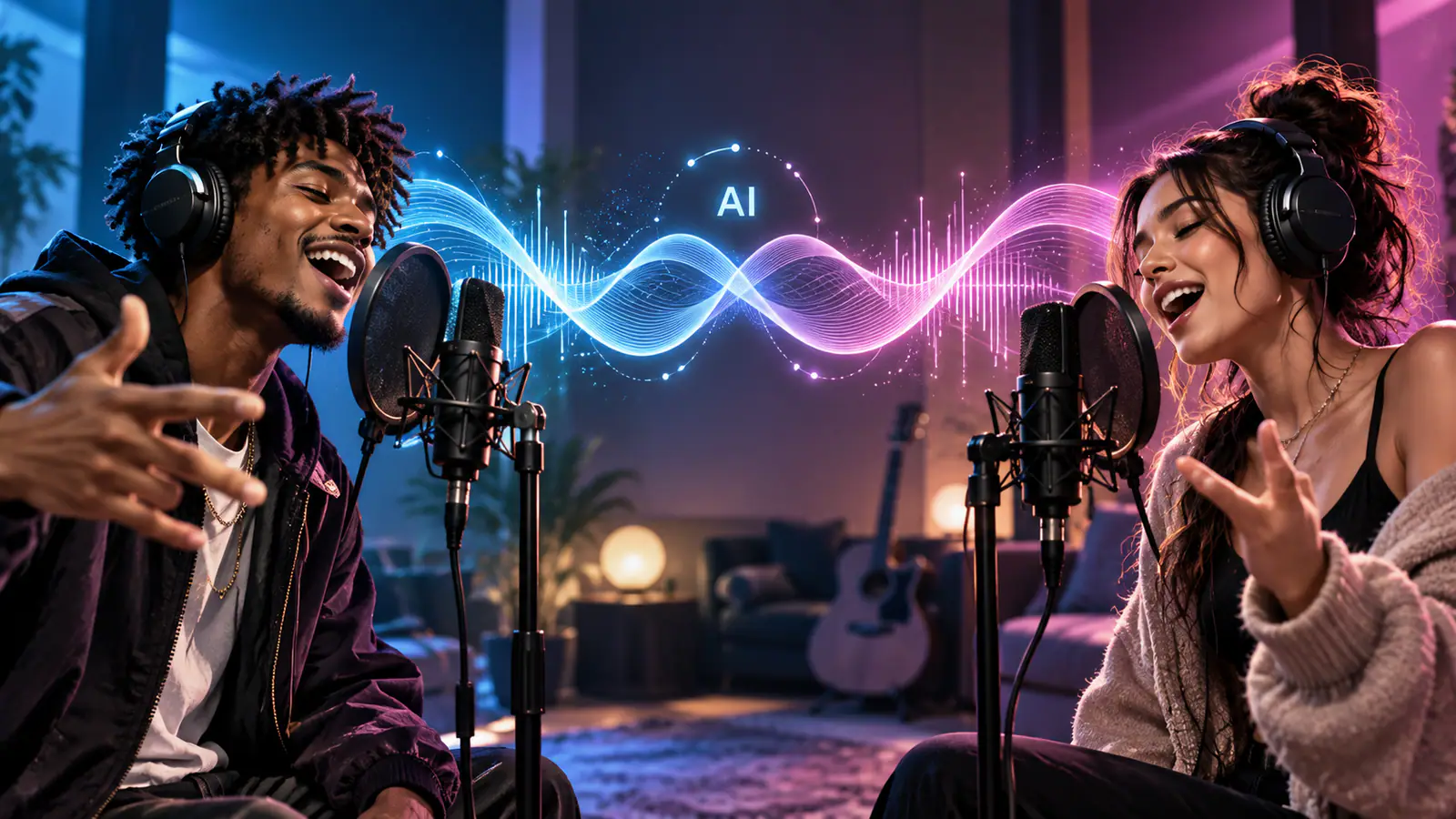
If you are asking, “What AI can make me and my friend sing or rap together?”, the first thing to settle is what you want the finished clip to do.
“Make two people sing together” can mean: write a brand-new song, make two portraits lip-sync to a track you already have, animate one singer at a time, or turn two separate photos into one short performance. Those are different jobs. A tool can be excellent at one and still be the wrong choice for another.
Quick answer: Use an AI music generator when the song itself is the priority. Use a lip-sync or singing-photo tool when you already have audio and want mouths to match it. Use a general AI video generator when you need creative control over the scene. Use a two-person rap generator when the goal is a fast, prebuilt rap-style performance from two separate photos.
What Does “Make Two People Sing Together” Mean?
The phrase hides four common creative goals—and one especially specific variation:
| What you want | Best tool category |
|---|---|
| Generate a full song with vocals and production | AI music generator |
| Make a face perform an existing song or vocal | Lip-sync tool |
| Animate one portrait as a singer | Singing photo tool |
| Put two people into a custom music-style scene | General AI video generator |
| Make two people rap from separate photos | Two-person rap generator |
The distinction matters most when your starting point is two individual photos. A song generator may make a convincing track, but it does not automatically turn those two people into on-screen performers. A strong single-photo lip-sync tool may animate one face beautifully, but still require editing two clips together. And a general video model may offer lots of visual freedom without giving you a reliable, ready-made two-person performance.
Before choosing a tool, write down three things:
- Do I need a specific song, lyrics, or voice?
- Do the two people need to appear together in the same frame?
- Am I making a polished music video, or a quick social clip?
Those answers narrow the category much faster than a generic “best AI singing app” search.
A Comparison That Starts With the Job, Not the Brand
This table compares the workflows rather than pretending every tool does the same thing. “Identity consistency” means how likely the output is to keep both people recognisable throughout a short clip; it is not a guarantee of a perfect likeness.
| Tool category | Supports two separate photos in one output? | Generates music or audio? | Do you need to provide existing audio? | Identity consistency for two people | Prompt required? | Best for | Ease of use |
|---|---|---|---|---|---|---|---|
| AI music generator | No photo performance | Yes | No | Not applicable | Usually a text brief | Creating an original track first | Easy |
| Lip-sync tool | Often one face per render | Usually no full song generation | Yes, for an exact song or vocal | Depends on your editing workflow | Usually no scene prompt | Matching a known audio track | Easy to moderate |
| Two-person singing-photo tool | Yes | Usually no; may connect to music tools | Yes | Designed for a shared two-person frame | Usually no | Two people singing the same supplied audio | Easy |
| General AI video generator | Possible, but workflow-dependent | Sometimes, depending on model | Often, if exact music and timing matter | Variable; requires testing | Yes, normally | Custom scenes, camera language, and longer creative workflows | Moderate to advanced |
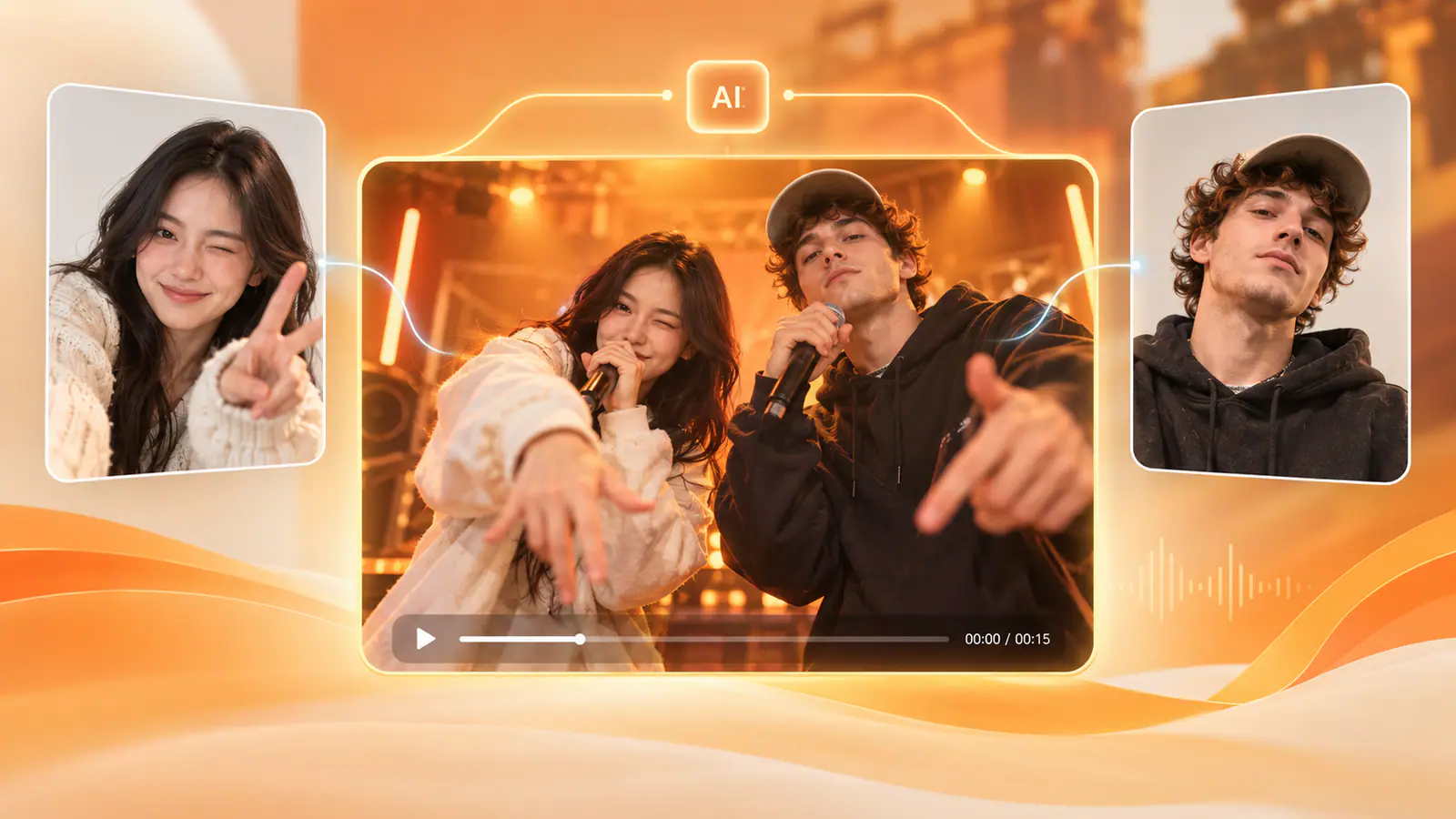
| Two-person rap generator | Yes | Yes, as part of a built-in performance | No for the default performance | Designed around a fixed two-person composition | No | A fast, short rap-style video from two portraits | Easy |
A useful rule of thumb: the more specific your desired performance is, the more important it is to choose a tool built for that exact workflow. If you need the chorus of your own song, a preset rap clip is too restrictive. If you just want two friends to appear in a shareable rap trend, a multistep music-production workflow is usually overkill.
Option 1 — AI Music Generators: Start With the Song
An AI music generator is the right starting point when your real question is, “Can AI write a song for two people to perform?” These tools generate the music layer: arrangement, vocals, lyrics, and production. They are not primarily photo-animation tools.
For example, Suno describes its product as a way to create complete songs from a text prompt, with controls for style, voices, lyrics, remixing, and editing. That makes this category useful when you want an original rap hook, birthday song, fictional duet, or backing track before you think about visuals.
When this category fits
- You need a new track rather than a video first.
- You want control over genre, mood, lyrical idea, or song structure.
- The people in the final video do not have to be recognisable from supplied photos.
- You are happy to create visuals in a second step.
Where it falls short for two-photo performances
A music generator does not normally take one selfie of you and one selfie of a friend and place both identities into a shared performance. You still need a visual layer—such as a duet lip-sync tool, a general video workflow, or an editor—to make the people appear on screen.
That is not a weakness; it is simply a different part of the workflow. Think of an AI music generator as the audio-first option.
Option 2 — Lip-Sync Tools: Make Existing Audio Look Performed
Lip-sync tools begin with the audio. You supply a song, vocal, or voice recording, then the model maps mouth movement and facial motion to the sound. This is the practical route when a particular chorus, joke verse, voice memo, or original track has to remain intact.
HeyGen’s Make Photo Sing tool is a useful example of the category: it accepts a portrait plus MP3, WAV, or lyrics, and can export in common social and video formats. Its own guidance also makes a crucial limitation clear: it animates one face at a time for the cleanest result. To create a group scene, you may need to make separate clips and edit them together.
That limitation is easy to miss. If two faces must sing in the same frame at the same time, do not assume that a single-photo tool will automatically solve it.
When this category fits
- You already have the exact audio you want.
- Mouth timing matters more than a custom cinematic scene.
- You are comfortable creating two clips and cutting between them, or compositing them in an editor.
- You want each singer to have a separate verse, call-and-response, or solo shot.
A better route for the “two photos sing together” request
Look for a dedicated two-person singing-photo workflow. For instance, Freebeat AI Duet Singing Photo describes a process built around two separate portraits plus an MP3 or WAV, which are then staged in one shared scene with synchronized lip movement. That category is a better match when your non-negotiables are two photos, one supplied song, and one shared frame.
Option 3 — General AI Video Generators: More Direction, More Iteration
General AI video generators are for creators who care about the whole scene: wardrobe, environment, camera movement, transitions, light, pacing, and a larger music-video idea. You can build a more original result, but you take on more responsibility for testing prompts, choosing references, handling audio, and checking each generation.
Kling AI is one example of this broader category. Its current 3.0 product messaging emphasises multimodal instructions, native audio, and identity/vocal controls across scenes. In practice, capabilities and interfaces change quickly, so treat the category as a flexible production environment rather than as a one-click guarantee that two separate photo subjects will lip-sync flawlessly in the same shot.
When this category fits
- You want the pair in a specific location, such as a rooftop, neon studio, school gym, or fantasy stage.
- You need a custom story rather than a familiar social-video format.
- You can tolerate variations and reruns to protect each person’s identity.
- You are willing to use an editor for final music timing, cuts, captions, or compositing.
What to test before committing
Use two clear, front-facing reference photos. Generate a short test before rendering anything long. Then check five things: whether faces remain distinct, whether the left/right positions stay stable, whether hands and microphones look natural, whether the camera obscures either performer, and whether lip motion actually matches the intended audio.
For a view of the more involved multi-character approach, this walkthrough demonstrates a workflow for putting multiple AI characters into one singing scene:
Watch the multi-character singing walkthrough on YouTube
The point is not that every creator needs this many steps. It is that custom direction and reliable identity handling are separate problems from generating a song.
Option 4 — Two-Person Rap Video Generators: Two Photos, One Built-In Performance
A two-person rap generator is the most specialised category here. It is designed for a narrow but popular task: upload two individual portraits and receive a short shared rap-style performance without having to plan a scene, choreograph movements, write a video prompt, or edit two clips together.
Airapduo fits this workflow closely. Its public flow assigns one portrait to the left performer and one to the right, then places both into a built-in vertical rap performance. The scene, movement, and performance are predefined, so there is no scene prompt to write. The platform also states that its generated audio is guided by that built-in performance; you cannot use the workbench to add custom lyrics or edit the soundtrack.
That last detail should guide the decision:
- Choose this route when the fun is seeing two people from separate photos appear together in a short rap-style clip.
- Do not choose it when the exact track, your own lyrics, a full verse structure, or a custom setting is the non-negotiable part of the project.
How to make you and a friend rap together from separate photos
- Pick one clear portrait for each person. A visible face, even lighting, and limited obstructions give the model the strongest reference.
- Put each person in the intended left/right slot before generating. This reduces the risk of a result that feels reversed from the joke or storyline you had in mind.
- Generate the built-in performance. Because the scene and rhythm are already set, there is no need to describe camera moves or write lyric prompts.
- Watch the whole output, not just the first frame. Look for face drift, blended features, swapped positions, awkward hands, or mismatched motion.
- Share only after confirming that both people are happy with the result and that you have permission to use the photos.
This is the shortest path when the creative brief is simply: “Put us in the same rap video.”
How to Choose the Right Workflow for Your Use Case
Here is the decision logic in plain English:
- “I want AI to write us a song.” Start with an AI music generator. Add video later if you need it.
- “I have a song and want two photos to sing it.” Use a dedicated two-person singing-photo or duet lip-sync tool that accepts your audio.
- “I want us in a custom music video with my own setting.” Use a general AI video generator, then plan for testing and editing.
- “I want a quick, funny, social-ready rap clip of two people from separate pictures.” Use a dedicated two-person rap generator.
- “I want each person to sing a different verse.” Create separate lip-sync shots, then edit the handoff, or use a workflow that explicitly supports multi-character timing.
For creators who want a fully original project, a sensible sequence is: generate or finish the song, decide whether both singers must appear in the same frame, create the performance visuals, then use an editor to line up the final beat, lyrics, and transitions. For a short trend-style post, a specialised preset workflow is often the better trade-off.
Tips for Better Two-Person Singing or Rap Results
The tool matters, but the inputs still decide much of the quality.
Use portraits that are easy to read
Choose one person per photo, a face that is unobstructed, and a reasonably sharp image. Sunglasses, hands over the mouth, extreme side profiles, busy backgrounds, and strong beauty filters give a model less useful facial information.
Match the photos when possible
You do not need professional headshots, but similar crop and lighting make it easier for a tool to present the two performers as a coherent pair. A bright close-up next to a dark distant selfie can create an uneven result.
Test the short version first
Do not start by producing your final clip. Generate one short test and inspect the whole duration. Audio may feel fine at the opening but drift later; a face can look recognisable in the first second and change after a camera move.
Keep control of rights and consent
Use photos you own or have permission to use. Get agreement from the people pictured before publishing or sharing a performance, particularly if the result might be mistaken for a real recording. If you use commercial music or someone else’s vocal, make sure you have the appropriate rights for the way you plan to post it.
Frequently Asked Questions
What AI can make two people sing together?
A dedicated two-person singing-photo tool is the most direct answer when you have two portraits and a song you want them to perform. If you need an original track, start with an AI music generator first. If you only need a preset rap-style clip, use a two-person rap generator instead.
Is there an AI that makes two photos sing?
Yes. Some duet singing-photo tools accept two separate portraits and an audio file, then animate both people in a shared scene. Check that the product explicitly supports two photos in one output, not merely a single photo with one animated face.
How can I make me and my friend rap together?
For the fastest route, use two clear portraits in a specialised two-person rap workflow. If you need your own lyrics or a specific beat, make the audio first and choose a duet lip-sync workflow that lets you upload it.
What is the best AI for a two-person music video?
There is no single best choice because “music video” can mean different things. A general AI video generator makes more sense for a custom creative concept; a duet lip-sync tool makes more sense for exact audio; and a purpose-built rap generator makes more sense for a short, preplanned social performance from photos.
Can AI make two people from different photos perform together?
Yes, when the workflow is built to take two separate portraits. Still, treat identity stability as something to review rather than assume. Check every part of the finished video for facial changes, swapped positions, and awkward gestures before sharing.
The Best Choice Depends on What You Need to Preserve
The deciding factor is usually the one thing you cannot compromise on:
- Preserve your song: choose a lip-sync or duet singing-photo workflow.
- Preserve creative control of the scene: choose a general AI video workflow.
- Preserve speed and simplicity: choose a dedicated two-person rap generator.
- Preserve the freedom to invent the music: begin with an AI music generator.
Airapduo makes the most sense when your specific goal is a short two-person rap-style performance from separate photos and you are happy to work inside its built-in scene and audio format. It is not a replacement for a custom-song creator or a fully directed music-video production tool—and that clarity is exactly what makes it a useful option for the right use case.