Higgsfield Hotel Lobby AI: How the Two-Photo Trend Actually Works
Understand the Higgsfield Hotel Lobby AI trend, prepare two strong references, keep each person in role, and create an original orange-booth duo without copying the original performance.
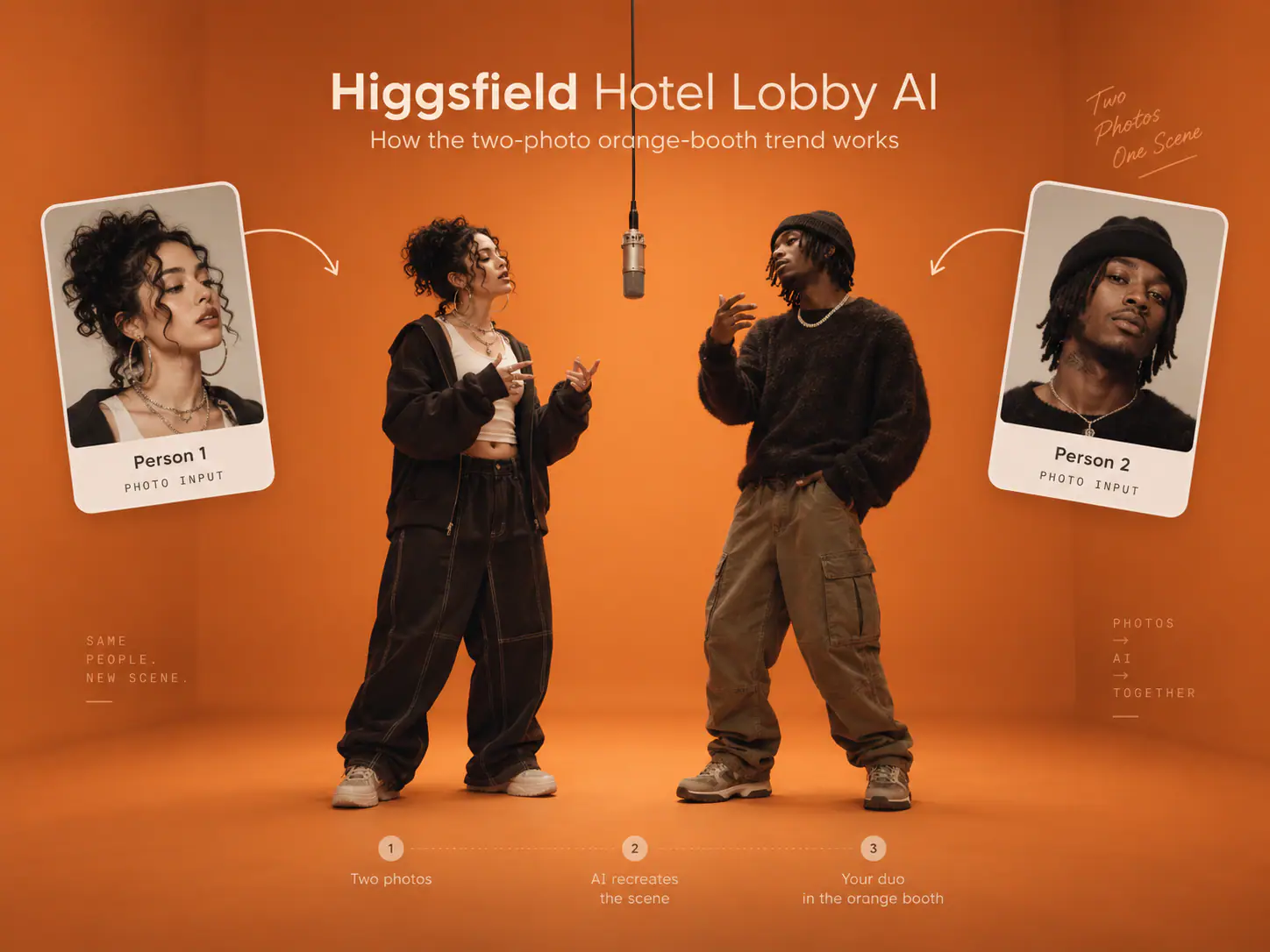
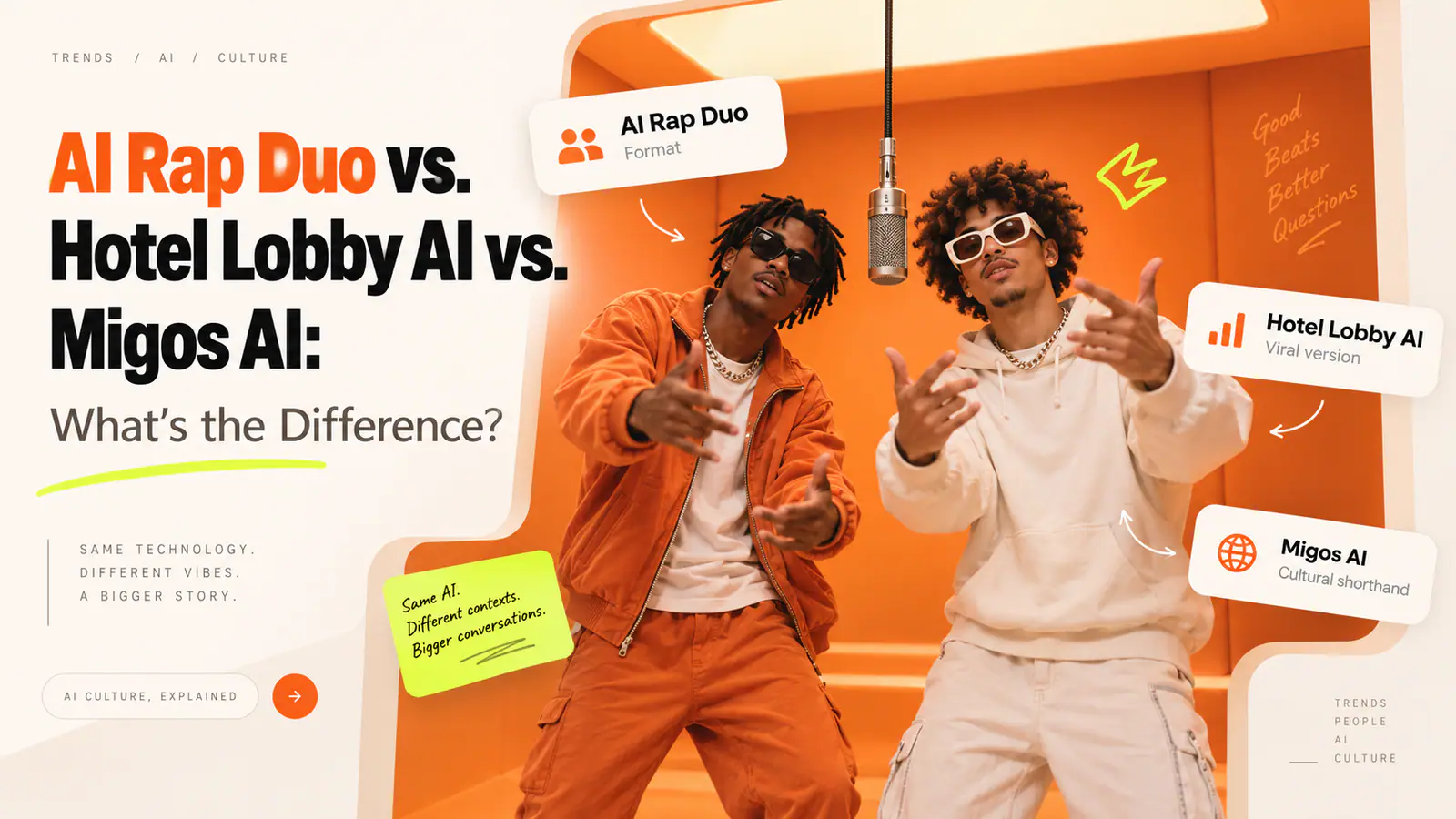
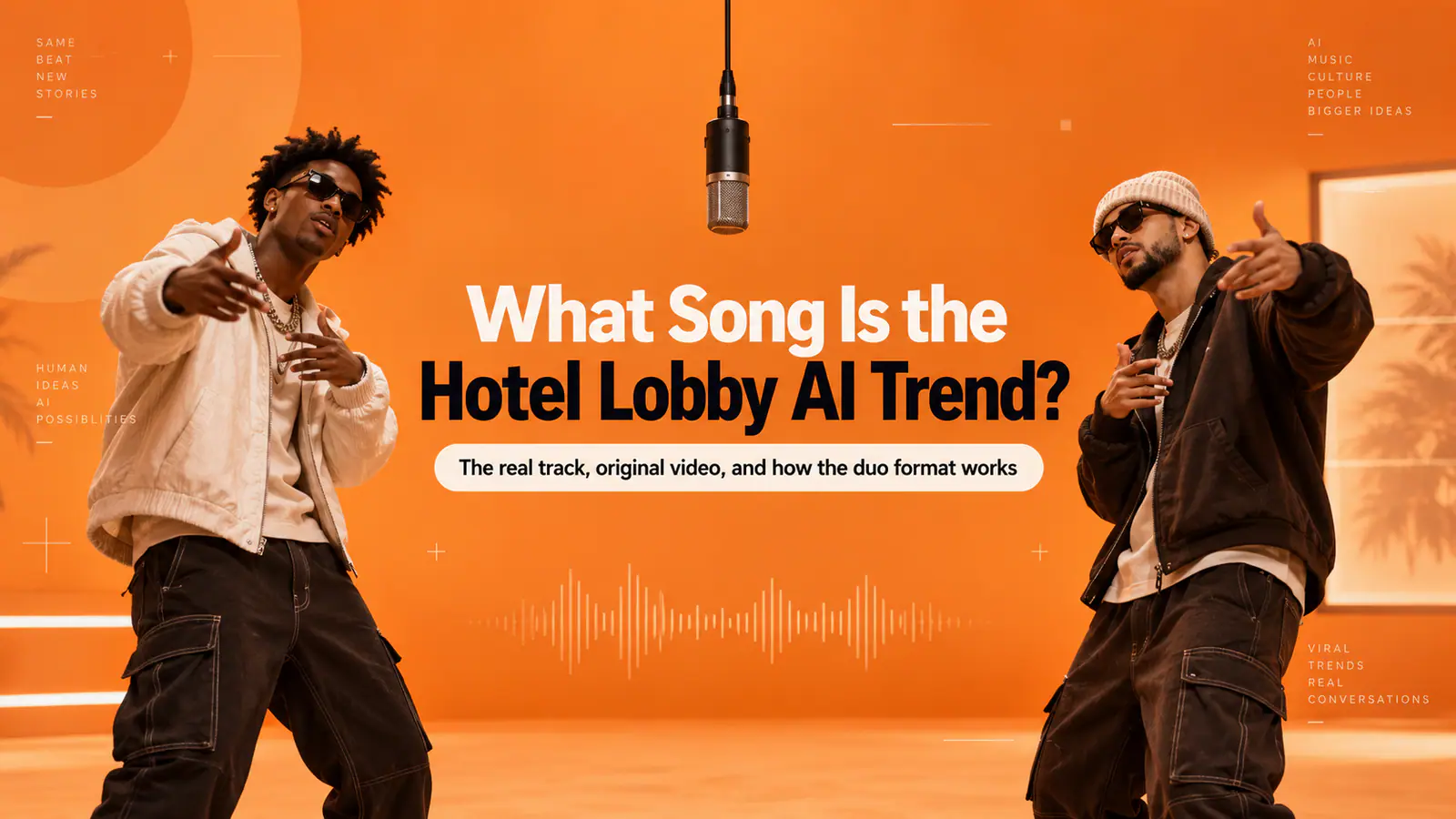
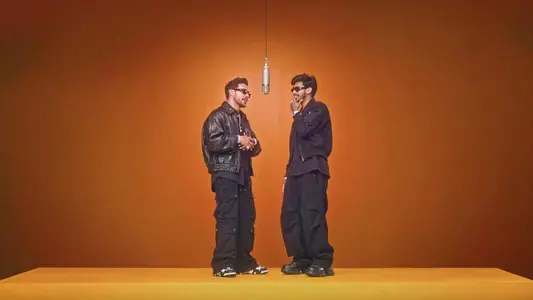
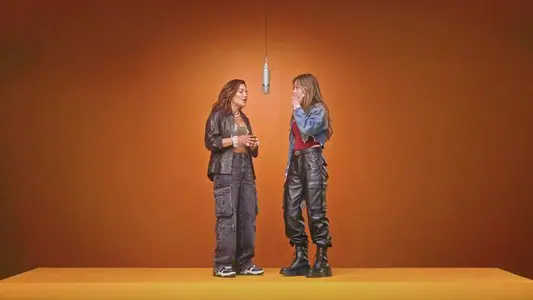
Someone searches “Higgsfield hotel lobby” expecting a fast way to make the orange-booth rap video that has taken over feeds. The first useful correction is also the most important: this is not a hotel-video trend. It is a two-character performance format—an orange cyclorama, one hanging microphone, a locked camera, and an unmistakable back-and-forth.
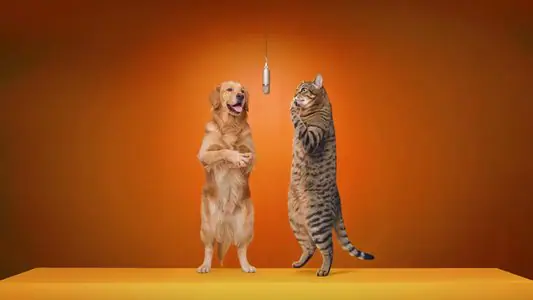
The appeal is not just the colour. It is the casting. Two people who would never share a stage can suddenly trade reactions in the same frame: long-distance friends, siblings, a birthday duo, coworkers, or a deliberately odd pairing. Get the role assignment right, and the joke reads before the viewer even turns the sound on.
What “Higgsfield Hotel Lobby” means—and what it does not
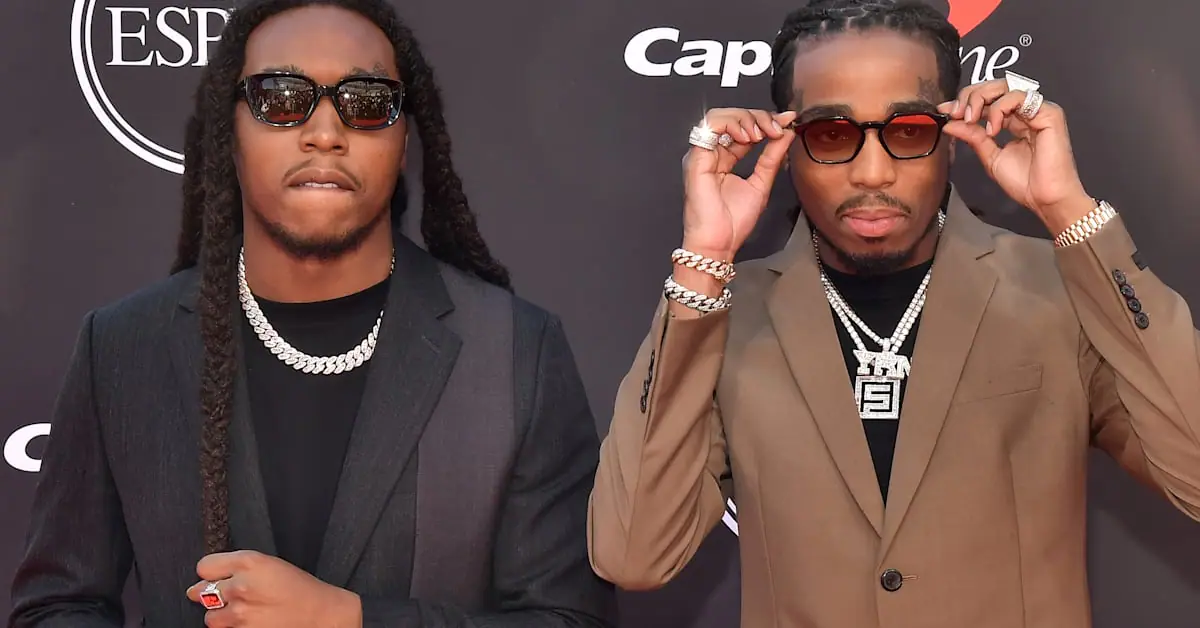
The original reference is Quavo and Takeoff’s 2022 A COLORS SHOW performance of “Hotel Lobby,” made while they performed as Unc & Phew. That is why the trend has a bright orange space, a centrally suspended mic, two performers, and an alternating delivery. It is not footage from a hotel lobby.
You will also see people search “Higgsfield AI hotel lobby” or “Higgsfield Migos AI.” Those phrases are understandable search shorthand, but they blur a few different things together:
- Higgsfield is associated with this conversation because its Genjutsu capability is designed around taking motion and recasting it with new characters, locations, or products.
- Hotel Lobby names the song and the performance reference, not a setting that needs to appear in the video.
- Migos is commonly used as a shorthand because Quavo and Takeoff are Migos members. The performance itself was released under Unc & Phew, so calling an AI recreation “new Migos footage” would be misleading.
That distinction matters creatively and ethically. The strongest version borrows the visual grammar of the format, not the original artists’ faces, voice, audio, or footage.
The visual grammar: four details that make people recognize it
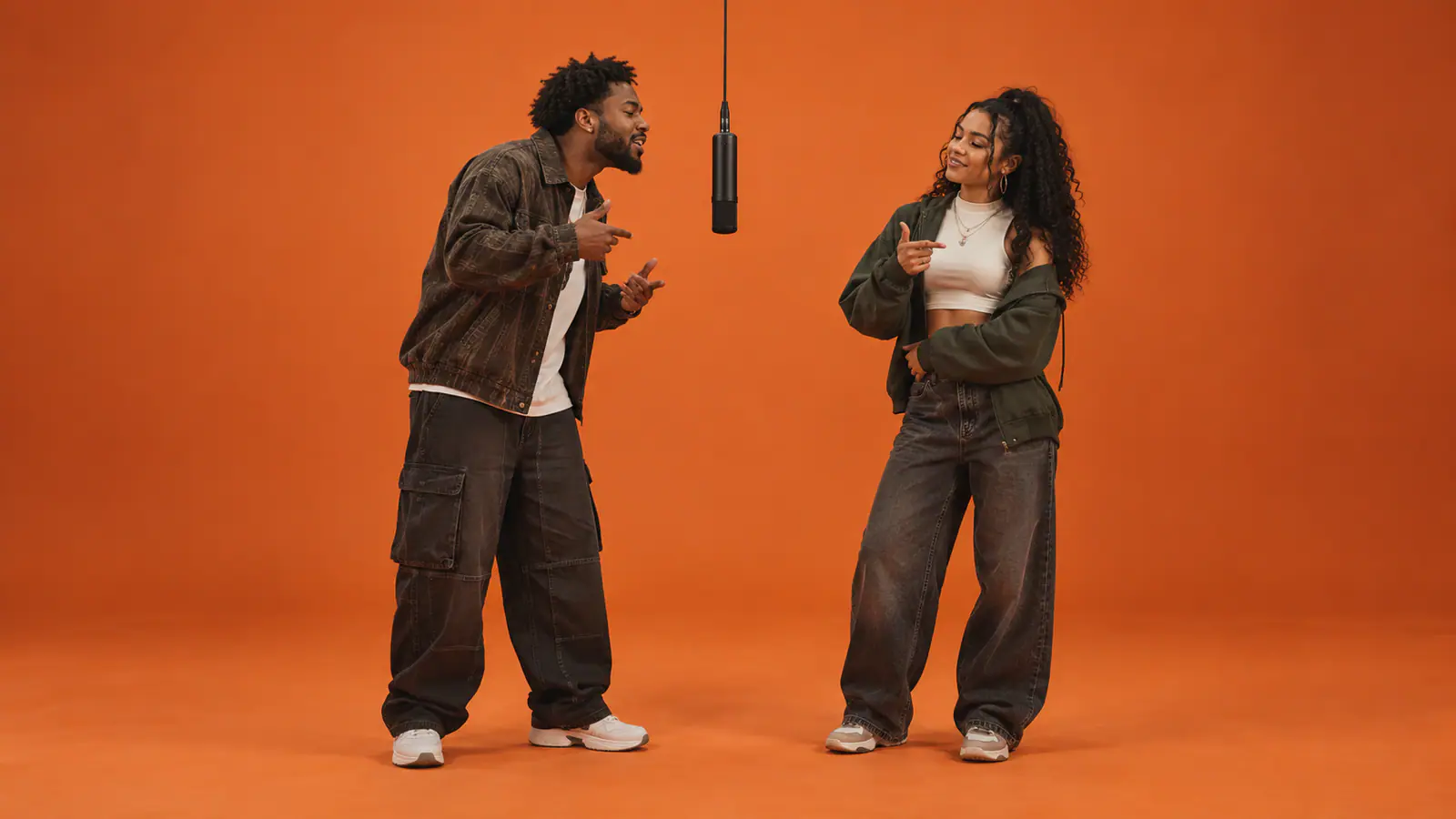
A generic “two people rapping” prompt is not enough. The recognisable result comes from a restrained set of decisions:
| Element | What to preserve | Why it matters |
|---|---|---|
| Two distinct roles | One person stays left; the other stays right. | The format is a conversation, not a single face swap duplicated twice. |
| One shared focal point | A single hanging microphone centered between them. | It gives both characters a reason to face inward without crowding together. |
| Alternating action | One person leads while the other listens, nods, or reacts; then they switch. | Independent timing looks far more believable than synchronized gestures. |
| Static composition | Full bodies, visible feet, a simple orange studio, and a locked-off wide shot. | The minimal frame makes identity drift and unwanted motion easier to spot—and easier to avoid. |
The format rewards restraint. Extra props, jump cuts, camera moves, captions, or a busy background do not make the clip more impressive. They dilute the thing viewers came to recognize.
Start with two reference photos, not one group shot
The quickest way to make a muddled result is to upload a selfie with two people in it and hope the model will infer who belongs where. Do the opposite: use one clean portrait per person.
A strong reference photo has a visible face, even light, little or no glare, and enough of the body or clothing to help the system maintain proportions. It does not need to look like a studio headshot. It does need to make the subject easy to identify. Sunglasses, hands over the face, aggressive beauty filters, and crowded backgrounds all create ambiguity at exactly the moment the model needs clarity.
Before generating, make one small decision that prevents a surprising number of failures: write down who belongs on the left and who belongs on the right. Treat that order as part of the creative brief, not as a cosmetic preference.
A practical input checklist
- Use a separate photo for each participant.
- Make sure each face is unobscured and well lit.
- Keep the subjects visually different enough to identify at a glance when possible.
- Choose the left/right order before uploading.
- Get permission from every real person pictured before creating or posting the clip.
- Do not upload a private photo merely because it is technically usable; use an image each person is comfortable having animated and shared.
The last two points are not legal fine print. They are the difference between a group-chat joke and a video someone reasonably feels was made at their expense.
Pick the workflow that matches your goal
Different tools solve different parts of the trend. Choosing the wrong category adds work.
| If your real goal is… | The useful workflow is… | The trade-off |
|---|---|---|
| Recasting motion from an existing clip you have the rights to use | A motion-recasting workflow, such as the category associated with Higgsfield Genjutsu | Highest dependence on a clean source clip and on rights to its footage and audio |
| Creating an original orange-booth duo from two photos | A two-photo, built-in-performance template | Less granular control, but fewer settings and a much faster first attempt |
| Directing every prop, movement, and camera choice | A promptable image-to-video model | More control also means more room for identity drift and motion mistakes |
For a creator who simply wants the social format—not a full video-to-video experiment—the second route is usually the sensible one. A focused workflow removes unnecessary decisions: separate photos go in, left and right roles are set, the performance is already structured, and the output is designed for a vertical share.
That is where AI Rap Duo fits. Rather than asking you to recreate the entire scene through a long prompt, it uses one portrait for each side of a built-in rap performance. If that is the job you came to do, make a two-photo Hotel Lobby AI rap duo and review the two crops before generating. The scene, performance, and vertical framing are built in; the important creative choice is the pair you cast.
This is also a useful boundary to understand: the service is designed for the format, not for copying the original performance word for word. Its generated audio can differ from the reference soundtrack, and it does not ask you to write custom lyrics or edit a soundtrack in the workbench.
If you are prompting a general video model, direct the turn-taking
For prompt-driven tools, describe the sequence rather than merely naming the trend. Here is a starting point for an original, rights-conscious version:
Create a 9:16 vertical performance video from two separate reference portraits of consenting adults. Place Subject A on the left and Subject B on the right in a seamless matte-orange studio. Suspend one black condenser microphone at the exact center. Use a single static, centered full-body wide shot with soft frontal lighting and visible hands and shoes. Subject A leans toward the mic first with compact natural gestures while Subject B listens and gives small independent reactions; halfway through, Subject B leads while Subject A responds. Keep both identities stable, leave a visible gap between them, and avoid camera movement, cuts, extra people, furniture, text, logos, watermarks, mirrored actions, or face blending.
That wording works because it reduces the number of competing instructions. It tells the model what must stay fixed, what can change over time, and what failure modes to avoid. Do not turn the prompt into a paragraph of every visual idea you have. A short, explicit sequence usually produces a cleaner first pass.
Watch the whole clip before you share it
A good opening frame can hide problems that appear at second six or second twelve. Review the entire output with sound on, then use this pass/fail check.
| Check | Pass condition | What to change if it fails |
|---|---|---|
| Identity | Both people remain recognisable from beginning to end. | Use clearer source portraits; reduce exaggerated movement. |
| Position | The left and right roles never swap. | Re-upload in the intended order and explicitly label each role. |
| Body integrity | Hands, shoulders, and feet stay natural and separate. | Leave more space between subjects; simplify gestures. |
| Timing | One performer leads while the other reacts. | Replace synchronized dancing with a simple handoff. |
| Composition | The microphone stays centered and the camera does not wander. | Remove cinematic movement language and ask for a locked wide shot. |
| Audio and context | You have the right to use every audio element and the post cannot be mistaken for authentic artist footage. | Use licensed or original audio; add a clear AI disclosure where it suits the platform. |
Watch the Hotel Lobby AI tutorial on YouTube
The best revision is normally the smallest one. If the faces are solid but one hand goes strange, fix the hand problem; do not pile on a new camera angle, a different background, and a third character. The orange-booth format works precisely because the viewer can read it in one beat.
Make the reference your own
The original performance remains the cultural reason this format is legible, and that history deserves more care than a throwaway face-swap. Use your own photos or photos you are authorised to animate. Do not present a synthetic clip as a real performance, and do not use an artist’s likeness, voice, original recording, or protected footage without the relevant permission.
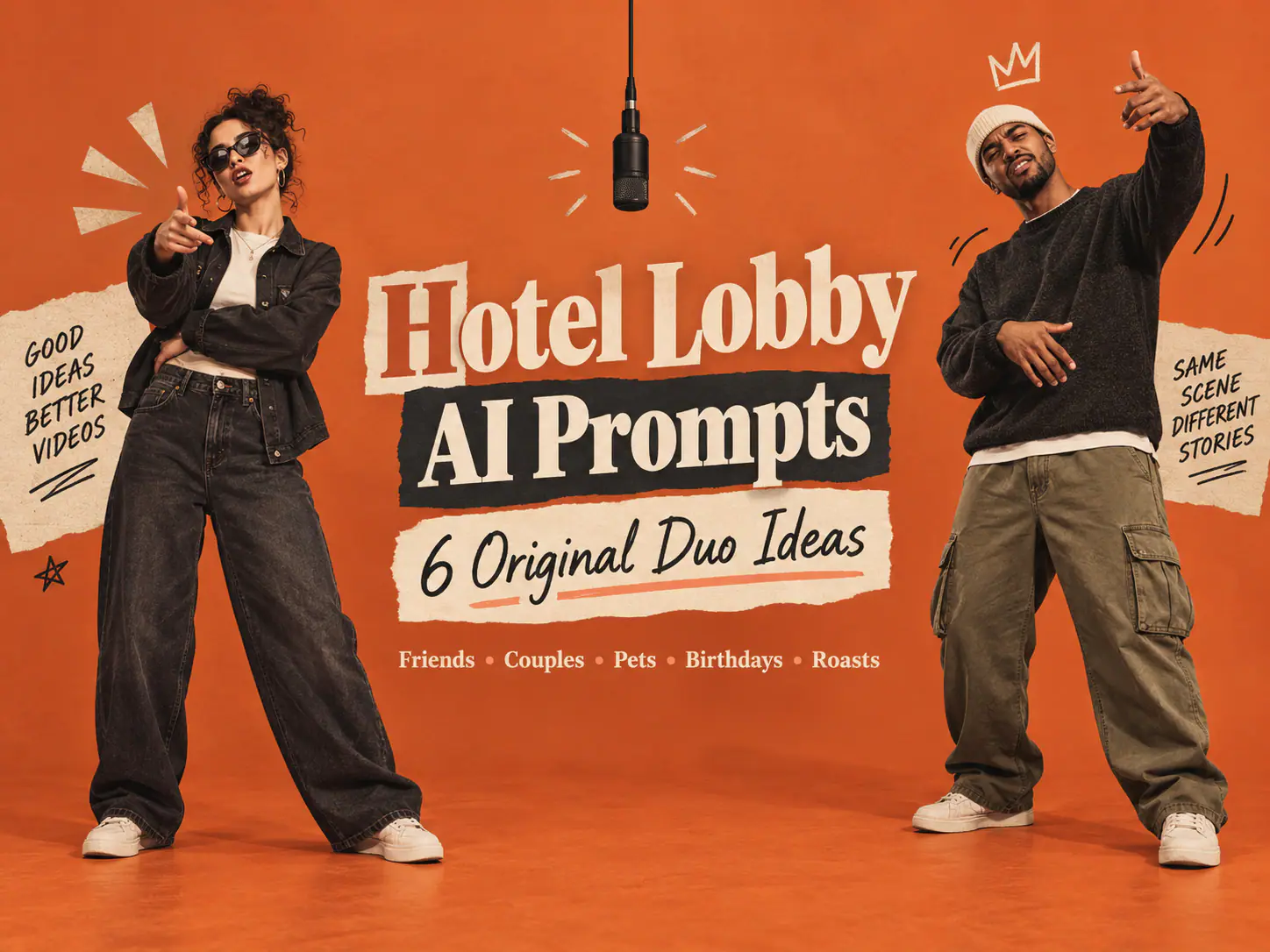
There is plenty of room to make an original version without losing the joke. Change the people, styling, reaction beats, and audio. Use friends celebrating a birthday, a work duo releasing a playful announcement, a person-and-pet pairing, or fictional characters you created. Keep the orange studio, hanging mic, and alternating roles as the shared language; let the casting make the video yours.
That is the practical answer behind the Higgsfield Hotel Lobby AI search: understand the reference, preserve the two-person structure, choose the right workflow, and put consent ahead of virality.
FAQ
Is the Hotel Lobby AI trend filmed in a hotel?
No. The term points to the song and its orange-booth performance reference. The recognisable setting is a stripped-back orange studio with one hanging microphone, not a hotel interior.
Why do I need two photos?
Two separate references let the system assign a clear identity to each side of the frame. A single group shot makes it easier for faces to blend, roles to switch, or details from both people to be mixed together.
Is “Higgsfield Migos AI” an accurate name for the trend?
It is a common search phrase, not a precise description. The reference performance features Quavo and Takeoff as Unc & Phew. It is better to describe your result as an AI-generated orange-booth duo than as authentic Migos footage.
Can I use the original “Hotel Lobby” audio?
Only if you have the necessary rights or the platform gives you a licensed way to use it. For a publishable brand or commercial post, original or properly licensed audio is the safer choice.
What is the fastest way to make one with a friend who lives elsewhere?
Use two separate portraits. Each person can supply a photo independently, then the two faces can be assigned to their intended left/right roles in the same performance.